
Most AI tools still work the same way: you ask, they answer, and then they wait. Perplexity Computer is built on a different premise. You describe an outcome, and it figures out how to get there, breaking the work into subtasks, spawning sub-agents to handle execution, and finishing the job without needing you to stay in the loop.
Research, document creation, data processing, video generation, API calls to connected services, it handles all of it inside a single workflow.

The platform launched on February 25, 2026, and is currently available only to Perplexity Max subscribers at $200 per month.
That price puts it in the hands of a specific kind of user: someone juggling multiple tools, managing complex workflows, or trying to do work that would normally require a small team.
Because it runs entirely in the cloud, you hand off the task and walk away. No local machine access, no background process running on your laptop, no setup beyond describing what you want done.
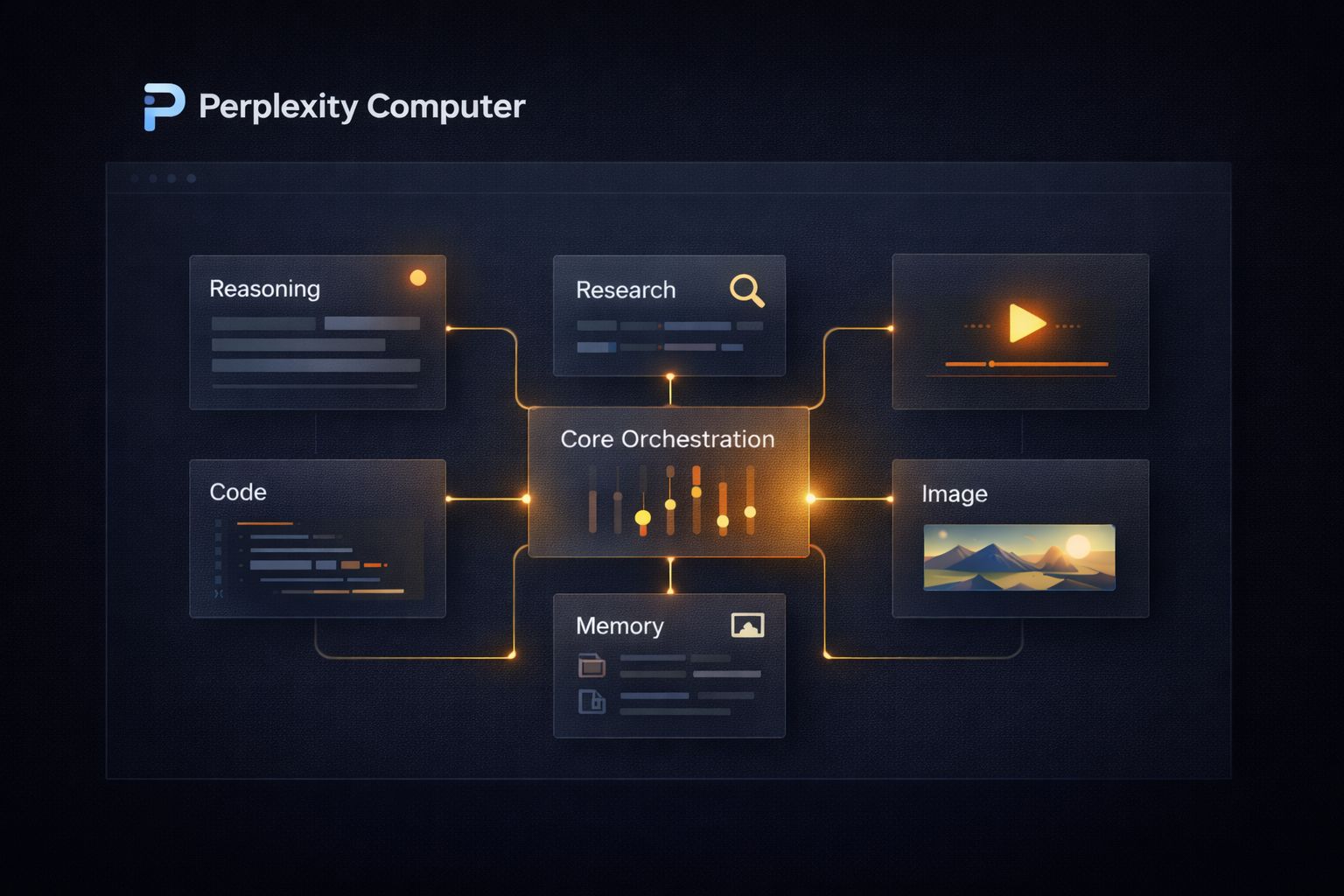
What separates Computer from every other agent tool released this year is not just what it does, but how it does it. The central reasoning engine runs on Claude Opus 4.6.
Gemini handles deep research. Nano Banana generates images. Veo 3.1 produces video. Grok manages lightweight speed-sensitive tasks, and GPT-5.2 handles long-context recall and broad web search. Nineteen models in total, each deployed for what it does best.
No single model is forced to do everything, which is exactly why this architecture produces better results than any single-model tool can.
This article covers what Perplexity Computer can actually do across real categories of work, who it is built for, where it fits into a workflow, and where it still has limits worth knowing before you spend $200 a month.
What Perplexity Computer Does Differently From Other AI Agents
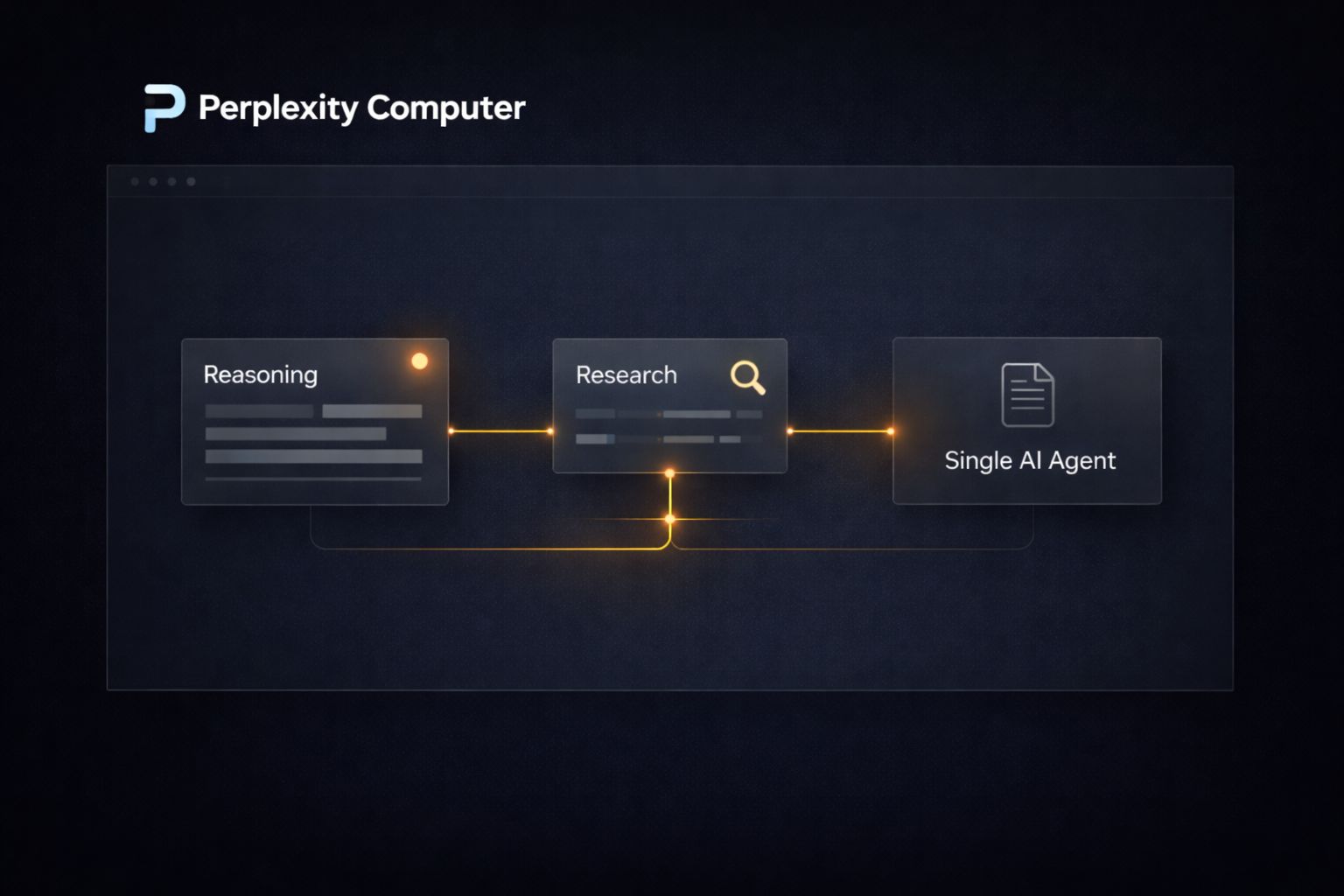
The easiest way to understand Computer is to compare it to what came before it. Most AI agents, including early versions of tools like AutoGPT and more recent ones like OpenClaw, operate on a single model.
You give them a goal, they attempt to execute it using one underlying LLM, and when that model hits a wall, the whole workflow stalls or produces low-quality output for tasks outside its strengths.
Computer takes a different architectural approach. When you describe an outcome, the system does not hand the entire job to one model. It breaks the work into discrete subtasks and routes each one to whichever of its 19 models is best suited for that specific step.
A task that involves pulling legal data, generating a summary document, creating a supporting chart, and publishing the result as a webpage would touch at least four different models before it is done. You see the finished output. The orchestration happens entirely in the background.
The practical difference shows up in output quality. A single model asked to research, write, visualize, and publish in one pass will make compromises at every stage. Computer does not make those compromises because it does not ask one model to do all of it.
Each model handles what it was actually built for.
| Task Type | Model Assigned |
|---|---|
| Core reasoning and orchestration | Claude Opus 4.6 |
| Deep research and sub-agent creation | Gemini |
| Image generation | Nano Banana |
| Video production | Veo 3.1 |
| Fast, lightweight tasks | Grok |
| Long-context recall and broad search | GPT-5.2 |
The other structural difference worth understanding is duration.
Most agent tools are designed for tasks that complete in minutes. Computer is designed to run for hours or months.
It can monitor a situation, check back in when conditions change, and continue executing without requiring you to restart the workflow. That changes the category of work you can realistically hand off to it.
The Range of Work Perplexity Computer Can Handle
Perplexity has been deliberate about not positioning Computer as a tool for one specific use case.
The official launch post describes it as a general-purpose digital worker, and the range of example workflows on their site reflects that.
Below are the primary categories where Computer is being used right now, along with concrete examples of how each one works in practice.
1. Research and Analysis
This is the most immediately practical use case for knowledge workers. Instead of spending hours pulling data from multiple sources, you describe the research outcome you need, and Computer handles the sourcing, synthesis, and delivery.
A concrete example:
a founder preparing for a fundraise could instruct Computer to research the last 18 months of seed and Series A activity in their sector, pull funding amounts, identify which investors are most active, summarize the thesis each firm publicly states, and deliver the findings as a formatted report with citations.
That workflow would take a skilled analyst several days. Computer runs it autonomously.
The same logic applies to competitive intelligence. You can instruct it to monitor a competitor’s website, track pricing page changes, pull any new press mentions, and deliver a weekly digest.
It runs that workflow on a schedule without further input.
2. Content Production at Scale
Computer can take a content brief and produce a finished, multi-format deliverable, not just a draft.
A single instruction can trigger a workflow that researches the topic, writes the long-form piece, generates supporting images via Nano Banana, produces a short video summary via Veo 3.1, and formats everything into a publishable package.
For creators and media teams, this changes the production math significantly. A workflow that previously required a writer, a designer, and a video editor working across separate tools can be collapsed into a single Computer task.
The models handling each component are the same frontier models professionals use individually. The difference is that Computer sequences and coordinates them without human handoffs between each step.
A practical starting point for content teams: write a detailed outcome brief rather than a simple prompt. Specify the format, the target audience, the word count, the visual style, and the distribution channel.
Computer performs better when the outcome is described precisely rather than left open-ended.
3. Building Apps and Functional Tools
One of the more striking documented use cases is app development.
Computer can take a product description and build a working Android app, handling the coding, testing logic, and file output autonomously.
It uses Claude Opus 4.6 for the core reasoning and code generation, and creates sub-agents to handle supplemental research or troubleshoot problems it encounters mid-build.
This does not replace a professional developer for complex production software. What it does replace is the early-stage process of going from idea to working prototype. A non-technical founder who wants to validate whether an app concept is worth pursuing can describe the core functionality and receive a working version to test, without writing a single line of code or hiring a contractor.
The same capability applies to dashboards, internal tools, and data visualization layers.
If you manage a business with data sitting in spreadsheets or scattered across platforms, Computer can build a functional dashboard that pulls and displays that data, without requiring you to configure a no-code tool or brief a developer.
How Perplexity Computer Handles Long-Running Tasks
Most people’s experience with AI is transactional. You open a tool, run a prompt, get an output, and close the tab.
That interaction model works fine for writing a paragraph or summarizing a document. It breaks down completely for work that unfolds over days or weeks, like monitoring a market, managing an ongoing research thread, or running a multi-stage campaign that responds to what happens at each step.
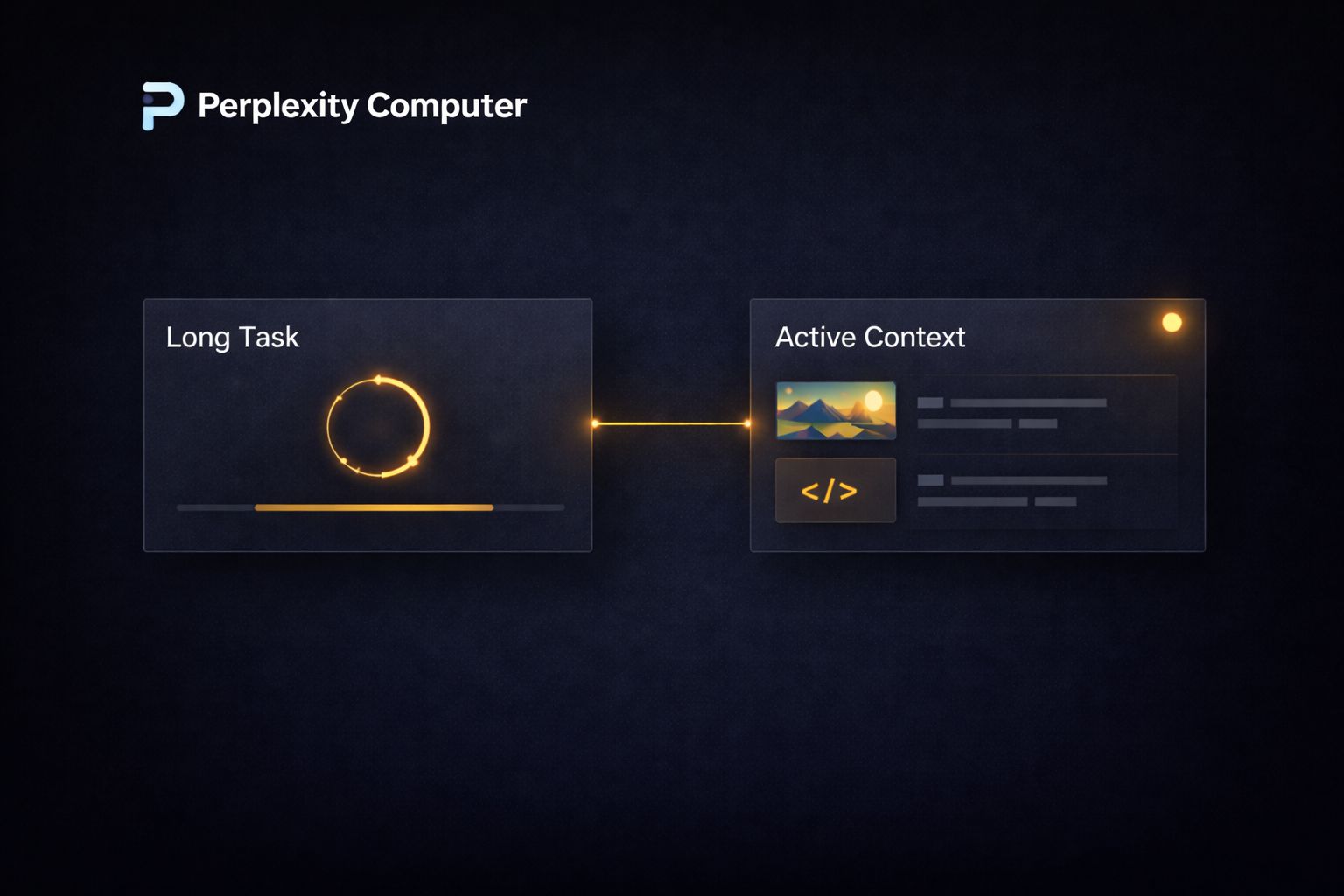
Computer is designed specifically for that second category. A workflow you start today can still be running in three months, checking conditions, responding to new information, and delivering updates on a schedule you define.
That is not a feature most agent tools even attempt. The architecture that makes it possible is the sub-agent system:
when Computer encounters a problem mid-workflow, it does not stop and wait for you. It spins up a new sub-agent to solve the problem and continues.
A concrete example of how this plays out: say you are tracking regulatory changes across three jurisdictions that affect your industry. You instruct Computer to monitor official government sources, flag any new publications that match a set of criteria, pull the relevant sections, summarize the implications, and deliver a digest to your inbox every Monday.
That workflow runs indefinitely without any further input from you. The day a relevant filing goes live, it catches it. You do not have to remember to check.
This duration capability also changes how you think about research. Instead of running a single deep dive and treating it as final, you can run a living research workflow that updates itself as new information becomes available.
For anyone making decisions that depend on current data, that is a meaningful shift in how useful AI-generated research actually is.
What to Hand Off vs. What to Keep
Not every task is a good candidate for a long-running Computer workflow.
The table below gives a practical breakdown of where Computer adds genuine value versus where a simpler tool or a direct prompt is still the better call.
| Task | Good for Computer | Better Handled Elsewhere |
|---|---|---|
| Competitive monitoring over weeks | Yes | |
| Writing a single email | Yes | |
| Building a research report with citations | Yes | |
| Quick factual lookup | Yes | |
| Multi-format content production | Yes | |
| One-off image generation | Yes | |
| Regulatory or market tracking | Yes | |
| Simple data formatting | Yes | |
| App prototyping from a brief | Yes | |
| Editing an existing document | Yes |
The pattern is straightforward. Computer earns its cost on tasks that are multi-step, time-consuming, or ongoing.
For anything fast and single-output, a standard AI tool gets you there faster with less setup.
Who Perplexity Computer Is Built For and What It Costs
Perplexity has been direct about who they are targeting. In briefings around the launch, executives described prioritizing users making what they called “GDP-moving decisions,” and said explicitly that they are not chasing maximum user counts.
That positioning matters because it sets accurate expectations. Computer is not trying to be the tool for everyone.
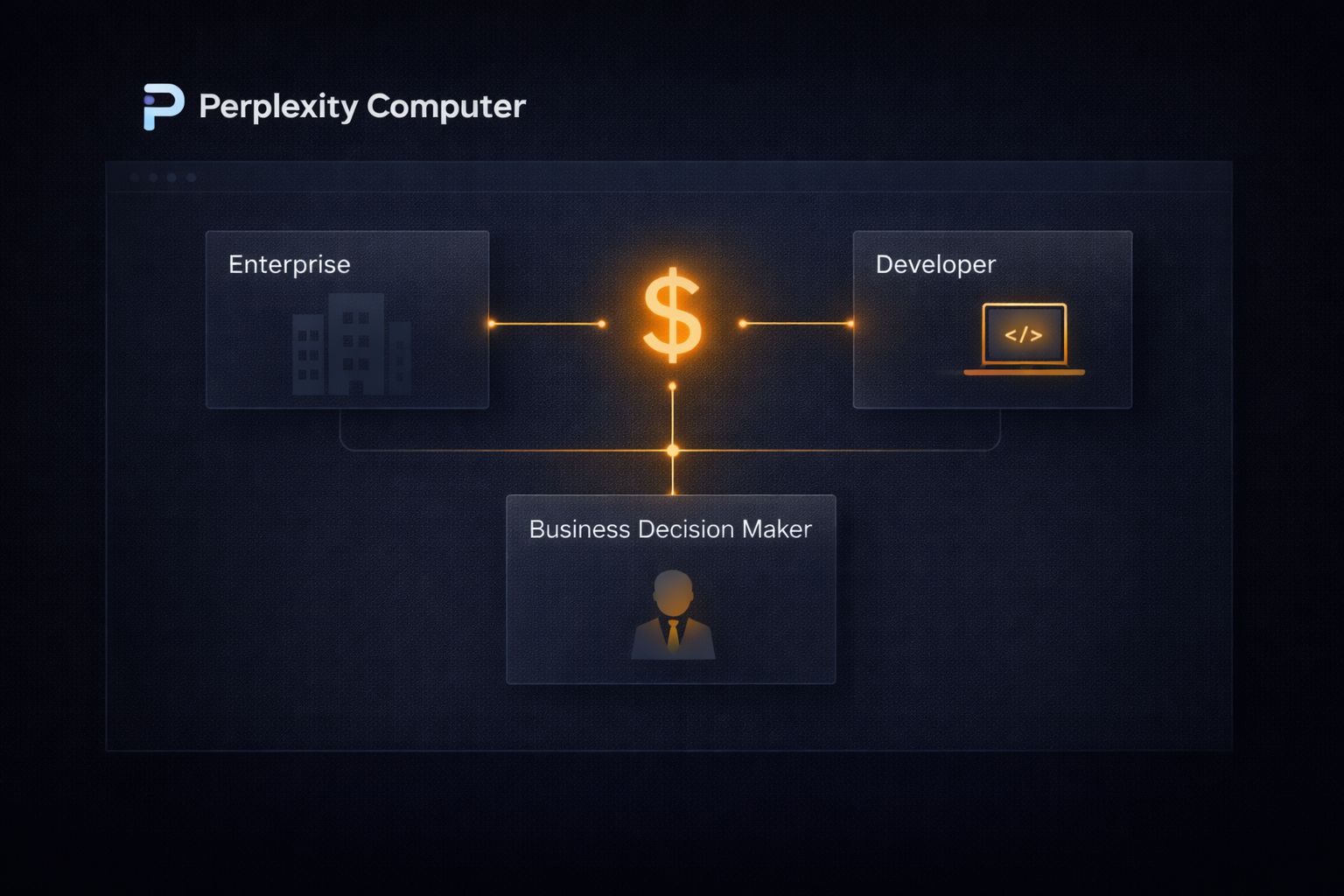
At $200 per month for Perplexity Max, the current access tier, the math only works if you are replacing something more expensive or compressing work that would otherwise take significant time.
The comparison Perplexity draws most often is against agency costs and full-time hires. A marketing agency retainer for research, content, and campaign management typically runs anywhere from $3,000 to $10,000 per month for a small business.
A part-time research contractor in the US costs between $25 and $75 per hour. Against either of those benchmarks, $200 per month for a system that runs autonomously around the clock looks different than it does compared to a standard SaaS subscription.
The users who are getting the most out of it right now fall into a few clear profiles. Solo operators in particular are finding it valuable as a way to replace agency or contractor spend on research and content production.
Communities like the YourFirst5kClub are already seeing members experiment with Computer for exactly this kind of work, running outreach workflows, content pipelines, and competitive research autonomously while they focus on the parts of their business that actually require them to show up.
| User Type | Primary Use Case |
|---|---|
| Solo operators and creators | Replacing agency or contractor spend on research and content |
| Early-stage founders | Competitive research, investor prep, app prototyping |
| Small business owners | Ongoing monitoring, report generation, marketing workflows |
| Researchers and analysts | Living research threads, data synthesis, multi-source reports |
| Non-technical builders | App and dashboard creation without development resources |
A broader rollout to Perplexity Pro users is planned, though no specific date has been confirmed at the time of writing.
Pro currently sits at $20 per month, which would dramatically change the accessibility calculation if Computer’s core features carry over to that tier without significant restrictions.
The Limitations Worth Knowing Before You Commit
Computer is a genuinely capable system, but there are real constraints to factor in before committing $200 per month to it.
The first is accuracy on sensitive tasks. Like every system built on large language models, Computer can produce incorrect results.
For workflows involving legal data, financial figures, or medical information, outputs need human review before any decision is made on the back of them. The autonomy that makes Computer useful for low-stakes ongoing tasks becomes a liability if you let it run unchecked on high-stakes ones.
The second is the current subscriber cap. Because Computer runs in the cloud and coordinates multiple frontier models per task, compute demand is high.
Perplexity initially capped access to Max subscribers and has indicated it will expand based on load testing results. Early users have reported hitting usage limits during peak periods, which is worth factoring in if your workflows are time-sensitive.
The third is prompt quality. Computer performs well when outcomes are described precisely. Vague instructions produce vague workflows.
Before you hand off any meaningful task, it is worth spending ten minutes writing a detailed outcome brief:
what the finished output looks like, what sources or tools it should use, what format you need, and what you do not want it to do. That upfront investment pays off significantly in the quality of what comes back.
