
Quick Summary
A 521 error on Perchance means Cloudflare cannot reach the origin server. This is a server-side problem, not something you caused. Partial outages where the site loads but AI responses fail point to backend overload. Browser fixes like restarting, clearing cache, or switching browsers can resolve local issues. Most outages last under an hour, though full server downtime can stretch to a few hours. DownDetector and Reddit are the fastest ways to confirm whether the problem is widespread. Save your work locally and often to avoid losing progress during unexpected downtime.
You open Perchance to pick up where you left off, and the page throws a 521 error. Or worse, it loads fine, but every prompt sits in an endless spinning loop that never returns a response.
Either way, the result is the same. You’re locked out with no clear explanation.
This problem hits users across every popular Perchance generator, from the AI story generator to character chat tools.
Reddit threads fill up fast whenever it happens, with dozens of people confirming the same thing at the same time. Some get the 521 error code directly.
Others see blank responses, half-finished outputs that cut off mid-sentence, or loading messages that cycle forever. The experience varies, but the root cause is almost always the same.
This guide breaks down what a 521 error actually means on Perchance, why generators stop responding even without an error code, and what you can do on your end while you wait for things to come back online.
We also cover how long outages typically last and a few browser-level fixes that have worked for real users.

What Does a 521 Error on Perchance Mean?
A 521 error is not something Perchance itself generates. It comes from Cloudflare, the content delivery network that sits between your browser and the Perchance server.
When you see this code, it means Cloudflare reached out to the Perchance origin server and got no response at all. The server is either down, overloaded, or refusing connections.
Think of Cloudflare as a middleman. Your browser asks Cloudflare for the page, and Cloudflare turns around and asks the actual Perchance server to deliver it.
A 521 means the middleman knocked on the door, and nobody answered. This is a server-side issue, not something caused by your device, browser, or internet connection.
Perchance runs on shared infrastructure that handles millions of requests from users running AI text generators, image creators, and chat tools.
When traffic spikes or the backend hits a technical limit, the origin server can go silent. Cloudflare has no content to serve, so it shows you the 521 page instead.
Why Perchance Stops Responding Without Showing an Error
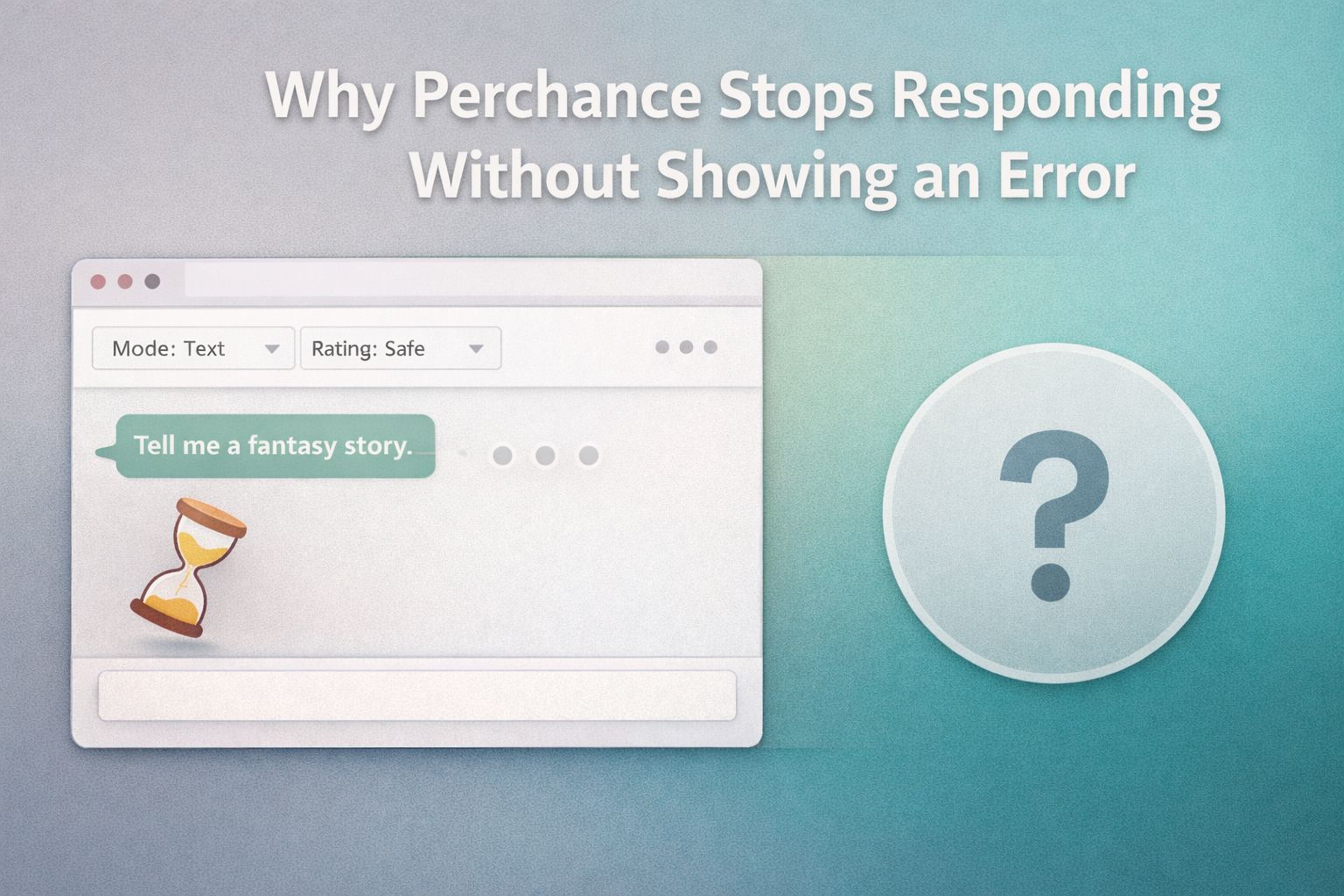
Not every outage looks the same. Sometimes Perchance loads the page just fine, but prompts sit in a loading state that never completes.
You might see a response start to generate and then cut off mid-sentence. Or the interface works normally, while every AI request returns a blank result.
This usually means the front end of the site is still being served from cache or a static layer, but the AI processing backend is struggling.
Perchance generators rely on large language model inference, which is the most resource-heavy part of the system. The page itself is lightweight. The AI engine behind it is not.
There is an easy way to tell the difference between a full outage and a partial one. If the site loads and you can navigate between generators, the static layer is fine, and the problem is with the AI backend specifically.
If nothing loads at all and you see a Cloudflare error screen, the entire origin server is unreachable.
A partial outage can also show up as delayed responses, repeated “technical difficulties” messages embedded in image outputs, or the chat interface accepting your input but never delivering a reply.
All of these point to the AI inference layer being overloaded or temporarily offline.
How to Fix Perchance Not Loading on Your End
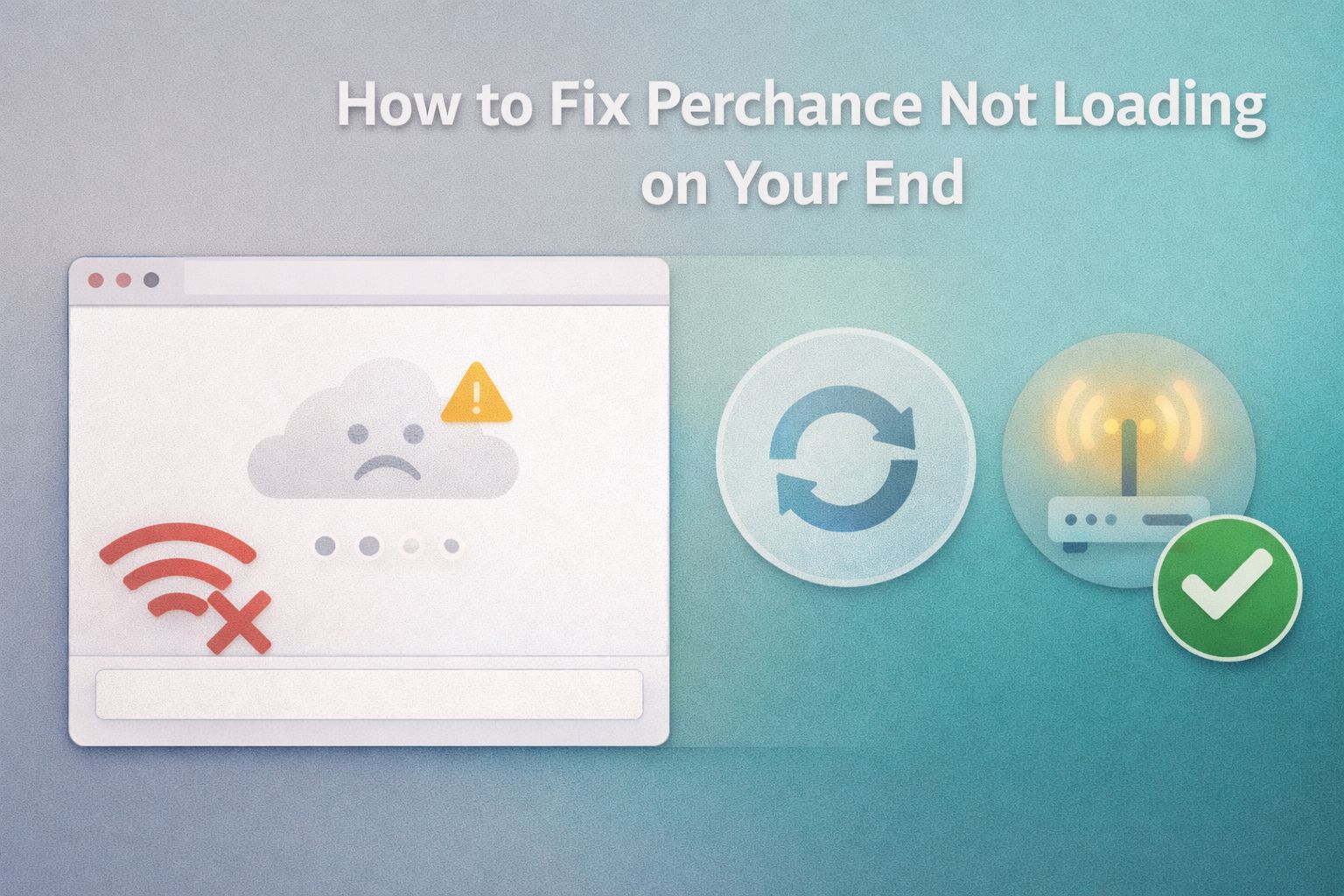
Most Perchance outages are server-side, and no amount of troubleshooting on your device will fix a server that is down.
But partial outages and browser-specific glitches do happen, and several fixes have worked for real users during those situations.
Work through these steps before assuming the problem is entirely out of your hands.
- Close your browser completely and reopen it. Not just the tab. Shut down the entire browser and launch it fresh. This clears stuck sessions and resolves cases where the browser blocks embedded content for security reasons. Firefox users in particular have reported this fixing blank page issues during partial outages.
- Clear your browser cache and cookies for Perchance. Stale cached files can conflict with updated site resources. Go to your browser settings, find the option to clear browsing data, and target only the Perchance domain if your browser allows it.
- Try a different browser. If Perchance fails on Firefox, test it on Chrome or Edge. If it fails on a desktop browser, try your phone. This helps isolate whether the problem is browser-specific or a full outage.
- Disable browser extensions temporarily. Ad blockers, privacy tools, and script blockers can interfere with the AI inference calls that Perchance makes in the background. Disable them one at a time to identify the culprit.
- Switch to a different network. Some ISPs cache DNS records aggressively, which can keep pointing your browser to a downed server even after it recovers. Switching from Wi-Fi to mobile data or using a VPN can bypass this.
- Check a third-party status site. Services like DownDetector track user-reported outages in real time. If hundreds of reports appear within the same time window, the problem is confirmed server-side, and all you can do is wait.
If none of these steps bring the site back, the outage is almost certainly on the Perchance backend.
Save your prompt or character notes somewhere local and check back later.
How Long Do Perchance Outages Usually Last?
Outage length depends on what exactly went wrong.
Not all downtime is created equal, and setting the right expectation saves you from refreshing the page every thirty seconds for an hour.
| Outage Type | Typical Duration | What You’ll See |
|---|---|---|
| Full server outage (521 error) | 30 minutes to a few hours | Cloudflare error page, nothing loads |
| AI backend overload | 15 minutes to 1 hour | Site loads, but prompts return blank or hang |
| Planned update or maintenance | 10 to 30 minutes | Partial functionality, occasional error messages |
| Browser or local issue | Immediate after fix | Page fails to load only for you |
Most outages caused by traffic spikes or backend strain resolve within an hour. Full server outages that require manual intervention from the Perchance team can stretch longer, but rarely beyond a few hours.
If the site has been down for more than half a day, checking community forums or social platforms for updates from other users is the fastest way to get an estimated timeline.
The best habit during an outage is to save any work in progress locally. Copy your character sheets, prompt text, or story drafts into a text file on your device.
Perchance does not guarantee persistent storage, and a badly timed outage can wipe an unsaved session.
How to Tell if Perchance Is Down for Everyone or Just You
This question comes up every time the site stutters, and the answer is usually simple to find.
The first thing to do is check whether other users are reporting the same problem right now.
DownDetector is the fastest option. Search for “Perchance” on the site and look at the outage graph. A sudden spike in reports within the last few minutes confirms a widespread issue.
If the graph is flat, the problem is more likely on your end, and the troubleshooting steps above should help.
Reddit communities dedicated to Perchance and AI tools are another reliable signal.
Users tend to post within minutes of an outage starting, and the comments fill up quickly with confirmations from different regions and devices.
If you see a fresh thread with dozens of people describing the same symptoms you are experiencing, you have your answer.
You can also test from a different device or network. Load Perchance on your phone using mobile data instead of Wi-Fi.
If it works there but not on your desktop, the issue is local. If it fails on both, the server is down.
Can You Prevent Losing Work During a Perchance Outage
You cannot prevent the outage itself, but you can protect your work from disappearing when one hits.
Perchance runs entirely in the browser for most of its generators, which means your session data lives in a temporary state that vanishes if the connection drops at the wrong moment.
Get into the habit of copying your content regularly. If you are building a character profile, paste the full description into a notes app or text file after every major edit.
If you are running a long story generation, copy the output every few responses rather than waiting until the end.
Some users keep a dedicated document for each Perchance project. A simple text file with your character settings, custom prompts, and recent story output takes seconds to update and saves hours of rework after an unexpected outage.
This also makes it easy to pick up exactly where you left off once the site comes back online.
For image generators, there is no way to recover a batch that failed mid-generation.
The best workaround is to download finished images as soon as they appear rather than waiting for an entire batch to complete.
Right-click and save each image the moment it renders.
