
Getting started with OpenClaw feels deceptively simple until the moment it does not. Many people install it, see responses working, and assume everything is set up correctly.
That early confidence usually fades once the bot starts forgetting context, claiming it completed tasks that never appeared on disk, or burning money by routing every request through the wrong model.
This guide is written for someone starting from zero. The goal is to walk through the full journey slowly, from the first successful install to a stable, advanced setup that actually does useful work.
Each concept builds on the previous one, so nothing feels abstract or hand-wavy. Every step exists because skipping it causes real problems later.
What makes OpenClaw different is that it behaves less like a chat app and more like a long-running system. That shift trips people up.
Treating it like ChatGPT leads to frustration. Treating it like a junior assistant that needs structure, memory rules, and guardrails leads to very different results.
Here is what we will cover, step by step, without assuming prior knowledge:
What OpenClaw actually is and how it differs from normal chatbots
The right way to think about models as brains and muscles
A clean beginner setup that avoids common installation traps
Proper onboarding so your Clawdbot feels consistent and useful
Memory, compaction, and why forgetting happens
Cron jobs, sub agents, and how to stop silent failures
Security basics so keys and data stay safe
Real-world workflows you can copy and adapt

What OpenClaw is and why it can be confusing at first
OpenClaw is not a chatbot. Treating it like one is the fastest way to get frustrated.
A normal chatbot, such as ChatGPT, exists only in the moment. You send a message, it replies, and most of what happens is invisible.
OpenClaw works more like a long-running system that happens to talk back to you. It keeps files, runs background tasks, schedules jobs, calls external services, and decides when to forget things unless you tell it otherwise.
The simplest way to think about OpenClaw is as a coordinator. It does not do the thinking itself. It routes thinking to different models, tools, and skills depending on what you ask.
When that routing is vague or misconfigured, it looks like the bot is lying, lazy, or broken. In reality, it often did exactly what it was told, just not what you meant.
This explains a very common beginner complaint. You ask it to build something. It confidently says it is done. Nothing appears on your machine.
That usually means the model answered in text only, without being granted permission, context, or tooling to write files. The system never failed. The instruction was incomplete.
Another mental shift is persistence. OpenClaw does not reset itself between conversations unless memory compaction forces it to. That persistence is powerful, but it also means small mistakes accumulate.
Conflicting instructions in markdown files, half-finished workflows, or repeated onboarding attempts slowly degrade behavior. Chatbots forget. OpenClaw remembers, sometimes too well.
Before touching installation, it helps to adopt three rules that will guide everything later:
OpenClaw coordinates work; it does not magically perform it
Models must be chosen intentionally for each type of task
Memory does not manage itself unless you design it
With that foundation in place, planning the setup becomes much easier.
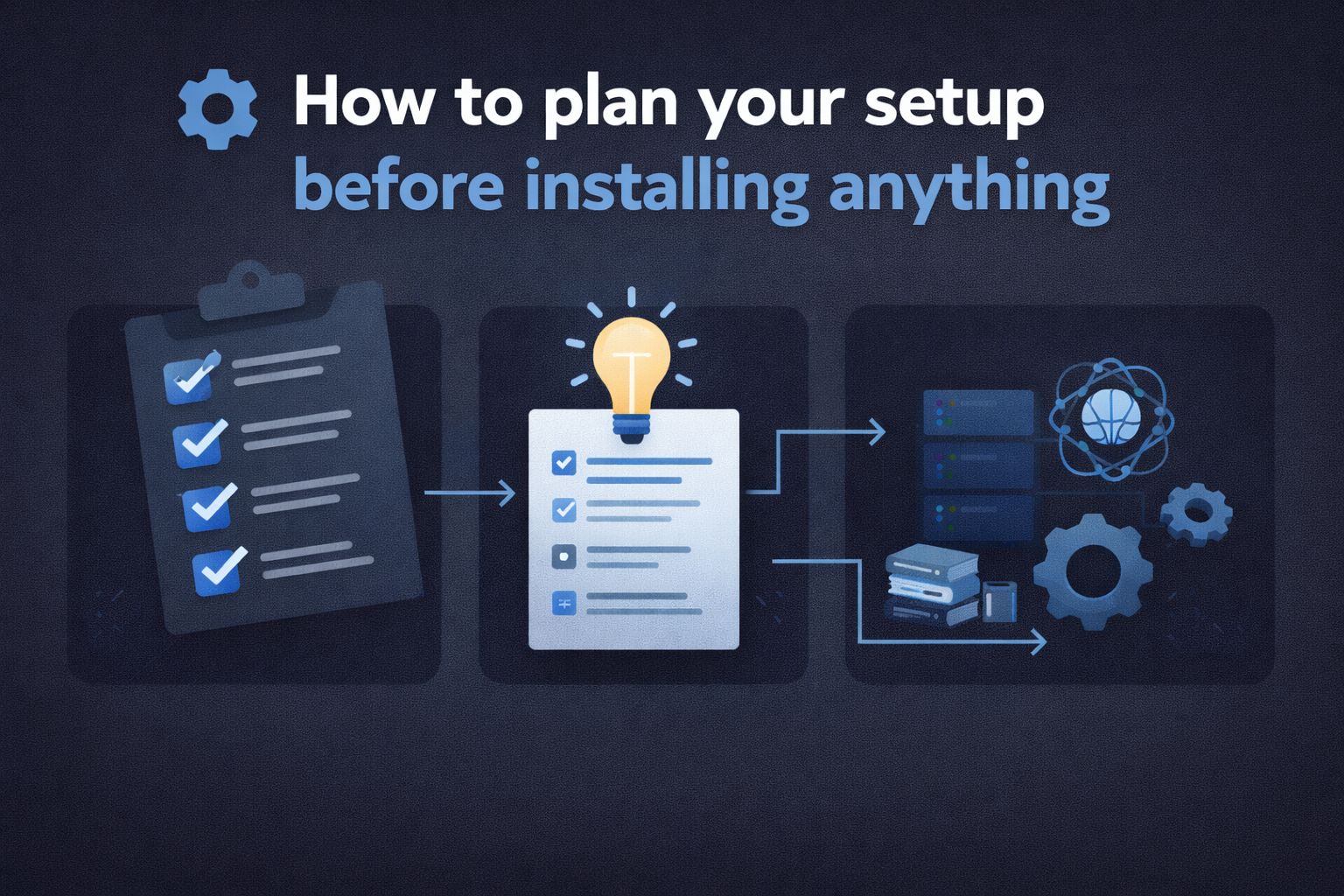
How to plan your setup before installing anything
Most installation problems are not operating system problems. They are planning problems that surface later as bugs.
1. Decide where OpenClaw will live
OpenClaw works best when it is always on. That rules out a laptop that sleeps or shuts down randomly. A small always-on machine is ideal.
Common beginner-friendly options include:
A mini PC with 16 GB of RAM
A VPS if you want something disposable while learning
A desktop that stays powered on
Windows, Linux, and macOS all work. None of them save you from bad configuration. Pick the environment you understand best. Comfort matters more than purity at this stage.
2. Decide how you will talk to your Clawdbot
Messaging is not just a convenience layer. It becomes your control plane.
Before installing, choose one primary channel and stick to it:
Web interface
Messaging app integration
Terminal only
Using multiple channels early creates split context and duplicated instructions. Many beginners unknowingly onboard the bot three times through three different interfaces. The result feels inconsistent because it is inconsistent.
3. Accept that cloud models are the starting point
Running local models looks appealing, especially for privacy or cost reasons. For a beginner, it adds friction without teaching the core concepts.
Cloud models remove several variables at once:
Context limits are larger
Tool calling is more reliable
Errors are easier to diagnose
Local models can come later, once you understand memory, routing, and skills. Starting local often leads to cryptic failures where the bot responds in structured command language instead of normal text.
That is not a personality issue. It is a model mismatch.
4. Separate brains from muscles before you configure anything
This idea will come up repeatedly, so it is worth internalizing now.
A brain model handles reasoning, planning, and personality.
A muscle model handles specific tasks like coding, search, or transcription.
Using one expensive model for everything wastes money and creates brittle behavior. Using cheap models for reasoning leads to shallow onboarding and bland interactions.
Planning this split early prevents rewrites later.
5. Write down what you want OpenClaw to do for you
Not in technical terms. In plain language.
Examples:
Review my emails and draft replies
Prepare a daily briefing every morning
Track tasks across projects and flag blockers
Avoid vague goals like “be my assistant.” OpenClaw performs best when responsibilities are explicit. This list becomes the backbone of onboarding and memory design later.
At this point, nothing has been installed yet, and that is intentional. These decisions remove most of the friction people blame on bugs or instability.
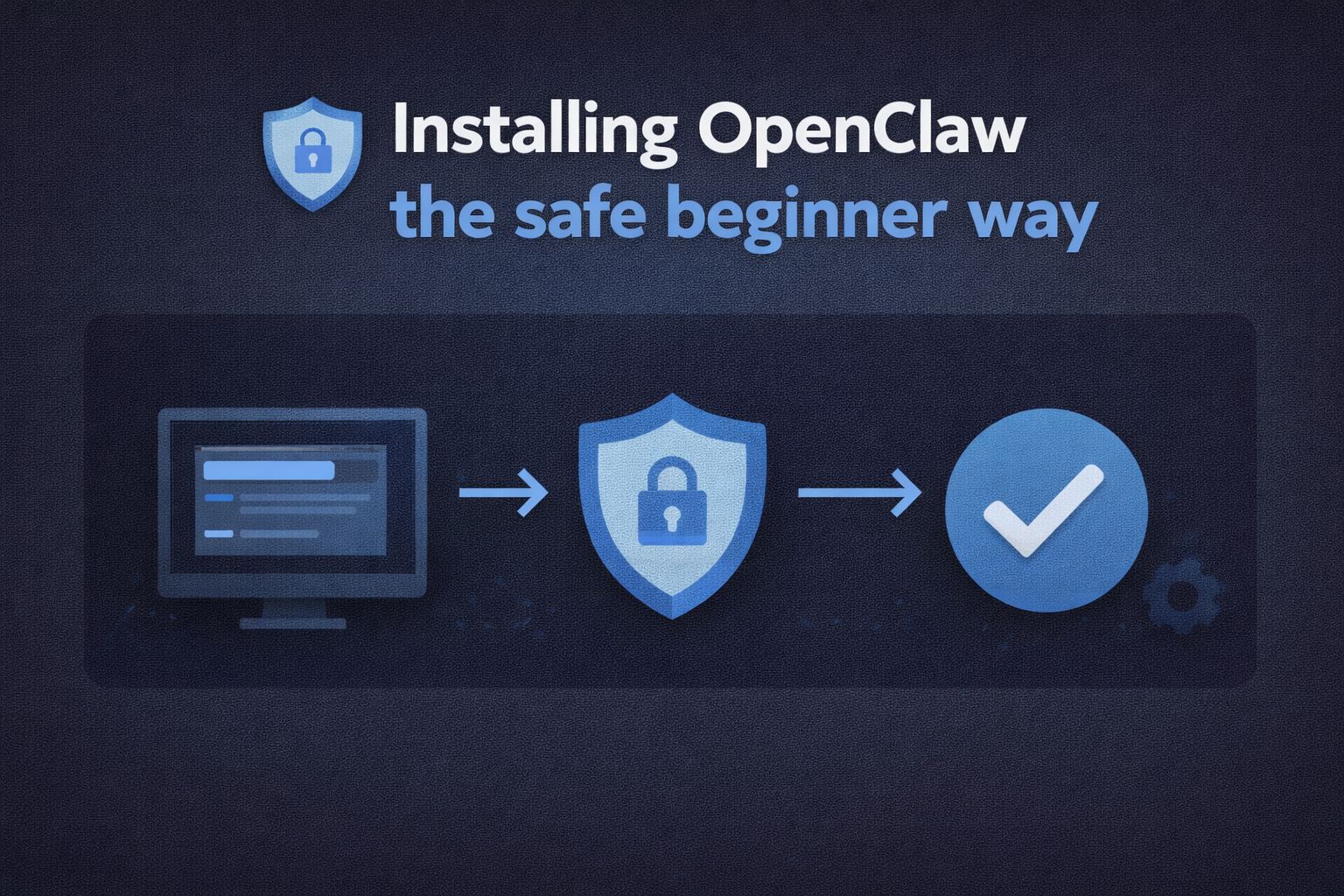
Installing OpenClaw the safe beginner way
This section is intentionally conservative. The goal is not a clever setup. The goal is a working setup you can trust.
1. Install prerequisites before touching OpenClaw
Most failed installs happen because something basic was missing earlier.
Make sure the following are already installed and working:
Python installed and available in your system path
Git installed and usable from the terminal
Enough disk space for logs, markdown files, and memory
Confirm Python first. OpenClaw depends on it quietly, and errors later often trace back to a broken Python install rather than OpenClaw itself.
2. Install OpenClaw once and only once
Resist the urge to retry immediately if something feels off.
Install OpenClaw following the official steps for your operating system. Let the installation finish completely. Do not customize anything yet. No model swaps. No memory tweaks. No skills added.
After installation, do one simple test:
Send a plain message
Receive a plain response
If that works, stop. A responding bot means the core system is alive.
Many beginners reinstall repeatedly because the bot cannot build files yet. At this stage, that is expected. You have not given it tools, permissions, or routing.
3. Pick one interface and ignore the rest
Choose a single interface for now:
Web dashboard
Messaging app integration
Terminal interaction
Use only that one. Mixing interfaces early creates conflicting instructions and duplicated onboarding. The bot remembers all of it.
4. Do not start onboarding yet
This is important.
The instinct is to immediately describe your personality, preferences, and workflows. That comes later. Right now, the system still lacks a proper brain model and routing logic.
Onboarding with the wrong model leads to bland behavior that is hard to undo.
At this point, your only goal is stability.
Once you can reliably send messages and get replies, installation is done.
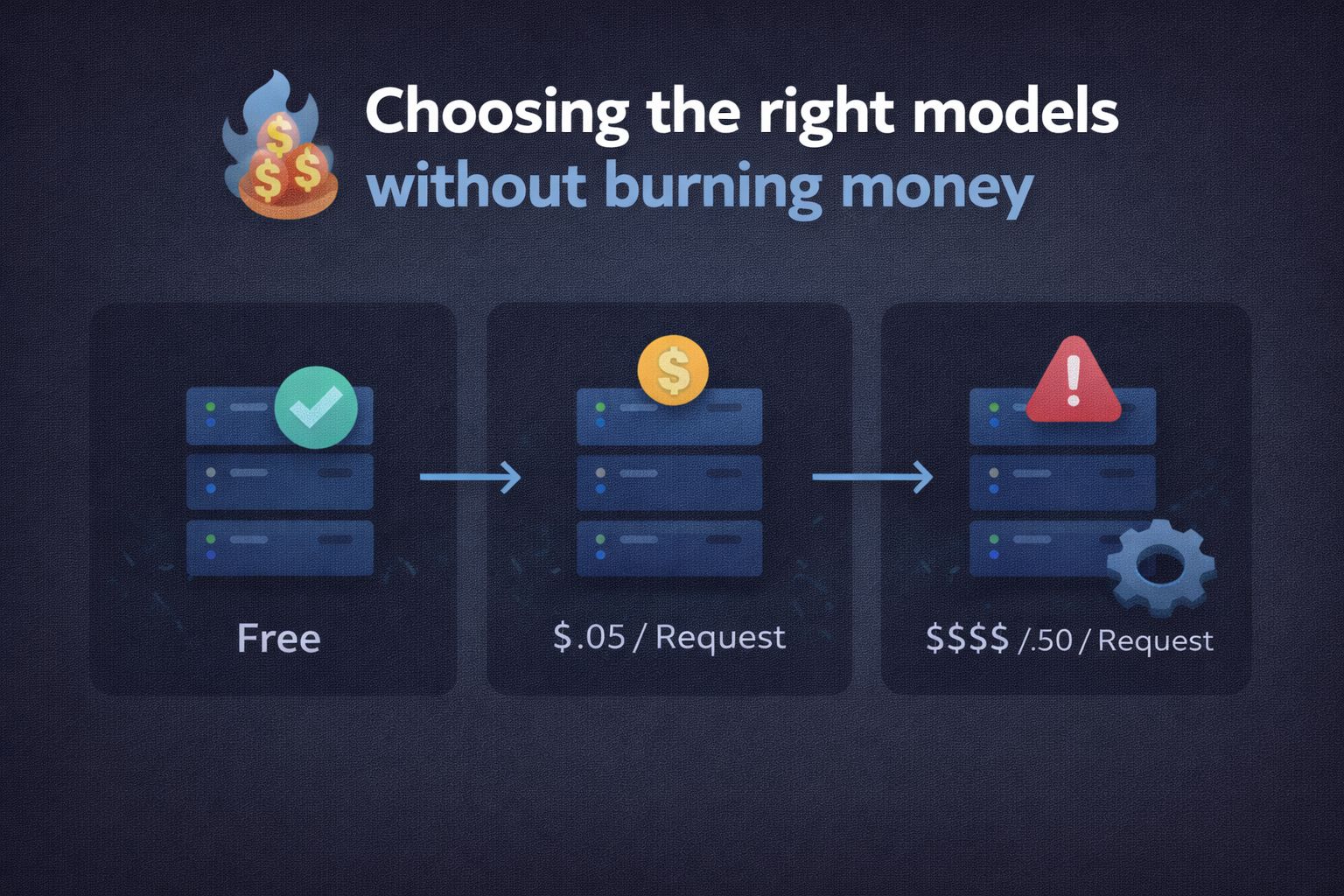
Choosing the right models without burning money
This section determines whether OpenClaw feels sharp or disappointing.
1. Understand the brain and muscle split
OpenClaw does not think. Models do.
You will assign different models to different roles. Think of this as specialization, not optimization.
Brain models reason, plan, and hold personality
Muscle models execute narrow tasks
Trying to use one model for everything leads to poor results and higher costs.
2. Use a strong brain model for setup and onboarding
For initial setup, nothing beats Claude Opus.
Yes, it costs more. That cost is temporary and justified.
Use Opus for:
Initial onboarding
Personality definition
Memory structure design
Workflow planning
Expect to spend a one-time amount during this phase. This investment sets the tone for everything that follows.
3. Switch to a cheaper brain for daily use
Once onboarding is complete, swap the primary brain to Kimi 2.5.
Kimi performs well for general reasoning and costs a fraction of premium models.
Many people route it through Nvidia, while free access is available. This keeps monthly costs predictable.
If you plan to route Kimi through Nvidia, you will need to generate an API key from the Nvidia API key dashboard before configuring the model inside OpenClaw.
This model becomes your everyday thinking engine.
4. Assign muscle models for specific tasks
Now you add specialists.
Common beginner-friendly choices include:
DeepSeek Coder for scripting and file generation
OpenAI Whisper for voice transcription
These models should not handle planning or conversation. They exist to do one job well when called.
5. Avoid local models for now
Local models introduce several hidden problems:
Smaller context windows
Slower response times
Tool calling failures
Structured command output instead of natural language
These issues confuse beginners because they look like logic bugs. They are not. They are limitations.
Local models make sense later, once you understand memory, compaction, and routing.
At this stage, your OpenClaw setup should:
Respond consistently
Use Opus only for setup
Use Kimi for daily reasoning
Call specialist models for narrow tasks
Onboarding your Clawdbot the right way from zero context to usable assistant
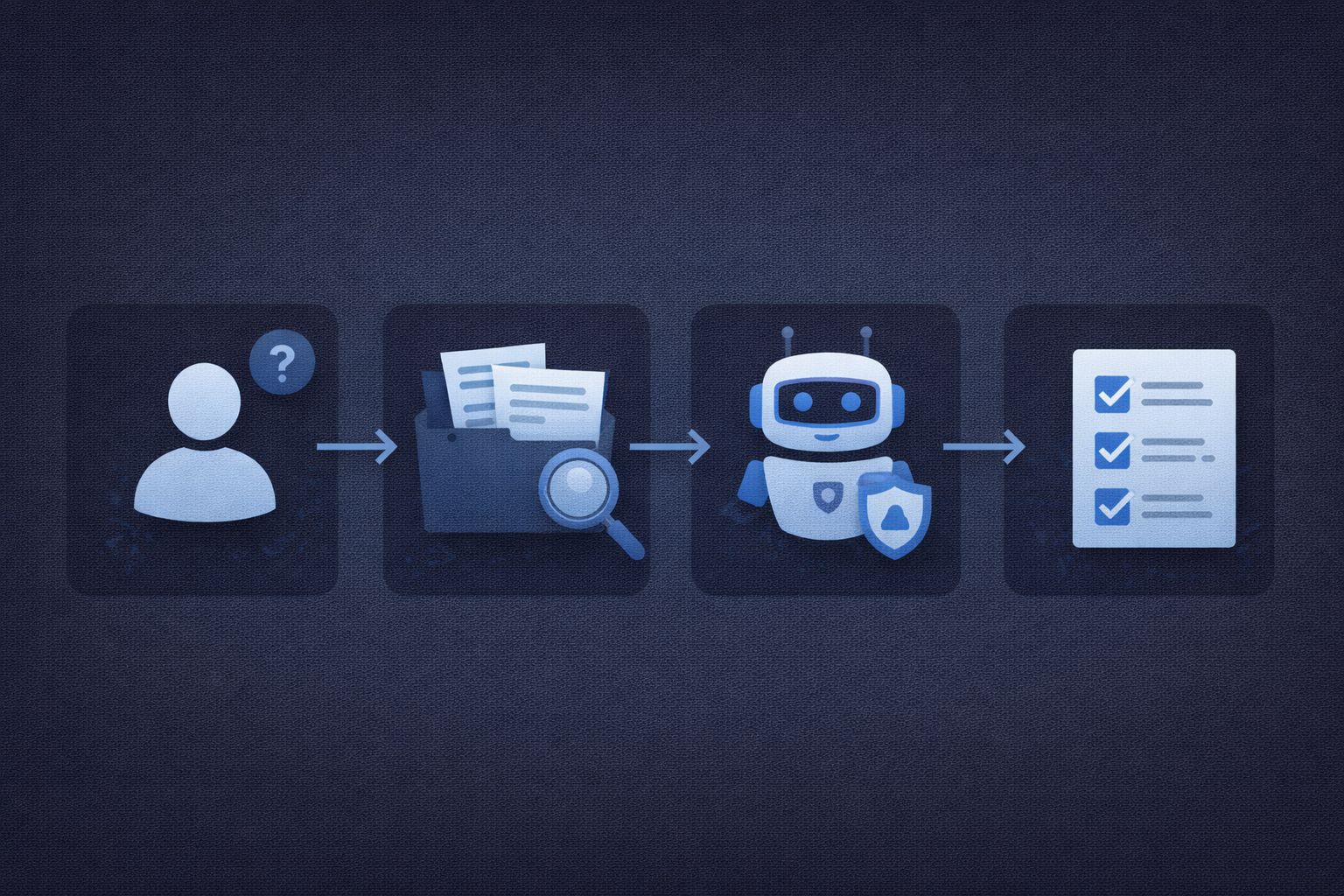
Onboarding is the single most important step in OpenClaw. Doing it poorly creates problems that look like bugs later.
Doing it well makes the system feel stable and intentional.
1. Switch back to your strongest brain model
Before onboarding begins, confirm your brain model is set to Claude Opus.
Onboarding with a weaker model locks in shallow assumptions about you. Those assumptions persist in memory and influence every response afterward.
Fixing them later requires cleanup and re-onboarding, which is avoidable.
2. Treat onboarding as structured data collection
Do not write a long paragraph about yourself and hope it sticks.
Instead, instruct your Clawdbot to interview you.
Ask it to run a deep, multi stage Q and A covering:
Work habits and schedules
Tools you already use
Personal interests and boundaries
Communication style preferences
What you want automated and what must stay manual
Answer honestly and in detail. This is not small talk. This becomes the base layer of memory.
If something feels irrelevant, include it anyway. Seemingly small details often shape better task prioritization later.
3. Define responsibilities in plain language
Once the Q and A is complete, explicitly tell the bot what it is responsible for.
Examples of clear responsibility statements:
Monitor email and summarize only what matters
Draft responses, but never send without approval
Prepare daily briefs at a fixed time
Avoid vague instructions. OpenClaw does not infer intent well without structure.
4. Lock onboarding into memory
After onboarding finishes, instruct the bot to:
Summarize what it learned
Repeat it back to you
Ask for corrections
Commit the final version to memory
This step catches misunderstandings early. If the summary sounds off, fix it immediately. Memory corrections later are harder.
5. Stop onboarding once it is done
Many people keep onboarding forever.
Repeated personality edits, new preferences, and changing tone daily creates drift. Once the foundation feels right, stop.
Treat onboarding as version one, not a living conversation.
At this point, your Clawdbot knows who you are and what it should do. Now it needs rules to remember properly.
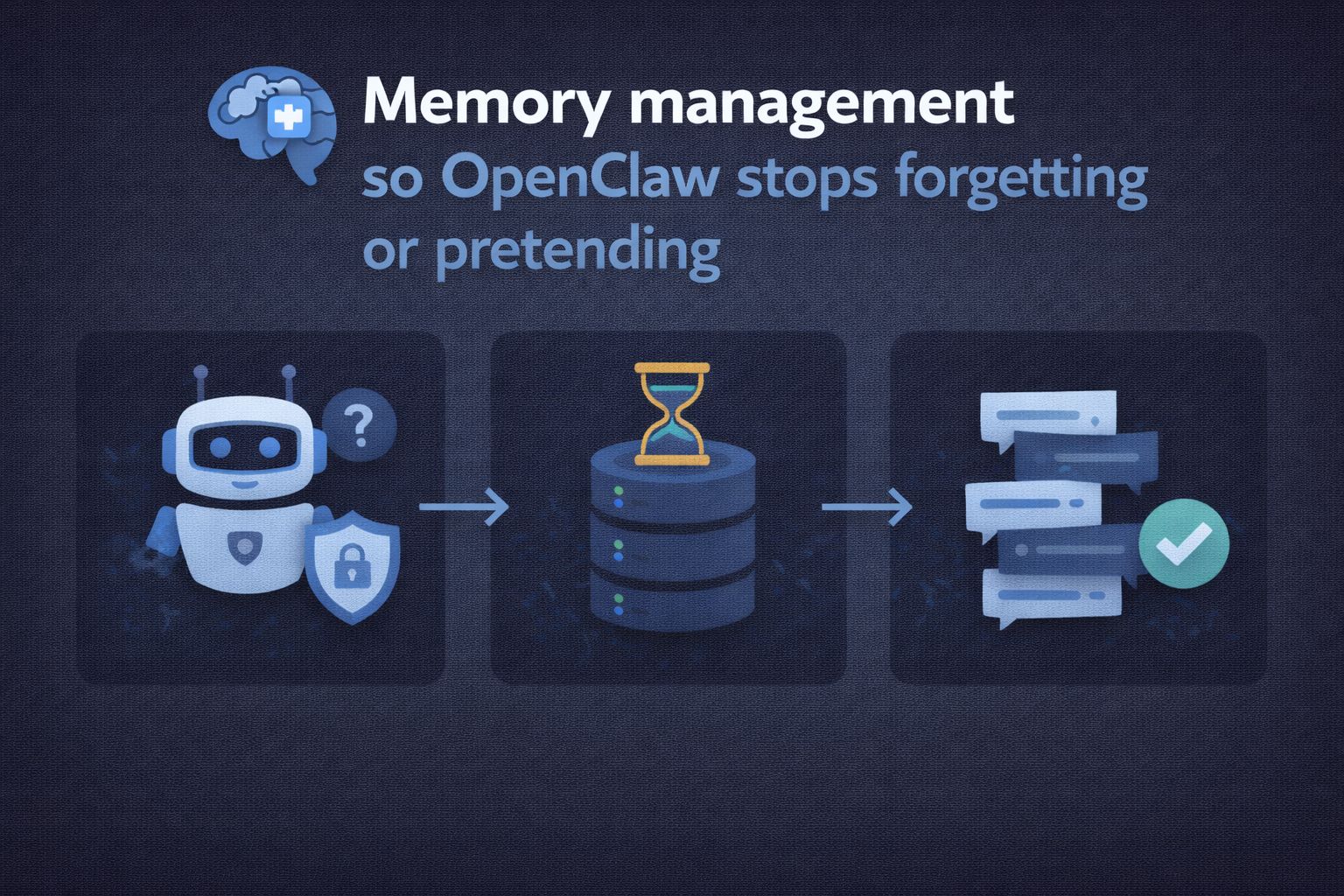
Memory management so OpenClaw stops forgetting or pretending
Memory issues are the most misunderstood part of OpenClaw.
Forgetting mid-task is not random. It follows rules.
1. Understand why forgetting happens
OpenClaw compresses memory automatically. When context grows too large, it compacts older information to make room.
Unlike chatbots that warn you about lost context, OpenClaw does it silently. That silence feels like the bot is ignoring you or lying about completed work.
It is neither. It simply lost context.
2. Enable safer memory behavior
Before creating workflows or agents, configure memory to flush before compaction and to search both memory and session context.
This reduces accidental loss during long setup conversations.
After enabling this, restart the session so the changes take effect cleanly.
3. Use compaction intentionally
Compaction is not an error. It is a tool.
Before explaining any long or complex task:
Run a compaction command
Confirm the bot acknowledges a clean context
Then begin instructions
This ensures the task setup starts with full attention.
4. Commit memory deliberately after every setup
After defining a workflow, do not assume it is remembered.
Explicitly instruct the bot to:
Commit the workflow to memory
Repeat the saved version back
Confirm accuracy
This step prevents silent corruption of instructions.
5. Separate working memory from long term memory
Use markdown files for quick reference and structure.
Use long-term memory storage for decisions, workflows, and preferences.
Treat memory like documentation. If you would not trust it undocumented, do not trust it unstored.
6. Add regular memory audits
Set a recurring task that:
Reviews saved memory
Summarizes active workflows
Flags contradictions or outdated instructions
This prevents slow decay over time.
By the end of this section, your Clawdbot should:
Remember what matters
Forget only when told to
Stop claiming work without evidence
Cron jobs and sub agents, so automation actually runs
Automation is where OpenClaw either shines or quietly disappoints. Most failures here do not throw errors.
They just do nothing.
1. Understand why cron jobs fail silently
Cron jobs in OpenClaw are not smart. They run on a schedule and execute whatever context they are given.
Long reasoning chains, API calls, or multi-step workflows often exceed time limits or context limits. When that happens, the job exits without a clear message.
This is why beginners report that scheduled tasks work when triggered manually but fail on a timer.
2. Stop putting logic directly in heartbeat jobs
The heartbeat is not the place for heavy work.
Use it only to trigger actions, not to perform them.
A heartbeat job should do one thing:
Spawn a task
Call a sub agent
Exit cleanly
Anything more invites timeouts.
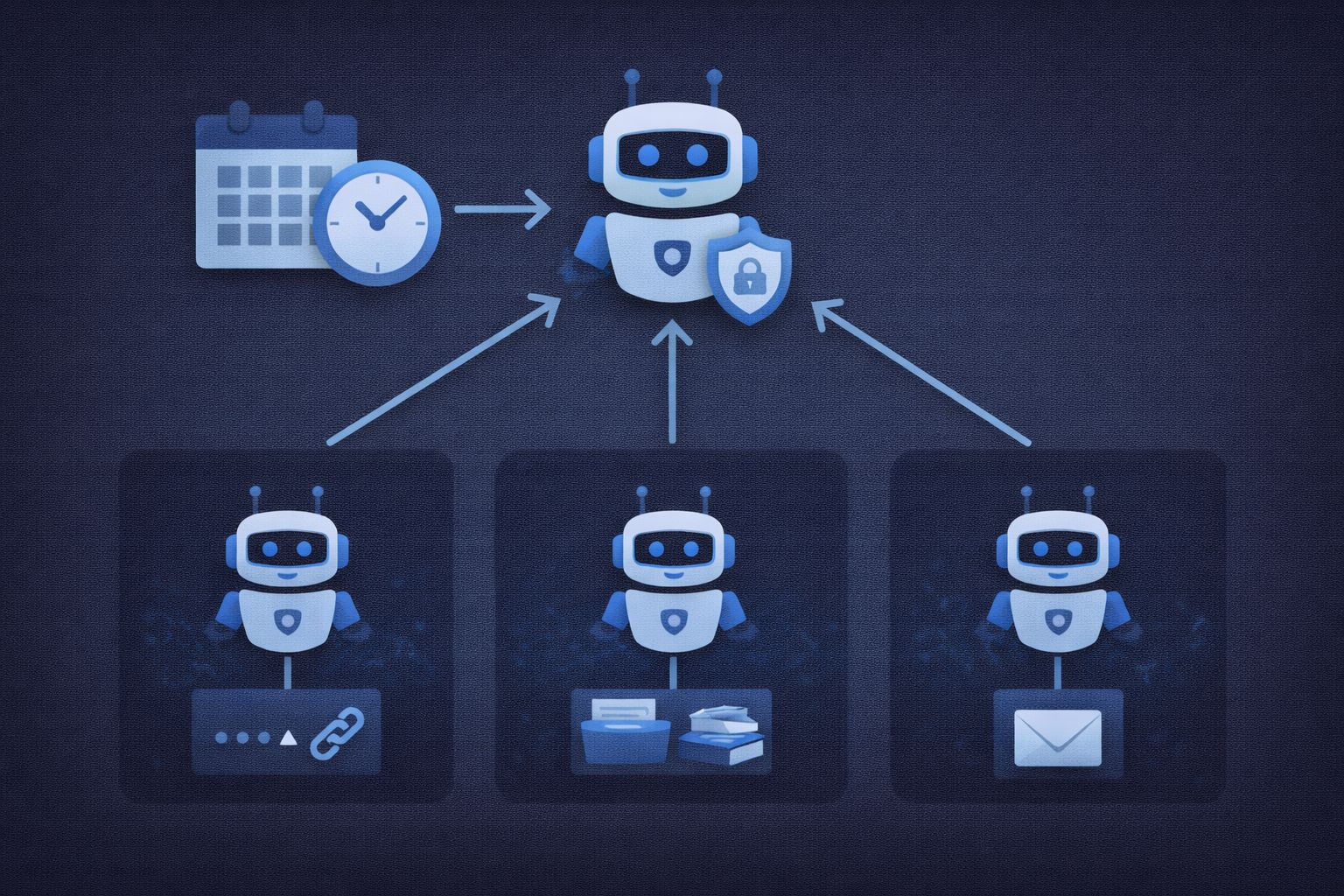
3. Create sub agents for every recurring task
A sub agent is a focused worker with a single responsibility.
Examples:
Email scanning agent
Daily briefing agent
Backup verification agent
Each sub-agent should:
Have a narrow goal
Use only the models it needs
Run independently of your main chat
This isolates failures. If one agent breaks, the rest continue working.
4. Structure cron jobs to spawn sub agents
Your cron logic should read like this in spirit:
Heartbeat triggers
Sub agent starts
Sub agent completes work
Results stored or reported
This pattern avoids timeouts and keeps logs readable.
5. Test every scheduled task manually first
Never trust a cron job that has not been run manually.
Before scheduling:
Trigger the sub agent by hand
Confirm outputs exist
Confirm memory updates are correct
Only then add scheduling.
6. Log everything you expect to rely on
If a task matters, it should leave evidence.
Examples:
Markdown summaries
Status logs
Memory confirmations
If nothing tangible is produced, assume the task failed even if the bot claims success.
At this point, OpenClaw should reliably perform routine work without supervision.
Now it needs guardrails.
Security basics so your setup does not become a liability
Security is not optional once OpenClaw can act on your behalf.
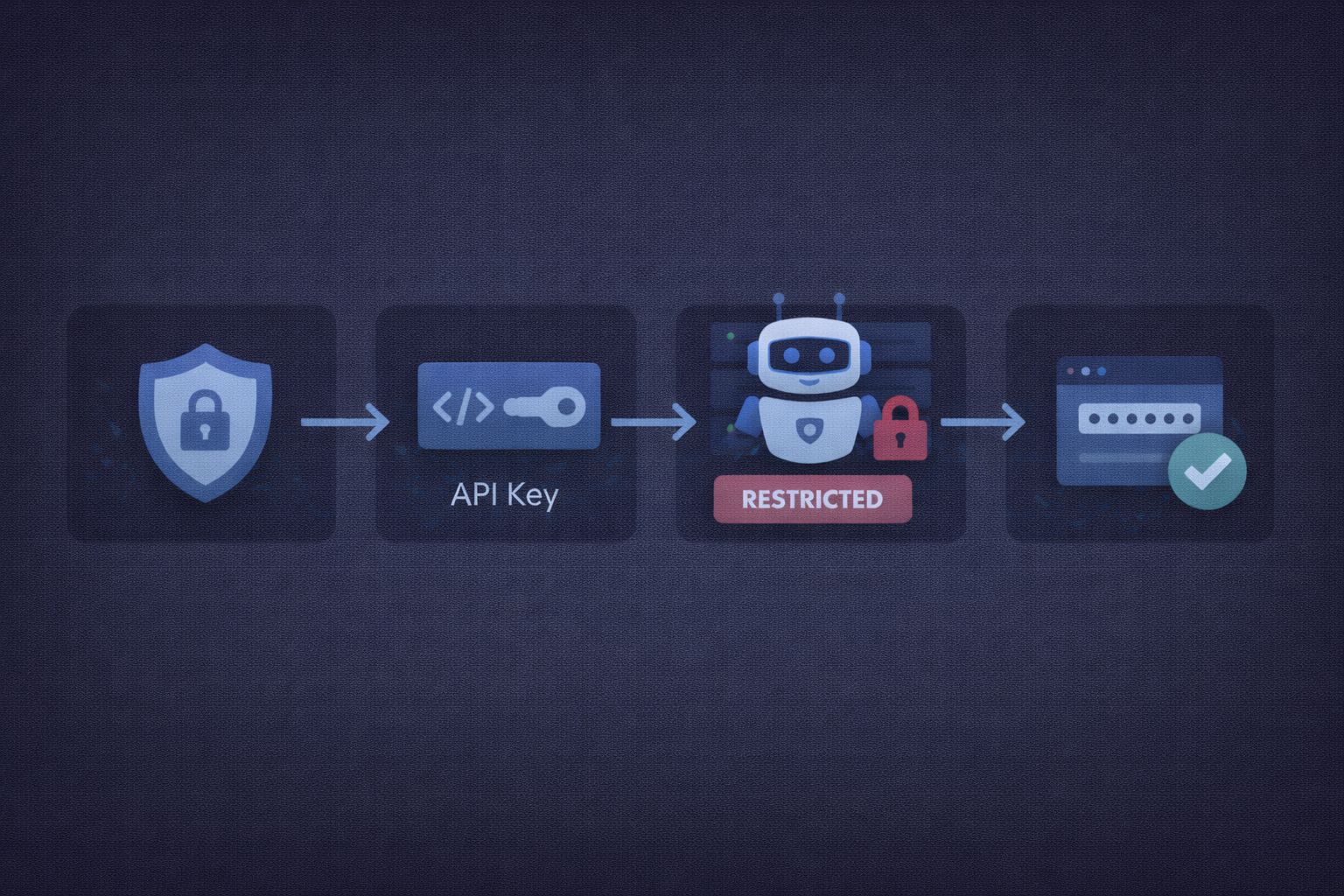
1. Move API keys out of config files
Never store API keys directly in main configuration files.
Use environment variables or a dedicated secrets file. This limits damage if files are copied, logged, or backed up.
2. Rotate keys on a schedule
Keys leak quietly.
Rotate important keys on a fixed cadence, such as every 30 days. Build this into your routine. Do not wait for a scare.
3. Limit what the bot can do by default
Give permission narrowly.
Examples:
Draft emails but do not send
Read files but require approval to modify
Suggest actions but require confirmation
Trust is earned through behavior, not configuration.
4. Validate inputs for anything external
Anything that leaves your system should be checked.
This includes:
Emails
API calls
File uploads
Add confirmation steps for irreversible actions.
5. Encrypt memory and backups
Memory files contain sensitive information by design.
Use native OS encryption or filesystem encryption so raw files are not readable if copied.
6. Use secure remote access only
Avoid exposing ports unnecessarily.
Private networking tools are safer than open remote desktop ports. This reduces attack surface without sacrificing convenience.
7. Audit regularly
Once a week, review:
Active API keys
Scheduled jobs
Memory contents
If something looks unfamiliar, investigate immediately.
After this section, OpenClaw should feel predictable, safe, and boring in the best way.
Real world workflows you can copy without improvising
This section focuses on patterns that work reliably. Each workflow is described as a sequence you can follow without guessing.
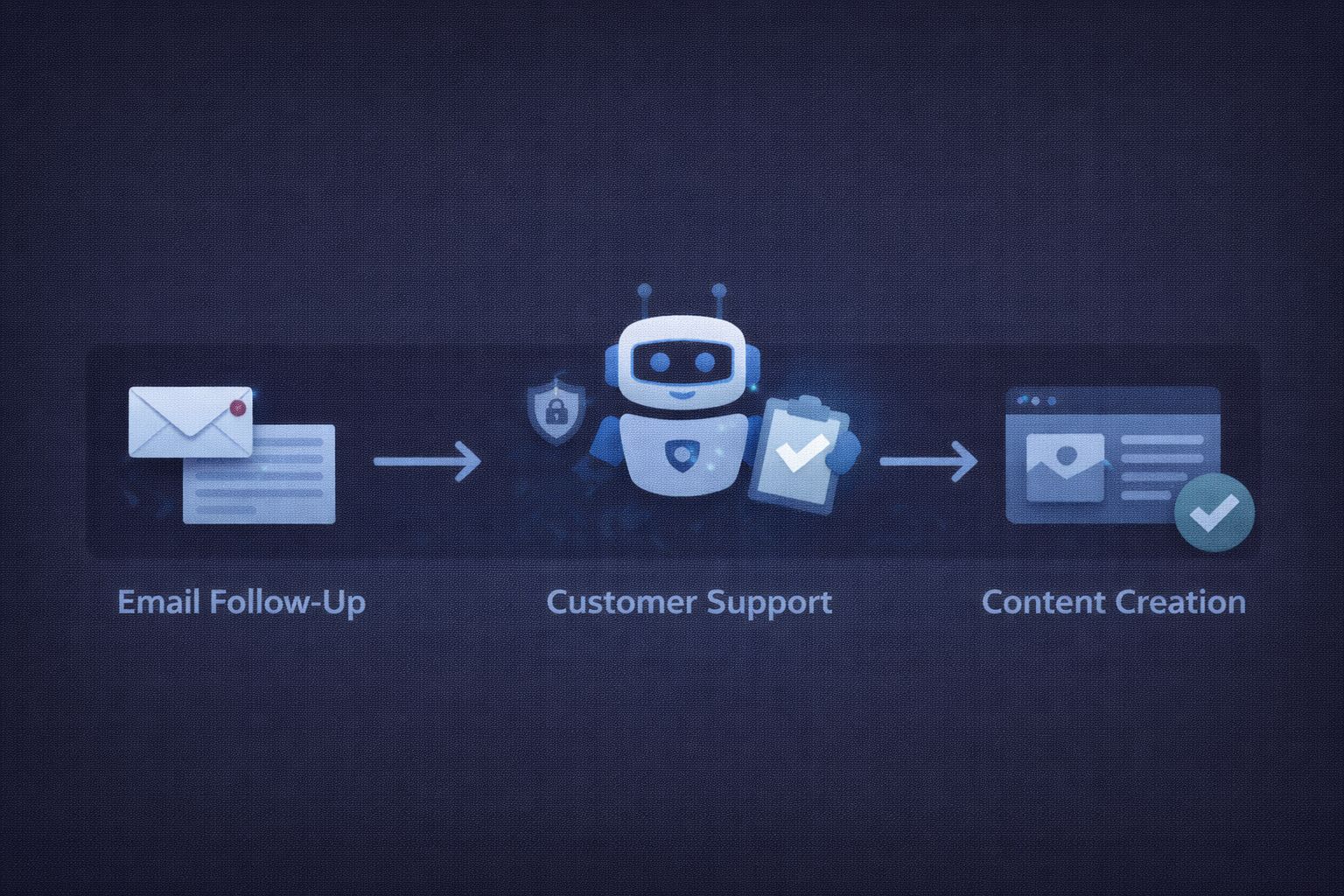
Workflow 1: Email scanning and response drafting
This is the safest place to start because mistakes are visible and reversible.
Goal
Review multiple inboxes, surface what matters, draft replies, never send automatically.
How to structure it
Create a dedicated email sub-agent
Grant read access only
Define what counts as important
Summarize first, draft second
Require approval before sending
What to store in memory
Filtering rules
Draft tone preferences
Approval requirement
This workflow builds trust because it saves time without taking control.
Workflow 2: Daily briefing that actually stays useful
Most daily briefs fail because they try to do too much.
Goal
Deliver a short, predictable snapshot of the day ahead.
How to structure it
Create a briefing sub-agent
Fix the run time
Pull from tasks, calendar, and priorities
Keep output length capped
Store completion status
Key rule
Briefings summarize. They do not solve problems.
This keeps the signal high and prevents drift.
Workflow 3: Task monitoring without micromanagement
OpenClaw works best as a watcher, not a manager.
This works especially well when OpenClaw is connected to a dedicated task manager such as Dart AI, where projects, dependencies, and blocked tasks are already structured.
Goal
Spot delays and blockers without constantly nudging you.
How to structure it
Connect task data through one source
Tag blocked or waiting tasks
Ignore tasks pending external input
Report only changes
What not to do
Reorder tasks automatically
Change deadlines without approval
This avoids fighting your existing system.
Workflow 4: Lightweight research and summaries
Web browsing through automation is fragile. Search-based retrieval is not.
Goal
Pull information and summarize it cleanly.
How to structure it
Use search APIs instead of browser automation
Ask for summaries with sources
Store only final takeaways
This prevents timeouts and broken sessions.
Workflow 5: Basic scripting and file generation
This works well when scoped properly.
Goal
Generate small scripts or files that you can inspect.
How to structure it
Use a coding-specific model
Require file paths in output
Verify files exist after creation
Store successful patterns
Avoid asking for large applications early. Prototypes are fine. Production systems come later.
At this stage, OpenClaw should already feel useful. The final step is growth without chaos.
Moving from beginner to advanced without breaking everything
The most common advanced mistake is adding complexity too fast.
1. Change one variable at a time
New model, new workflow, or new memory rule. Never all three.
This makes failures diagnosable instead of mysterious.
2. Treat markdown files as source of truth
If instructions live only in chat, they will drift.
Document:
Agent responsibilities
Memory rules
Cron behavior
If something breaks, files make rollback possible.
3. Schedule cleanup as real work
Advanced setups fail from neglect, not ambition.
Regular cleanup should include:
Removing unused agents
Consolidating duplicate instructions
Archiving dead workflows
This keeps behavior stable over months.
4. Re onboard only when necessary
Re onboarding is expensive.
Do it only when:
Your role changes
Your workflows change materially
The bot’s assumptions are clearly wrong
Small preference changes should not trigger a reset.
5. Add local models last
Local models make sense once you understand:
Context limits
Tool calling behavior
Memory compaction
Add them for specific tasks, not as a replacement for everything.
6. Aim for boring reliability
A good OpenClaw setup is not exciting.
It:
Does what it says
Leaves evidence
Fails visibly
Improves slowly
That reliability is what allows advanced automation later.
