
Clawdbot sits at an interesting intersection of automation, conversational AI, and hands-on control.
People usually find it while searching for ways to run smarter bots without handing everything over to rigid guardrails or black box behavior.
The appeal is not hype. It is control, predictability, and the ability to shape how a bot behaves over time.
Most tools promise intelligence. Few explain how decisions are made or why a bot suddenly changes tone, memory, or behavior. That gap is where Clawdbot gets attention.
It focuses on giving creators clearer levers to manage logic, responses, and workflows instead of hoping the model behaves the way you expect.
This article breaks Clawdbot down in plain terms. We will look at what it actually is, how it works at a practical level, and who it makes sense for.
We will also address how Clawdbot compares to typical chatbot setups and why some people move to it after getting frustrated elsewhere.
What Clawdbot Is and How It Actually Works
Clawdbot is an open source AI assistant designed to run on your own hardware. That detail alone changes how you interact with it.
Nothing is forced through a central cloud unless you choose that route, and the system behaves more like software you own than a service you rent.
Clawdbot runs locally on machines like Mac, Windows PCs, or even a Raspberry Pi.
A VPS setup also works if you want remote access. The key point is control. The assistant lives where you decide, which reduces reliance on third-party servers and gives you full visibility into what it can access.
The assistant connects directly to tools you already use instead of locking you into a single interface. Messages do not stay trapped in a web chat.
They move through real apps and services that already sit in your daily workflow.
What Clawdbot can interact with includes:
Messaging platforms such as WhatsApp, Telegram, Slack, Discord, and iMessage
Local files and folders on your device
Email inboxes and calendars
Smart home devices and system-level actions
That combination shifts the role of AI from responder to operator. The assistant does not stop at answering questions.
It performs tasks, triggers workflows, and runs quietly in the background.
Why Clawdbot Is Different From Typical Chatbots
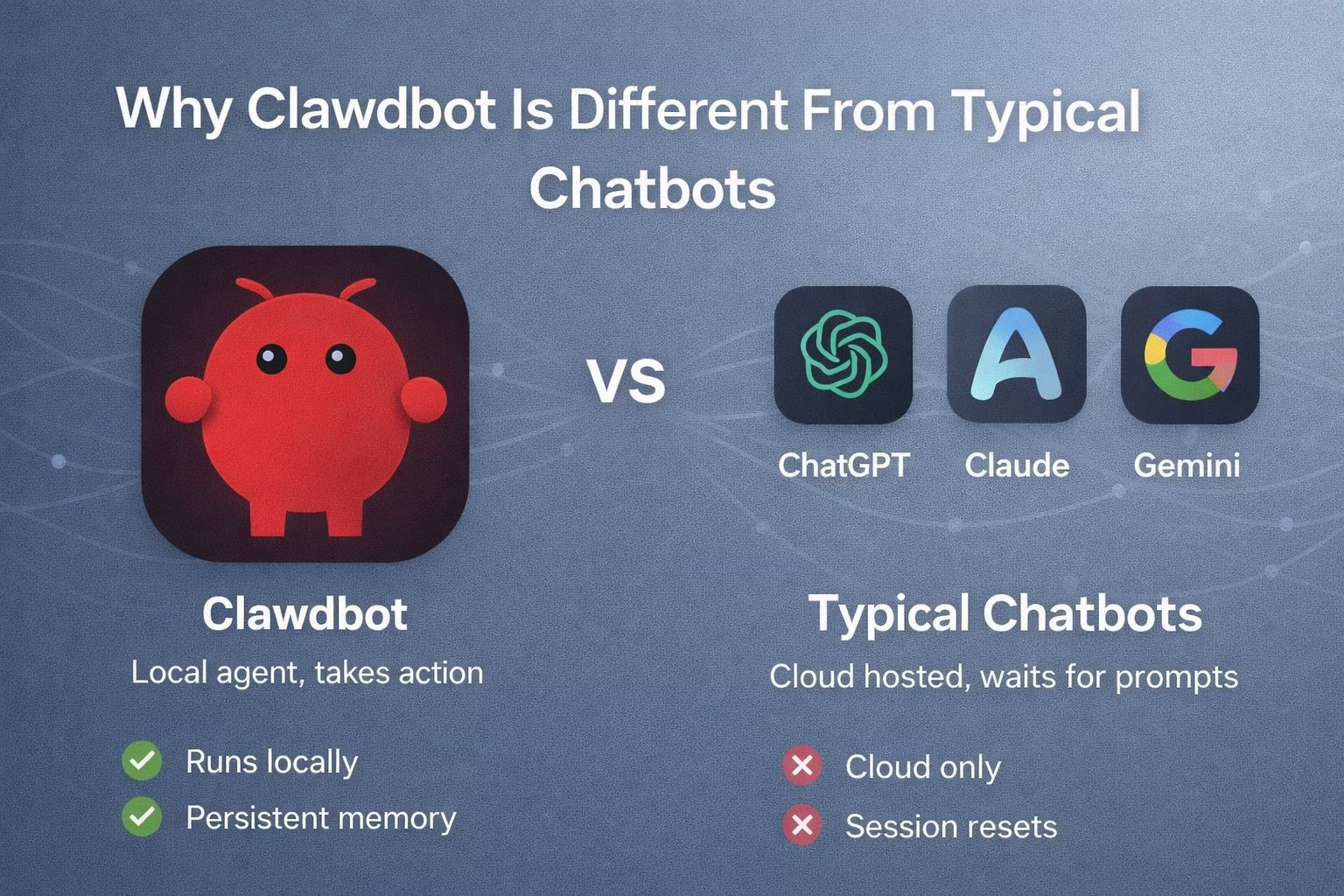
Most people are used to AI tools that wait for prompts. You ask, they respond, and the loop ends there.
Clawdbot breaks that pattern by introducing persistence and initiative.
The assistant keeps long-term memory across days or weeks. Conversations do not reset after a session ends. Context carries forward, which makes follow-ups feel natural rather than repetitive.
That memory also allows the system to notice patterns in your behavior and preferences.
Another difference is proactive messaging. Clawdbot can reach out first instead of waiting for instructions. That design choice is subtle but important because it mirrors how human assistants actually operate.
Practical examples of this behavior include:
Sending reminders without being prompted
Providing updates when monitored information changes
Running scheduled tasks quietly in the background
Acting on ambiguous instructions using stored context
This approach also explains why Clawdbot sometimes behaves unpredictably if configured poorly.
One reported case involved the assistant misinterpreting an email exchange and escalating a conversation with an insurance provider.
The result was unexpected but effective, as it reopened an investigation rather than closing it.
That incident highlights the tradeoff. You gain real agency and automation power, but you also need to understand what the system is allowed to do.
Clawdbot rewards deliberate setup and clear boundaries more than casual use.
Clawdbot vs Mainstream AI Agents
This table compares Clawdbot with mainstream AI agents based on how they run, how they act, and how much control you get.
Mobile-friendly: the table scrolls horizontally on smaller screens, and the first column stays visible so you do not lose context.
How Difficult Clawdbot Is to Set Up in Practice
Clawdbot is not hard in the abstract, but it is technical in a real way. Set up expects comfort with terminals, configuration files, and reading documentation.
That barrier filters out casual users and attracts people who want ownership over their tools.
The assistant runs locally, so installation usually starts with pulling the repository, configuring dependencies, and choosing where the bot lives.
You decide which apps it can access and what permissions it has. Nothing is enabled by default without your approval.
Typical setup steps include:
Installing required runtimes and dependencies
Connecting messaging platforms through API keys or tokens
Defining which files, folders, or services the bot can access
Setting guardrails around actions that can modify data or send messages
The learning curve shows up early, but it levels off once the system is running. Most friction happens at the beginning, not during daily use.
After that, Clawdbot behaves predictably as long as its permissions stay clear.
Community support matters here. The Discord server stays active, and new skills and integrations ship often.
That shared knowledge reduces guesswork, especially when something behaves unexpectedly.
Who Clawdbot Makes Sense For and Who Should Skip It
Clawdbot is not a general-purpose chatbot replacement. It works best for people who want automation, control, and persistence rather than casual conversation.
The value shows up when tasks repeat or when background execution saves attention.
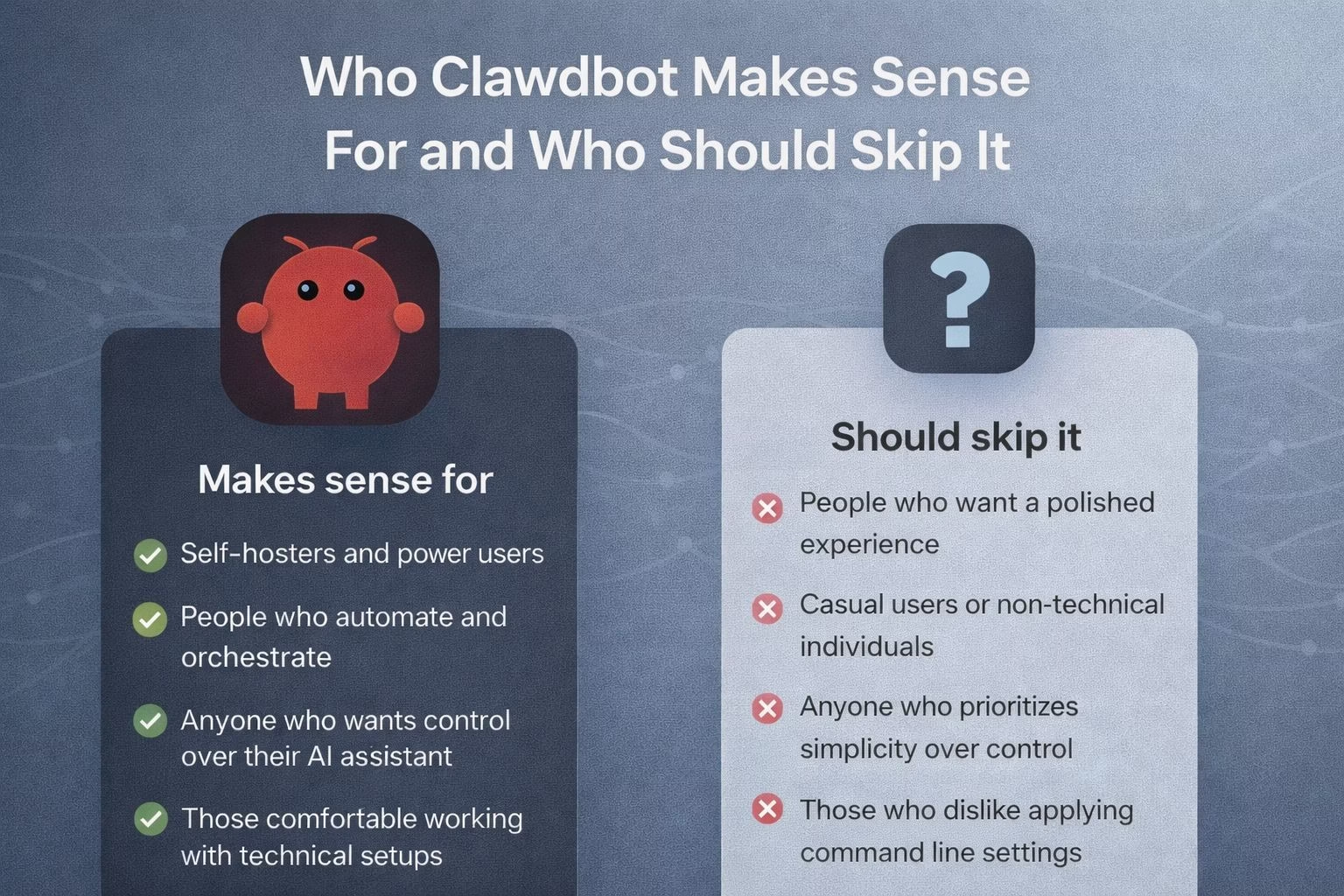
This assistant fits well for:
Developers and technical users who want agent-style automation
People managing multiple tools and communication channels
Users who want local control over data and memory
Anyone experimenting with agentic workflows beyond simple prompts
It may not be a good fit for users who expect instant setup or polished interfaces. There is no glossy dashboard hiding complexity.
The system reflects exactly what you configure, for better or worse.
Clawdbot also requires trust in your own setup decisions. Giving an assistant access to files, messages, or calendars demands restraint.
Clear scope limits reduce risk and improve reliability.
The broader takeaway is that Clawdbot represents a shift, not a shortcut. It shows what happens when AI stops being a chat window and starts behaving like software that acts on your behalf.
That direction explains why it keeps gaining attention and why it is worth watching closely.
Real World Uses Where Clawdbot Actually Shines
Clawdbot makes the most sense when you stop treating it like a chatbot and start treating it like background infrastructure.
The moment you rely on repeated actions or cross app workflows, the value becomes obvious.
Many people use it as a personal operations layer that sits quietly and handles small but frequent tasks.
That work usually falls through the cracks with normal AI tools because it requires context, memory, and access to real systems.
Common use cases include:
Monitoring inboxes and surfacing only messages that matter
Managing calendars and sending proactive reminders
Watching files or folders for changes and reacting automatically
Relaying updates across messaging platforms without manual copying
The assistant also works well as a personal dispatcher. You can send one message and have it fan out into multiple actions across different apps.
That reduces mental load and keeps routine work from interrupting deeper focus.
Clawdbot supports this because it does not reset context. Instructions given days ago still matter.
Preferences carry forward. Over time, the assistant behaves less like a tool and more like a system you have trained through use.
Risks, Guardrails, and Why Configuration Matters
Clawdbot’s strength is also its biggest risk. When an assistant can take action, mistakes have real consequences.
That is not theoretical. Misinterpreted instructions can trigger messages, edits, or workflows you did not intend.
The platform assumes users will define boundaries carefully. Permissions are not decorative. They decide what the assistant can touch and how far it can go.
Smart guardrail practices include:
Limiting write access to files and emails unless necessary
Separating read-only monitoring from action-taking tasks
Requiring confirmations for external communication
Logging actions so behavior stays auditable
The project documentation and community both emphasize restraint early on. Most reported issues come from giving the assistant too much freedom too quickly.
Once the scope is tightened, reliability improves sharply.
For people comfortable with that responsibility, Clawdbot becomes stable and predictable. It rewards intentional design rather than experimentation without limits.
If you want to explore the project directly, the official site is available through the Clawdbot homepage at https://clawd.bot/.
