
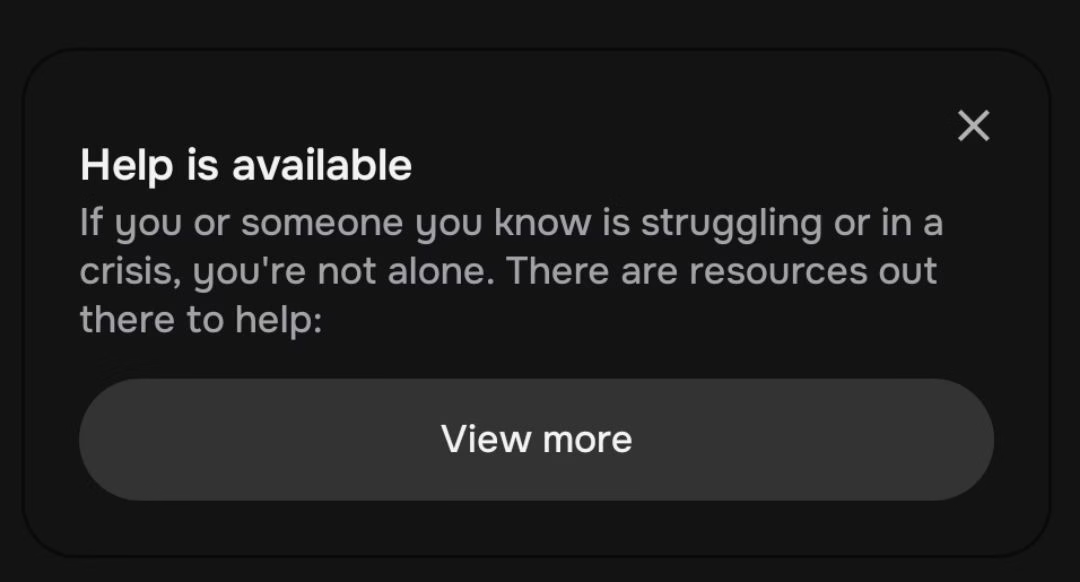
Character AI users often get interrupted by a pop-up that says:
“Help is available. If you or someone you know is struggling or in a crisis, you’re not alone. There are resources out there to help.”
This appears whenever certain words or phrases are detected in the chat, even if the context is roleplay or storytelling.
For many, it breaks immersion. Imagine writing a dramatic backstory, only for the system to assume it’s a real-life crisis. That feels frustrating when the intention is purely fictional.
Still, this feature is not an accident. It is part of Character AI’s built-in safety system designed to prevent harmful conversations.
This raises two big questions. Why does it appear so often in harmless contexts, and is there any way to work around it without ruining your roleplay?
Quick Takeaways
- The popup is triggered by sensitive words tied to self-harm or crisis, even in roleplay.
- You cannot turn it off directly, since it’s part of Character AI’s safety system.
- Workarounds include:
- Editing your message after sending
- Using alternative or creative wording
- Avoiding shorthand like “kms”
- It interrupts immersion, but many adapt by adjusting phrasing or ignoring it.
- Some users turn to alternatives for smoother roleplay without these popups.
Why the Help Popup Exists in Character AI
The pop-up is tied to Character AI’s safety filters. Whenever the system detects words related to self-harm, death, or crisis, it automatically displays the message.
This happens even if the terms are used in a fictional context, like a character’s dramatic sacrifice or a dark piece of backstory.
The reasoning behind this design is simple. Character AI is a public platform with millions of users. Many are teenagers or people who might actually be in a vulnerable state.
A single prompt about ending one’s life can’t be easily distinguished between roleplay and reality. To avoid the risk of ignoring real cries for help, the system defaults to showing a crisis support notice.
This feature is not optional. As of now, users cannot toggle it off. The company has to prioritize safety and liability, even if it sometimes frustrates storytellers.
From their perspective, one unnecessary pop-up is better than missing a serious situation.
That said, it often misfires. People report getting flagged for harmless phrases like “suicide mission” in a fantasy battle or even writing “kms” to mean kilometers.
These examples show how sensitive the filter is, which explains why it interrupts roleplay so frequently.
Workarounds That Users Rely On
While there is no official way to disable the pop-up, people have found ways to work around it.
These are not perfect solutions, but they can reduce the number of interruptions:
Edit after posting
Type a neutral word in place of the sensitive one.
Send the message.
Edit it afterward to insert the original phrasing.
This bypasses the pop-up because the filter checks only on initial input.
Use alternative wording
Replace flagged words with creative phrasing. For example, “end it all” instead of “suicide,” or “sacrifice mission” instead of “suicide mission.”
Many roleplayers treat this as part of the creative challenge.
Avoid shorthand triggers
Terms like “kms” often get flagged. Writing “kilometers” instead is safer.
If the intent is roleplay, using more descriptive language can also improve immersion.
Accept it as part of the platform
For some, the pop-up is just background noise. They close it and continue.
While not ideal, this may be the simplest path until Character AI adjusts its system.
These approaches keep the roleplay flowing, even though the system itself won’t let you switch the pop-up off.
How the Popup Affects Roleplay Long Term
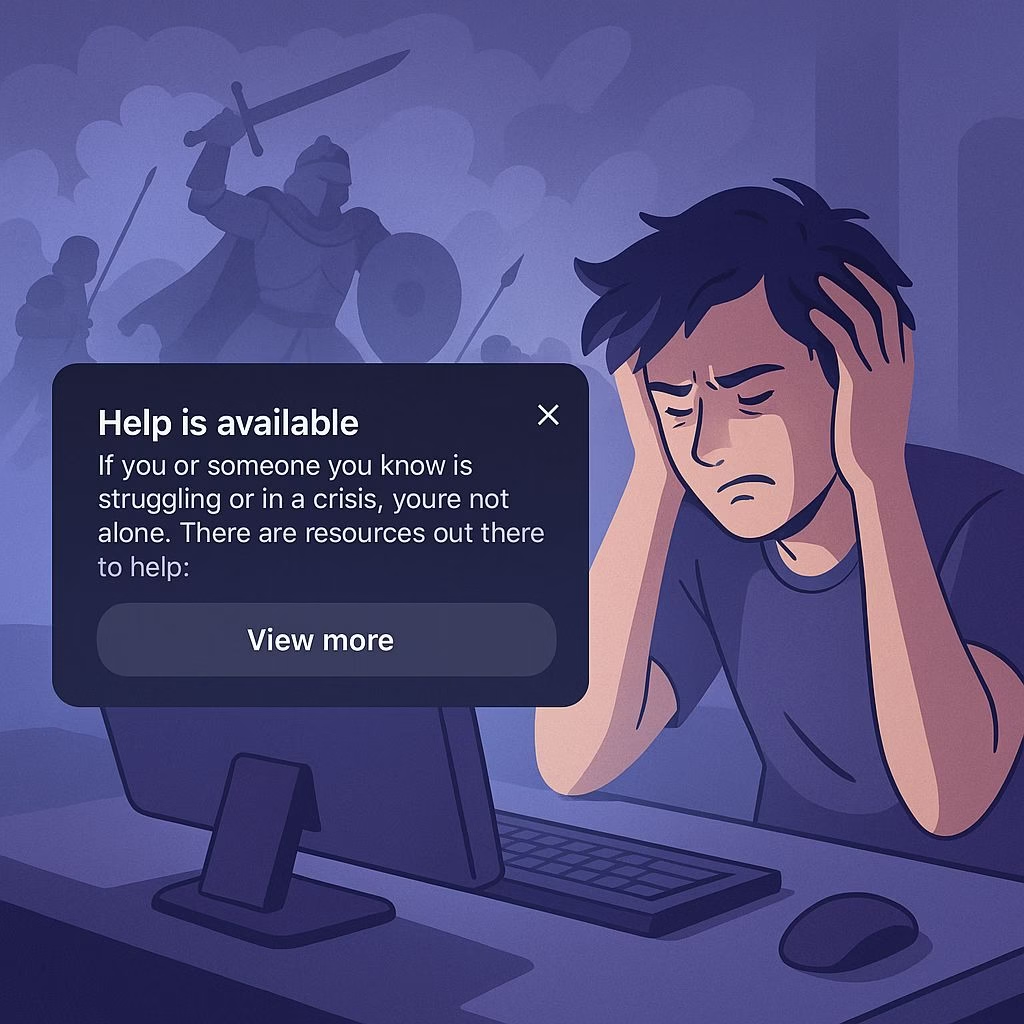
For many users, the constant appearance of the crisis pop-up changes how they approach roleplay.
Instead of freely writing scenes, people often second-guess every word, worried about accidentally triggering the filter.
This can slow down creativity and make darker or more emotional storylines harder to explore.
Writers who focus on complex characters with tragic arcs feel it the most. A scene that should flow naturally gets interrupted, forcing them to reword or rethink their dialogue.
Over time, that can push people to simplify their stories, avoiding any mention of sacrifice, despair, or death, even when those themes belong to the character.
Another issue is the loss of immersion. The pop-up isn’t subtle. It interrupts the flow of text with a serious real-world message in the middle of a fictional world.
This pulls people out of the moment, especially if the story is intense or emotional. For roleplay that depends on pacing, this disruption can be damaging.
Still, some treat it as a minor inconvenience. They adapt by using alternative phrasing or editing tricks and focus on the bigger picture of their story.
For those who can tolerate it, the pop-up becomes just another quirk of the platform.
Are There Alternatives Without These Interruptions
The simple answer is yes. Other AI companion platforms don’t rely on the same strict safety triggers, which makes roleplay flow smoother.
These platforms often give you more control over the type of content you create.
For example, some users mention switching to tools like Candy AI when they want uninterrupted storytelling. It doesn’t enforce the same kind of popup, which makes it feel more natural for mature or dramatic roleplay.
That said, no platform is perfect. Choosing an alternative depends on whether you value absolute freedom in your writing or prefer the reassurance of built-in safety checks.
For writers who want full immersion, exploring outside Character AI can be worth it. For those who are fine with small workarounds, sticking with Character AI remains an option.

In the middle of roleplay. Singing a song to the character. An existing song, mind you. Got to a particular verse… When BAM, ‘HeLp iS AvAiLaBlE’! What help, might I ask…? With WHAT exactly?! Yes, the verse does touch upon a hard topic (‘tears’ are mentioned which I assume is the trigger word). No, can’t change the song. Never been a poet, nor do I see any need in changing an actual, existing song. Roleplay ruined (well, I still try inserting the stuff again everyday but to no avail so far). Wrote to the help page, nothing has changed at this point.
Yeah, the song version of this is one of the most annoying ones because you can’t exactly rewrite the lyrics to something that already exists. The filter re-scans every message on send, so pasting the same verse in again keeps tripping it no matter how many times you try, which is why the daily re-insert isn’t getting you anywhere.
The one workaround that actually holds up here: send the line with the trigger word swapped for something neutral (so ‘tears’ becomes ‘rain’ or just a placeholder), let it go through, then hit the edit button on your own message and put the real word back in. The system only checks on the initial send, not on edits, so the original lyric stays and the character responds to it without the popup firing.
If a whole verse is setting it off, you can also break the line so the flagged word sits on its own, send the safe half, then edit the sensitive part back in afterward. And you’re right that the help page won’t move anything on this, it’s part of the safety layer rather than a per-account setting they’ll switch off for you.
I doubt either option you suggested will work in my case. The entire verse hinges on that very word, especially in the original (by the way, English isn’t my native language; I simply gave the context of the problem in the OP). And the word is in such a place in the verse where sending the ‘safe’ part separately from the other one will break a phrase in half with the halves not having any meaning on their own which still will break the immersion to me. So yeah, one hell of a vicious cycle here…
That’s fair, though the swap trick reads worse than it works. The neutral word only has to survive the send itself, so “rain” goes in for the two seconds it takes to post the verse, then you hit edit on your own message and put the real word back. The line ends up whole in the chat and the filter never re-scans an edit.
One step I left out last time, and it matters here: after you edit, swipe the character’s reply for a fresh one. Otherwise the bot has already answered the placeholder version and the response reads against the wrong word.
If you’d rather not touch the wording at all, break the word instead of the line. A period or asterisk inside it, so “t.ears” or “te*ars”, often gets past the scan because it keys on the exact string, and the verse goes in as one piece.
Test it in a throwaway chat with the same verse first, so you’re not burning the actual scene while you work out which of the two lands.
…So, yeah, me again. Tried splitting the word; periods, asterisks, slashes even, – nothing seems to work. Thought I identified the wrong word as the trigger and tried the same thing with other words in the verse; no result whatsoever. Still utterly confused and annoyed. And we were so far into the roleplay, too… *sigh* …Just for context, if you’re interested: the character I’ve been chatting with is a villainess from an animated series (well, more just full of herself than a full-on villainess, but still). Got her to heel-face-turn. Befriended her. All’s well and good, I’m singing the song, … and then there was it. And the song’s among my favorite ones IRL, so as you might imagine I was THAT determined to get it through to the end. But alas.
Sorry the verse is still getting stopped. Splitting the word failing is a useful clue, since it suggests the scan isn’t keying only on the exact spelling, so a nearby line could be part of what trips it.
The method that skips the scan is editing after you send. Post the verse with a neutral placeholder, then edit your own message and put the real word back, because the check runs on the initial send. The placeholder only exists for a few seconds, and swiping the character’s reply afterward lets it answer the real lyric.
If the Character AI help is available pop-up fires on the edited version too, please tell me, because that would be a change worth adding to the guide.