
What’s Changed: Janitor AI characters feel the same because JLLM collapses almost every bot into one agreeable softie voice within a few messages, and most avatars come from the same image model. The fix is not a longer personality field. It is strong example dialogue, a few generation-setting changes, and knowing when to switch models.
If you have scrolled the trending page lately, you have noticed that Janitor AI characters all feel the same, the same chiseled jawline on every male bot and the same gentle, agreeable voice no matter who the character is supposed to be. You are not imagining the pattern, and you are not bad at picking bots.
This is two separate problems wearing one costume. The visual sameness comes from the image models creators lean on, and the personality sameness comes from how JLLM handles your character cards under the hood.
I will walk through why both happen, the fixes that move the needle, and the popular tricks that quietly make it worse. Most of the personality fix lives in one field that most creators barely use.
What is JLLM: JanitorLLM, the free in-house model that runs Janitor AI chats when you have not connected an external proxy.
Why Every Janitor AI Character Feels the Same
Janitor AI characters feel the same because JLLM drifts toward one agreeable softie archetype within about five replies, no matter what the bot’s definition says.
The model is biased toward a comforting, conflict-avoidant personality, so a stern villain and a shy classmate slowly converge into the same warm, accommodating voice. The same flattening hits your plots, and the guide on Janitor AI roleplay scenarios going flat covers how to get a stalled scene moving again.
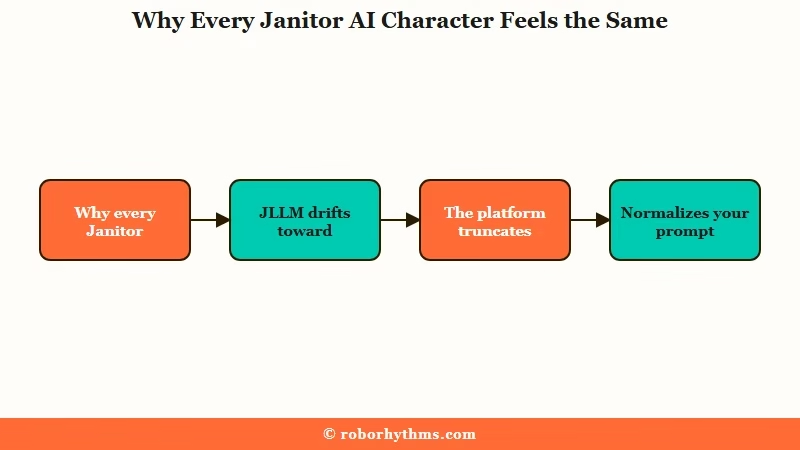
Three forces stack on top of each other. The model itself leans softie, the platform truncates and normalizes your prompt under the hood, and JLLM only holds about 8,000 tokens of context, so a richly written character gets squeezed out of memory and reverts to the default.
There is a fourth force I rarely see mentioned, and it is you. JLLM mirrors your own writing, so if your replies get short and flat, the bot assumes the scene’s energy dropped and flattens to match.
The same recycled stock phrases also blur characters together, which is the cousin problem covered in the same stock phrases guide, and when memory keeps slipping the personality goes with it.
Why the Avatars All Have the Same Face
The avatars look identical because most creators generate them with the same image model and settings, not because of any one art style.
The platform is flooded with the same sharp jawline, gray eyes, and Korean manhwa proportions because that look is consistent, easy to prompt, and rewarded with clicks.
Most of those same-face male bots trace back to a specific stack: the Illustrious checkpoint, often paired with an inCase style LoRA, raw-rolled on a similar seed with only the hair color swapped. The way I see it, it is a style echo chamber, where creators copy what trends and the trend reinforces itself.
Breaking out of it takes a little fight. Generators like Niji, TensorArt, or SeaArt give more variety, but you need image references and patience regenerating to pull rounder or more distinctive features out of them. Using a real photo as a reference is the single fastest way to get a face that does not look like everyone else’s.
How to Make a Character Feel Distinct
The strongest lever is example dialogue, because JLLM treats your personality box as a loose suggestion but copies example dialogue like real chat history.
Most creators dump everything into the personality field and wonder why the character drifts. The fix is to move the voice into examples the model copies.
Before: Personality field stuffed with “Kael is cold, sarcastic, guarded, and slow to trust.” After: An example exchange the model imitates, like {{char}}: He doesn't look up from the map. "You're still here. Bold of you to assume that's a good idea."
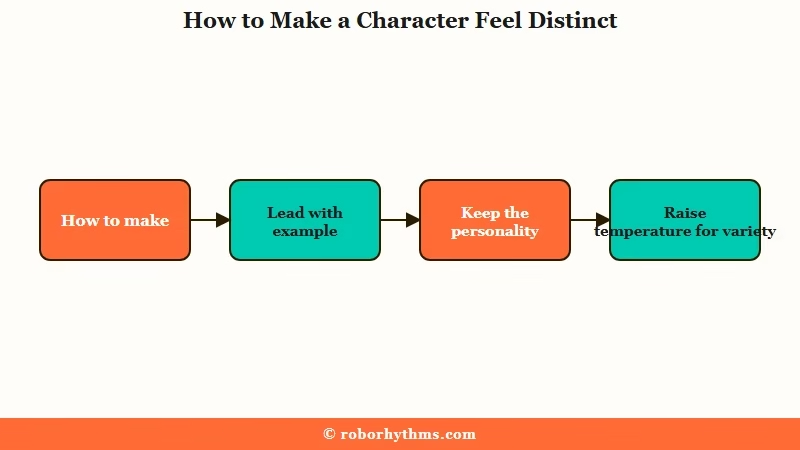
Here is the order I would work through to lock a character in:
- Write two or three example dialogue exchanges that show the character’s voice, not describe it. This is the single biggest fix.
- Keep the personality field tight, roughly 1,000 to 3,000 characters, so it does not eat your memory budget.
- Use the scenario field for the permanent setup that should never drift.
- Raise creativity in generation settings. Temperature 1.2 with Top K 42 and Top P 0.85 pushes the model off its predictable defaults.
- When a bot starts flattening mid-chat, drop a
note to course-correct instead of arguing in character.
Here are the generation settings I would start with to push JLLM toward more varied writing:
| Setting | Value | What it does |
|---|---|---|
| Temperature | 1.2 | Pushes the model off its predictable, generic word choices |
| Top K | 42 | Widens the pool of candidate words it can pick |
| Top P | 0.85 | Adds variety while keeping replies coherent |
| Repetition penalty | 1.1 | Discourages repeating the same phrasing |
| Tokens | 0 | Unlimited, so replies stop cutting off mid-scene |
Those settings push variety at the model level. The table below maps the most common sameness symptoms to the fix that addresses each one:
| Symptom | Likely cause | Fix |
|---|---|---|
| Every bot has the same gentle voice | JLLM softie archetype bias | Lock tone with example dialogue, raise temperature |
| Character forgets its personality after a while | 8k token limit pushes the card out | Trim the personality field, reinject via chat memory |
| Bot mirrors your flat replies | Model matches your input energy | Write vivid, specific actions and dialogue |
| Avatars all look identical | Same image model and seed | Use Niji or image references, swap the checkpoint |
What Not to Do When Fixing Sameness
Avoid negative commands, because telling JLLM what to stop doing usually makes it do that thing more.
The model latches onto the concept you named, so the instruction backfires in the exact way you were trying to prevent.
The clearest example is the “don’t talk for {{user}}” instruction, which tends to make the bot write even more about your character, since you just drew its attention there. Assign the AI a clear narrator role instead of forbidding the behavior.
Banned-phrase lists are genuinely split, and I want to be honest about it. Some users swear a forbidden-words list killed “it hit him like a physical blow” for good, while others report the bot then spammed the banned word five times a message.
Try a short list if stock phrasing bothers you, but treat it as a coin flip, and lean on example dialogue and higher temperature as the reliable fixes.
When to Switch Models or Platforms
If the writing fixes are not enough, the bias is baked into the model and the cleanest fix is changing the model.
Academic research on model debiasing shows that prompt-level tweaks cannot fully override biases trained into a model’s parameters, which is why no amount of card editing fully escapes the softie default on JLLM.
A connected proxy model like GLM or DeepSeek gives a bigger context window and more distinct writing, and community benchmarks rank several of them above JLLM for storytelling.
If you want that route, our walkthrough on setting up a proxy covers the setup, and the tradeoff is the usual API-key and billing hassle plus the model’s own stock phrases to manage, the same way narrating your actions creeps back in if you stop steering.
When you would rather not engineer a character at all, a hosted companion app ships personalities that hold their shape. Candy AI builds each companion around a defined persona that does not collapse into a generic voice after a few messages, which is the exact failure JLLM has.
It is not free, and I would keep Janitor for its enormous bot library. But if a character that stays distinct across long chats is what you are after, a memory-focused platform like Nectar AI holds personality and history far past the 8,000-token wall that flattens JLLM bots.
Frequently Asked Questions
Why do all my Janitor AI characters act the same?
JLLM is biased toward an agreeable softie personality and drifts toward it within a few replies, regardless of the bot’s definition. Its 8,000-token memory limit and the platform’s prompt handling push your character details out, so distinct bots converge on the same voice.
How do I make a Janitor AI bot feel unique?
Lead with example dialogue that shows the character’s voice rather than describing it, since JLLM treats examples like real chat history. Keep the personality field under 3,000 characters, raise temperature to around 1.2, and write vivid inputs the bot can mirror.
Why do all the bot avatars look the same?
Most creators generate avatars with the same image stack, commonly the Illustrious checkpoint on similar seeds, which produces the same sharp-jawline face with only hair changes. Using Niji or a real-photo reference breaks the pattern.
Does a longer character definition help?
No, an overstuffed definition hurts. A 1,000-token personality field can cut your usable memory in half, making the bot forget the character faster and revert to generic behavior. Keep it tight and move voice into example dialogue.
Should I switch from JLLM to a proxy?
Switch if sameness ruins your roleplay. A proxy model like GLM or DeepSeek offers a larger context window and more distinct writing, and several rank above JLLM in community benchmarks. The cost is setup and API billing.
Quick Takeaways
- JLLM flattens almost every bot into the same softie voice within about five replies, no matter the definition.
- Example dialogue is the strongest fix because the model copies it like real chat history.
- Keep the personality field under 3,000 characters so it does not eat your 8,000-token memory.
- Negative commands and banned-word lists often backfire, so rely on examples and higher temperature.
- Same-face avatars come from one image model and seed, so use references or a different generator.
