
What’s Changed: A new Janitor AI persona menu removed the auto-save that used to hold your in-progress edits, so unsaved persona work now vanishes if the page refreshes. Separately, saved personas can drop off the list after an update, which looks like deletion but is usually a display glitch you can reverse. This guide covers both and how to stop losing work.
If your Janitor AI persona is not saving, you are not imagining it and you did nothing wrong. A persona UI update rolled out with no warning, and the first thing a lot of us noticed was that work we expected to still be there had quietly disappeared.
Here is the part that trips everyone up. “Persona not saving” is two completely different problems wearing the same costume, and the fix for one does nothing for the other.
One is in-progress edits getting wiped before you hit save. The other is finished personas dropping off your list after an update.
They are worth separating, because each has its own cause and its own fix. You will walk away knowing which problem you have, the exact steps to recover personas that look deleted, and a backup habit that makes this whole headache go away for good.
The good news up front: in most “my personas are gone” cases, nothing was deleted at all. It is a front-end display bug, and there is a reliable way to force them back.
Why Your Janitor AI Persona Is Not Saving After the Update
Your Janitor AI persona is not saving because the new persona editor dropped its auto-save, so anything you have not manually saved is lost the moment the page reloads.
The older flow quietly held your draft. The new one does not.
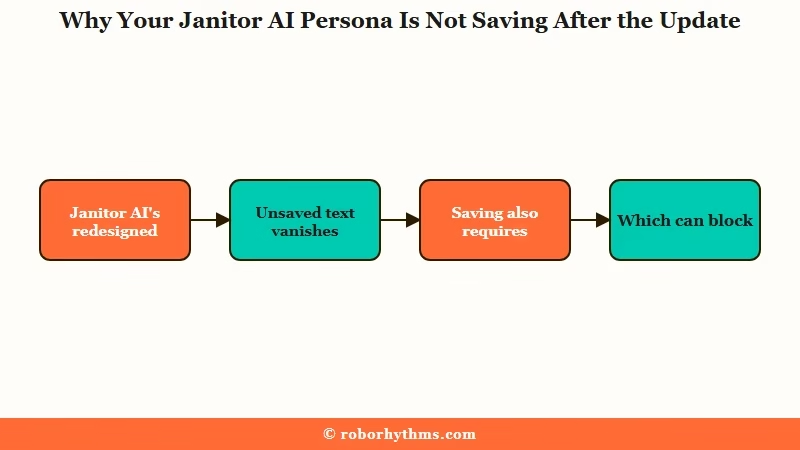
What I think happened is the auto-save got shuffled around in the redesign and broke along the way. People describe writing out a detailed persona, setting the phone down for a minute, and coming back to a blank form.
One user summed it up perfectly: they had completely rewritten a persona, stepped away, and it was just gone when they returned.
There is a second wrinkle that makes this worse. Even when you do hit save, Janitor AI requires an avatar image before it will store a bot or persona. If the image servers hiccup, you can be blocked from saving at all, which means your text sits there with no way to lock it in.
For scale, this is not a tiny corner of the internet. Janitor AI pulls well over a hundred million visits a month with sessions averaging close to 17 minutes, per Similarweb traffic data, so a save regression hits a lot of people at once.
What is auto-save here: A background feature that periodically stores your draft as you type, so a refresh or accidental tab close does not wipe your unsaved work.
Disappeared Personas vs Lost Edits and Why It Matters
The two problems split cleanly: lost edits are real data loss during creation, while disappeared personas are usually a display glitch where saved data still exists on the server.
Knowing which one you have decides whether you are recovering or rewriting.
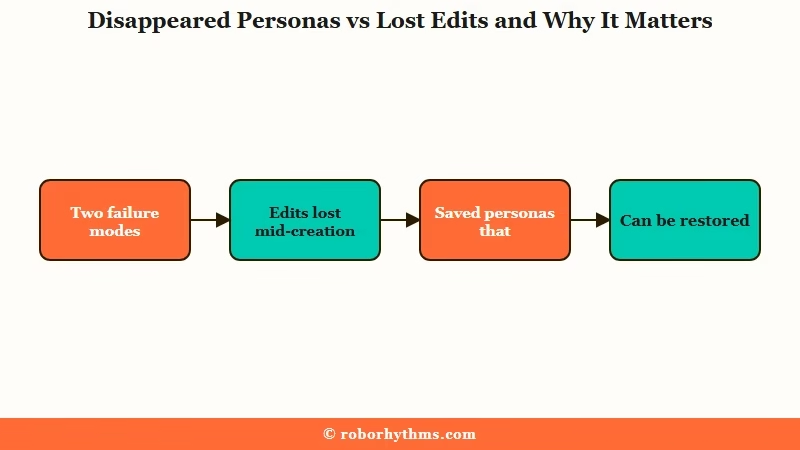
What surprised me most here is how often panic is unnecessary. When every persona except your default vanishes after an update or a high-traffic spike, the data is typically still there. The interface just failed to render it, and it tends to come back on its own within a few hours.
That is the opposite of the lost-edit problem, where text you never managed to save is genuinely gone. There is no server copy to recover because it never reached the server. This is why I keep hammering the distinction: one needs a recovery trick, the other needs a prevention habit.
Here is the quick triage so you can tell them apart at a glance.
| What you see | Likely problem | Is the data gone |
|---|---|---|
| Form went blank mid-edit | Lost edit, no auto-save | Yes, it never saved |
| All personas gone but default | Display glitch after update | No, usually still on server |
| A new persona will not save | Missing avatar image | Not yet, add an image to save |
The reason this matters for trust is simple. If you treat a display glitch like permanent loss, you rewrite work you already had. If you treat lost edits like a glitch and wait for them to “come back,” you waste an afternoon staring at a form that will stay empty.
What to Do When Janitor AI Will Not Save Your Persona
Start with the dummy save to force disappeared personas back into view, then switch to a manual-save habit to stop new edits from vanishing.
The order matters because you want to recover anything recoverable before you start rewriting.
The dummy save is the single most reliable trick I have found for personas that dropped off your list. It pokes the interface into re-rendering what the server already has. The catch is that it can be temporary, so you may need to repeat it after a reload.
Here is the same logic as a quick symptom-to-fix reference before the full steps.
| Symptom | Likely cause | Fix |
|---|---|---|
| Personas vanished after an update | Display glitch, data still on server | Dummy save, or log out and back in |
| Form wiped while editing | No auto-save on the new editor | Rewrite, then paste from an external copy |
| Save button does nothing | No avatar image attached | Add any placeholder image, then save |
| Persona ignored inside a chat | Default-persona reversion bug | Reselect the persona in that chat |
Here is the sequence I would walk through, in order.
- Open Manage Personas from your account menu.
- Expand any existing persona you can still see.
- Click Save without changing anything to force a refresh of the list.
- If the list is still short, log out, wait a few hours, then log back in.
- For a new persona that will not save, upload any placeholder image first, then save.
- Once it saves, copy the full persona text into a notes app as a backup.
A quick honesty note, because the community is split on this. The dummy save reliably restores the persona list view, but a separate bug can still make a chat revert to your default persona even after the list looks fixed. If that happens, reselect the persona inside the specific chat rather than trusting the global list.
What is the dummy save: Opening a saved persona and clicking Save without edits, which nudges the front end to re-display personas the server still has stored.
The placeholder-image workaround deserves a real example, because it is the fastest way to rescue text you are about to lose.
Before: You finish a long persona, hit Save, and nothing happens because no avatar is attached. You refresh in frustration and the text is gone.
After: You drop in any quick placeholder, a stick figure, a meme, even a black screenshot, hit Save, and the persona locks in. You swap the real image in later once the editor is stable.
If your bots themselves are also acting up after the same update, the Janitor AI memory fixes and the disappearing bots guide cover the chat-side versions of these glitches.
How to Back Up Your Janitor AI Personas
The only permanent fix is keeping your own copy, because Janitor AI has no native export and no auto-save you can rely on.
I treat the platform as the place I use personas, not the place I store the master copy.
Three habits keep me safe. First, write personas in an external doc and paste them in, so a refresh never costs more than a re-paste.
Second, while editing on-site, highlight and copy your text every minute or two. Third, keep personas short anyway, which limits how much you can lose in one hit.
That last point ties into a quirk worth knowing. Personas use what the community calls permanent tokens, and bloated personas cause real problems beyond saving.
What are permanent tokens: Persona text that stays in the model’s active memory for every message, so an overlong persona eats context and makes the bot start describing your own actions for you.
For heavier setups, a couple of community tools fill the export gap. Power users mention a Firefox extension, the Janitor AI Scraper by Weary Galaxy, that can pull character data into a SillyTavern-compatible format, and a Chrome extension for bulk-saving chat logs as JSON.
There is also a neat trick of saving a complex persona as a private bot so the platform stores it and shows you its token count. If you want a cleaner creation flow generally, our SpicyChat persona tips walk through a setup with fewer of these snags.
One more thing the official docs confirm: some permanently missing chats from 2023 and 2024 trace back to an incomplete database migration, not a glitch you can fix. That is the rare case where the data really is gone, which is exactly why local backups matter.
Should You Switch Platforms Over This
If losing persona work keeps happening, a hosted companion platform removes the failure mode entirely because your characters live on the server, not in a fragile browser draft.
You do not have to abandon Janitor AI. You just want to know where the exit is if you need it.
The way I see it, Janitor AI is worth keeping for its enormous bot library and its community. The trade-off is that you are the backup system. If that is fine for you, the habits above are enough.
But if you have lost the same persona twice and you are done babysitting a save button, a platform with server-side persistence is a genuine relief. On Candy AI, your companion and its memory are stored on the platform, so there is no manual draft to lose and no auto-save to break. It handles the part Janitor AI keeps fumbling.
For people who still want to build and tweak their own characters but with a steadier creation flow, SpicyChat is the middle ground. You keep the maker experience without fighting a blank form every other session. Either way, the goal is the same: stop letting a UI quirk decide whether your work survives.
Frequently Asked Questions
Why did all my Janitor AI personas disappear except the default one?
This is almost always a display glitch after an update or a traffic spike, not deletion. The personas are usually still on the server. Refresh, wait a few hours, or use the dummy save to force the list to re-render.
Does Janitor AI have auto-save for personas?
No, the current persona editor does not reliably auto-save. If the page refreshes or the tab closes before you manually save, the in-progress text is lost. Write personas in an external app and paste them in.
How do I manually save a persona in Janitor AI?
Fill in the persona details, attach an avatar image, then click Save. The image is required, so if you do not have one ready, use a placeholder just to get the save to go through, then swap it later.
Can I recover a persona I lost while editing?
If it was never saved, no, because it never reached the server. Only saved personas can be recovered. This is why a quick copy to your clipboard every minute or two while editing is worth the habit.
How do I back up my Janitor AI personas?
Keep the master text in a notes app or doc outside the platform. For bulk backups, community browser extensions can export character and chat data, and you can also save a complex persona as a private bot to preserve it.
Why does my chat keep using my default persona?
Even after the list looks fixed, a separate bug can make a chat ignore your selected persona. Reselect the persona inside that specific chat instead of relying on the global setting, and the repeating-response fixes help if replies also feel off.
Quick Takeaways
- “Persona not saving” is two problems: lost in-progress edits, which are real loss, and disappeared saved personas, which are usually a recoverable display glitch.
- The dummy save, opening a persona and clicking Save unchanged, forces vanished personas back into view.
- The new editor dropped reliable auto-save, so write personas externally and paste them in to stop losing work.
- An avatar image is required to save, so use a placeholder to rescue text you are about to lose.
- If you are tired of babysitting saves, a hosted platform like Candy AI stores companions server-side so the failure mode disappears.

The new editor won’t let me CREATE a new persona. The button is dark purple instead of the lighter color it is normally. Clicking it does nothing. I even deleted a persona to check if I hit a limit but that didn’t work either!