
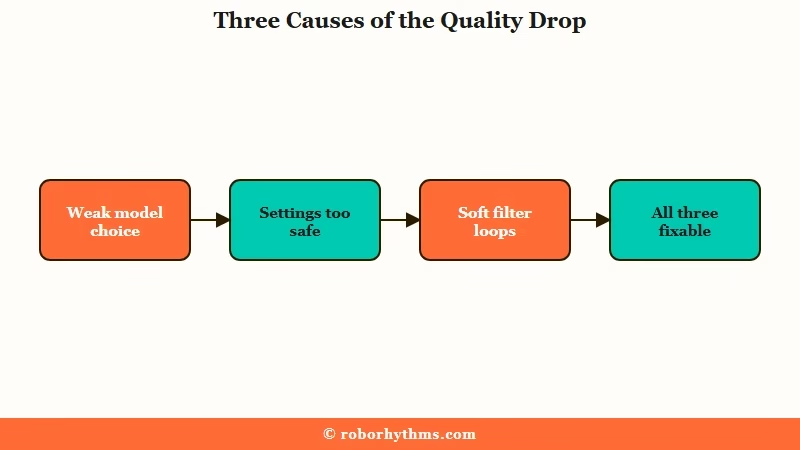
What’s Changed: SpicyChat replies feeling shorter, dumber, or repetitive usually trace to three fixable things: a weak model choice, conservative generation settings, and soft content filters forcing safe loops. Switching models and cranking a few settings restores most of the quality in minutes. Updated July 28, 2026: Magnum 72B was retired in June 2026, so the model picks below reflect the current lineup.
If your SpicyChat responses got worse, shorter, and somehow dumber over the last few months, the fix is usually not the one people reach for. Deleting the chat or rewriting the bot rarely helps, because the real problem sits upstream of your character.
Here is the counterintuitive part. The biggest models are not the best ones.
Community testing puts Euryale 70B at the top for smooth, in-character writing, while the 744B flagship GLAM-5.1 splits the room and an 8B model like Stheno holds its own against options many times its size. You can be paying for the largest model on the menu and reading worse prose than a small one produces.
The other hidden cause is the soft filter. When SpicyChat tightens its safety prompts, the model spends its effort dodging the filter instead of writing, which comes out as repetitive, watered-down replies. That is the lobotomized feeling people describe after an update.
Below I will show you which model to switch to, the exact generation settings that bring replies back to life, the Director Mode command that breaks repetition loops, and how to tell a real downgrade from a settings problem.
Why SpicyChat Responses Got Worse
SpicyChat responses get worse for three fixable reasons: a low-quality or quietly downgraded model, generation settings that are too conservative, and soft content filters that push the model into safe, repetitive loops. Sort which one you are hitting and the fix is fast.
What is a soft filter: A hidden system instruction that steers the model away from flagged content, which can flatten its writing into cautious, generic replies even in harmless scenes.
The decline is partly real and partly on your side. Models often get tightened after their launch window, a pattern users call the honeymoon ending, where the version that wowed everyone in week one gets more restricted later.
SpicyChat is popular enough that these changes hit a large base fast, and its traffic climbed around 10% month over month in early 2026 according to Similarweb, with Character AI as its closest competitor.
The part you control is bigger than most people think. A weak model pick, a low response-length cap, and a bloated character card do more damage day to day than any backend change.
The way I see it, that is good news, since it means most of the quality is recoverable without leaving the platform.
Here is how the symptoms map to causes.
| Symptom | Likely cause | Fix |
|---|---|---|
| Replies are short and cut off | Response Max Tokens set too low | Raise it to 300 on a paid tier |
| Robotic, repetitive phrasing | Temperature too low, weak model | Crank settings, switch model |
| Safe, dodgy, watered-down replies | Soft content filter tightening | Switch model, use Director Mode |
| Bot forgets recent events | Context window full from a bloated card | Trim the definition, use a lorebook |
| Sudden drop after an update | Post-launch model tightening | Switch to a more stable model |
Which SpicyChat Model Gives Better Replies
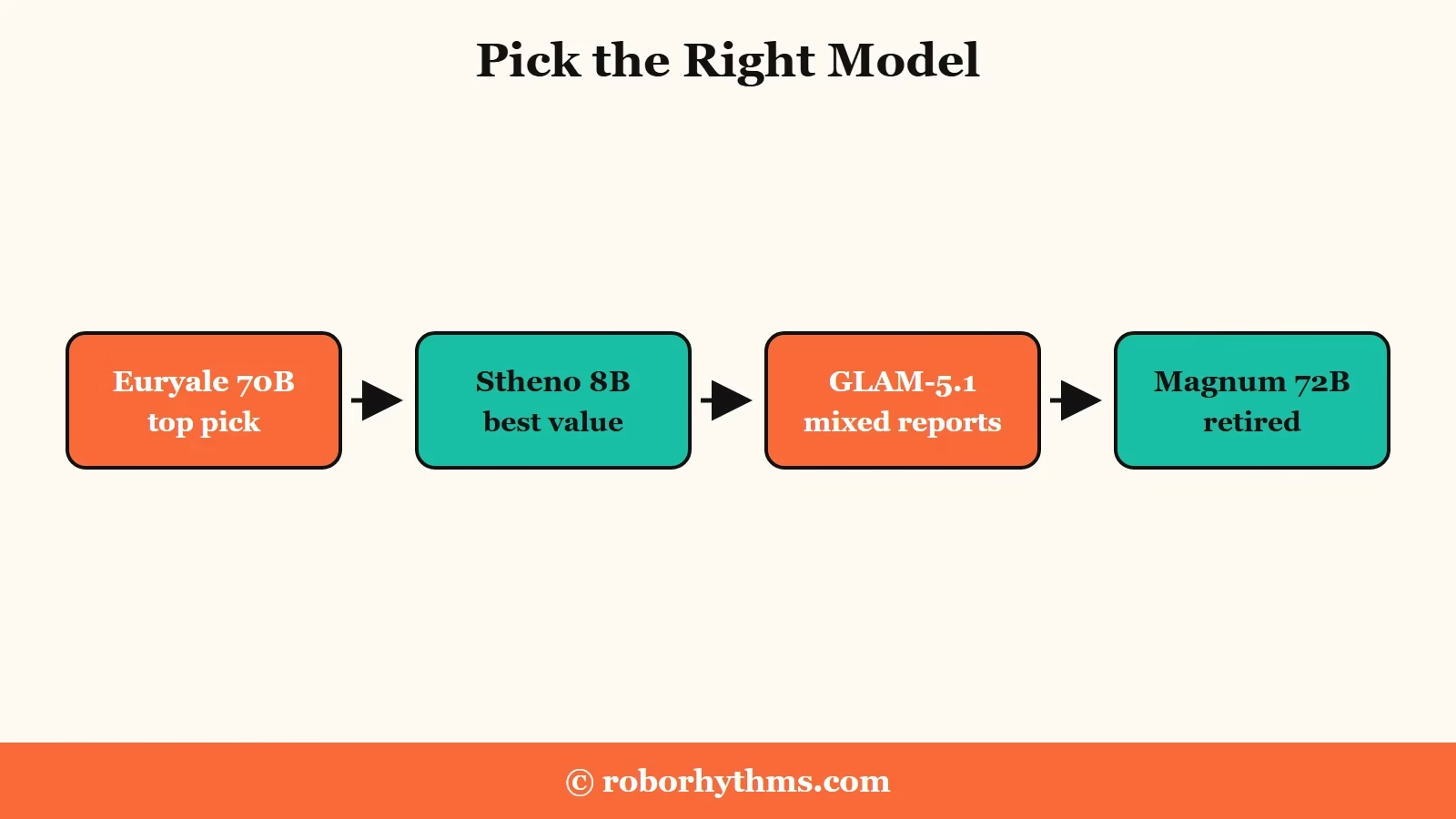
Euryale 70B is the highest-rated SpicyChat model for writing quality, with Midnight Rose 70B and DeepSeek V3 close behind and Stheno 8B as the best low-tier pick, while Magnum 72B, the old top pick, was retired in June 2026. Picking the right model is the single biggest quality lever.
What surprised me digging into the community ratings is how poorly size predicts quality. A 45B model can write worse than a 12B one, so the number next to the name means very little.
Our SpicyChat review goes deeper on the tiers, but for pure response quality, here is how the main models stack up.
| Model | Tier | Why it ranks there |
|---|---|---|
| Euryale 70B | Top pick | Follows prompts closely and keeps a scene moving, with a 16K context on the top tier |
| Midnight Rose 70B | Strong | Long, atmospheric writing if you like slower, moodier scenes |
| DeepSeek V3 671B | Strong | The heavyweight for maximum immersion, though you trade speed for that depth |
| Stheno 8B | Best low-tier pick | Natural build-up and emotional depth well past its size, unlocked on the $5 plan |
| GLAM-5.1 744B | Mixed | Top-tier flagship, praised at launch, widely reported to flatten out and lose track by around turn 60 |
| Magnum 72B | Retired | Sunset in June 2026 after surviving the December cleanup, no longer selectable |
On the free tier you are stuck with the default 8B, so the first real model upgrade arrives on the $5 plan with Stheno 8B. On the top tier, Euryale 70B is where I would start every time, and I would only reach for GLAM-5.1 after that, since the reports on it are all over the place.
Our breakdown of which SpicyChat model to pick maps every engine to the tier that unlocks it.
How to Fix Short and Repetitive SpicyChat Replies
The fix is to raise Response Max Tokens to 300, set Temperature to 1.05 with Top-P at 1.0 and Top-K at 100, switch to a stronger model, and break loops with a Director Mode command. These changes take two minutes in Generation Settings.
What is Director Mode: A SpicyChat feature that lets you type slash commands to steer the AI directly, like forcing it out of a repeated pattern, without editing the character.
The default settings are tuned to be safe, not good. The single fastest quality jump comes from the generation settings, so that is where I would start.The same is true on the image side, where the SpicyChat settings that fix bad image quality are a different three dials from the ones below. Here is the order I run.
- Break the loop first. On a new line, type
/cmd stop repeating and move the story forwardto force the model out of its rut. - Open Generation Settings and raise Response Max Tokens to 300 if you are on a paid tier, so replies stop cutting off.
- Set Temperature to 1.05, Top-P to 1.0, and Top-K to 100. These cranked values make the model more adventurous and stop it from speaking for you.
- Switch the inference model to Euryale 70B, or Stheno 8B on a lower paid tier, then send a fresh message to feel the difference.
- Trim your character card to roughly 800 to 1,100 tokens so it stops crowding out the chat history.
Here is what the settings change does in practice.
Before: Temperature 0.7, Response Max Tokens 180, default model. Replies are three short lines, repeat your own words back, and end on a safe question.
After: Temperature 1.05, Top-P 1.0, Top-K 100, Response Max Tokens 300, Euryale 70B. Replies run multiple paragraphs, push the scene forward, and stay in character.
If the bot keeps speaking or acting for you even after this, our SpicyChat persona tips cover the prompt phrasing that locks it into its own role.
Is It a Real Downgrade or Your Settings
Some decline is a real backend change, since models get tightened after launch, but most of the day-to-day dumber feeling is context rot and conservative settings you can fix yourself. Knowing which is which stops you from rage-quitting over a setting.
What is context rot: When a chat grows long enough that the model starts reacting to single keywords instead of the full scene, losing nuance and feeling less intelligent over time.
The honest split is roughly half and half. The backend half is real, models do get more cautious after their debut, and there is not much you can do about that beyond switching models. The other half is context rot and config, and that half is entirely yours to fix.
Context rot is the one people misread as a permanent downgrade. As the chat fills the context window, older detail gets pushed out and the bot starts feeling shallow, which has nothing to do with the model getting worse. Our guide on SpicyChat memory not working breaks down the token limits and how to manage them.
When SpicyChat Quality Is Not Worth Saving
If the model swaps and settings tweaks stop landing, a platform with one fixed high-quality model and persistent memory is the steadier move, though you give up SpicyChat’s huge library of community characters. I would only switch once you have tried the fixes above.
The appeal of moving is consistency. Candy AI runs a single tuned model with server-side memory, so you are not gambling on which inference option is good this week or watching quality drift mid-chat. The tradeoff is real, since you trade SpicyChat’s endless character marketplace for one deeper companion you build over time.
For a setup that feels closer to SpicyChat, CrushOn AI keeps the large character library while giving you steadier output. Either way, our roundup of SpicyChat alternatives lays out the tradeoffs on memory and quality so you can pick on more than a hunch.
Frequently Asked Questions
Why are my SpicyChat responses so short all of a sudden?
Short replies almost always mean your Response Max Tokens setting is too low, with a default of 180. Raise it to 300 on a paid tier, and switch off the weakest models, which generate shorter text to save server load.
What is the best SpicyChat model for quality?
Euryale 70B is the highest-rated model for natural, in-character writing, with Midnight Rose 70B and DeepSeek V3 as strong runners-up. Stheno 8B is the best pick on the lower paid tiers. Magnum 72B, the previous top pick, was retired in June 2026 and is no longer selectable.
How do I stop SpicyChat from repeating itself?
Use Director Mode. On a new line, type a command like /cmd stop repeating and move the story forward to force the model out of the loop. Raising Temperature and Top-K also helps vary its word choice.
Did SpicyChat downgrade its models?
Partly. Models commonly get tightened after their launch window, so some decline is real. Most of the day-to-day drop, though, comes from context rot in long chats and conservative settings you can adjust yourself.
What temperature should I use on SpicyChat?
The default is 0.7, which plays it safe. For livelier, more varied replies, set Temperature to 1.05 with Top-P at 1.0 and Top-K at 100. Lower values make responses more predictable and repetitive.
Quick Takeaways
- The biggest models are not the best, since Stheno 8B holds up against options many times its size while the 744B flagship gets mixed reviews, so switch models before anything else.
- Conservative defaults flatten replies, so set Temperature to 1.05, Top-P to 1.0, Top-K to 100, and Response Max Tokens to 300.
- Repetition loops break with a Director Mode command typed on a new line.
- Most of the dumber feeling is context rot and settings you control, not a permanent model downgrade.
- If the fixes stop working, a fixed-model platform like Candy AI trades the character marketplace for steadier quality.

Magnum 72B has been sunset on June 4th, 2026. It’s no longer available.
Good catch, thanks for flagging it. Magnum 72B is gone as of early June, and the table above still had it sitting at the top, so I have rewritten that section rather than leaving a footnote on it.
The lineup now reads Euryale 70B as the top pick, Stheno 8B as the best value on the lower paid tiers, and GLAM-5.1 as the flagship to treat with caution, since the reports on it are split between impressed and disappointed. The rest of the post still stands, because the generation settings, context rot, and Director Mode fixes were never tied to which model you were running.
What did you switch to after it went? Curious whether anything on the current list writes the way Magnum did, because that is the gap people keep mentioning.