
Bottom Line: n8n is worth it if you want a powerful, code-optional workflow automation tool with real AI agent support and no per-task pricing. The self-hosted free tier is genuinely capable. The cloud plan is competitive but not cheap. This review covers what works, what breaks, and who should skip it entirely.
I have been building automations long enough to have opinions about every major tool in this space, and n8n is the one that keeps surprising me. Not always pleasantly, but more often than not.
The pitch is straightforward: open-source workflow automation, self-hostable for free, with a commercial cloud option. Over 400 app connections, a visual builder, and full JavaScript/Python code nodes when the visual layer runs out of road.
What makes it worth paying attention to in 2026 is the AI agent layer. n8n has built first-class support for multi-step agent workflows, with tool calling, memory nodes, and sub-workflow chaining.
That puts it in a different category from Zapier, which is still primarily a connector tool.
How Does n8n Work for AI Agent Workflows
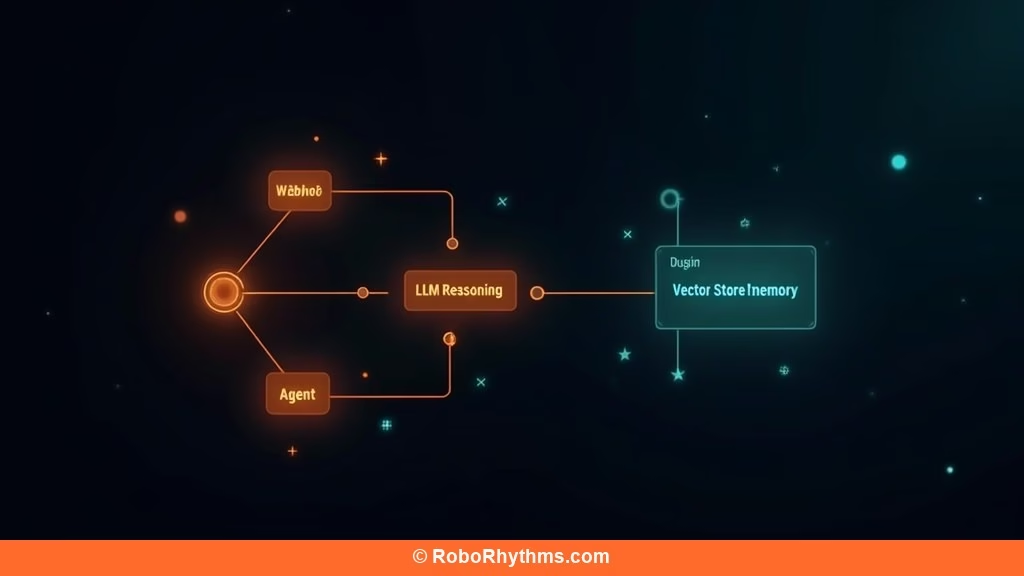
n8n is a node-based workflow builder where each step in your process is a node, and nodes connect to form an execution graph. For AI agent workflows, it adds a dedicated AI Agent node that handles tool selection, memory retrieval, and multi-step reasoning through a connected LLM.
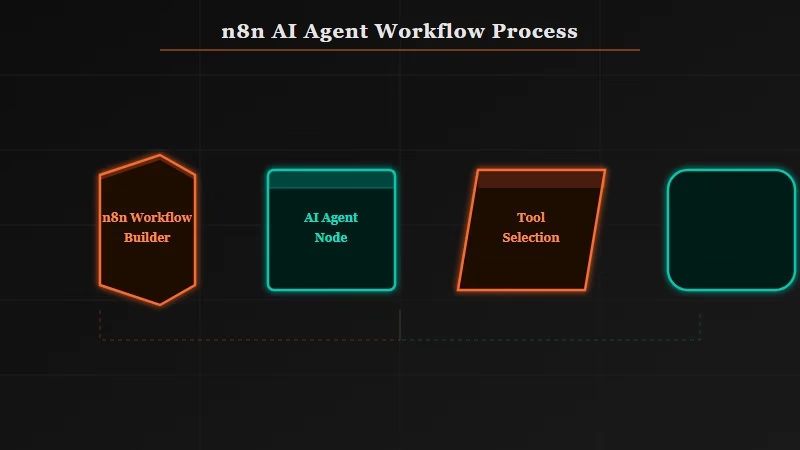
The core model is visual: you drag nodes onto a canvas, connect them, and configure each one. Most app connections have pre-built nodes. Anything without a node gets handled through HTTP Request nodes or code nodes.
The AI-specific additions are what I find most useful. The AI Agent node connects to any supported LLM (GPT-4, Claude, Mistral), takes a list of tools you define, and runs a ReAct-style loop until it completes the task or hits an iteration limit.
Memory is handled through a separate Vector Store node. Connect it to Pinecone, Qdrant, or Supabase pgvector and the agent gets persistent context between runs.
From what I have seen, the biggest practical advantage over alternatives like Make.com is the code node. When a visual node does not cover your use case, you drop into JavaScript or Python in-browser.
Make.com has no equivalent. That gap matters more than people expect until they hit it.
Here is the Docker quick-start for self-hosting, which covers most builders’ needs on a $5/month VPS:
docker run -it --rm --name n8n -p 5678:5678 \
  -v ~/.n8n:/home/node/.n8n \
  docker.n8n.io/n8nio/n8n
Open http://localhost:5678 and the full n8n interface loads. No license key, no execution limits.
How Much Does n8n Cost Compared to Alternatives
n8n is free to self-host forever. The cloud plan starts at $20/month for the Starter tier (2,500 workflow executions). Make.com’s comparable tier costs around $9/month but charges per operation rather than per execution, which gets expensive fast on complex workflows.
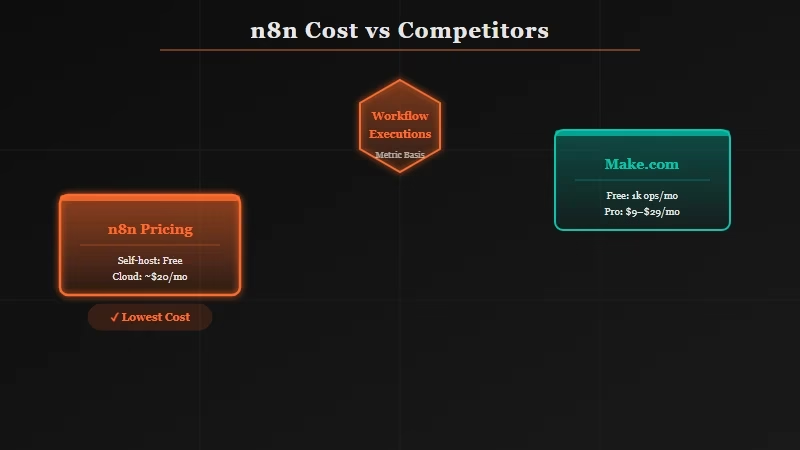
Here is how the pricing tiers compare:
| Plan | Price | Executions/Month | Key Limits |
|---|---|---|---|
| n8n Self-Hosted | Free | Unlimited | You manage infrastructure |
| n8n Cloud Starter | $20/mo | 2,500 workflows | 5 active workflows |
| n8n Cloud Pro | $50/mo | 10,000 workflows | 15 active workflows |
| Make.com Core | $9/mo | 10,000 operations | Operations, not workflows |
| Zapier Starter | $19.99/mo | 750 tasks | No code nodes |
The comparison is tricky because n8n counts whole workflow executions, Make.com counts individual operations within a workflow, and Zapier counts tasks (single action steps). A complex n8n workflow with 20 steps still counts as one execution. The same workflow in Make.com counts as 20 operations.
The self-hosted option is the strongest argument for n8n. If you can manage a VPS or Docker container, you get the full feature set at infrastructure cost only, which runs $5-10/month on a minimal DigitalOcean or Hetzner server. I went deeper on the n8n vs Make.com breakdown if you want the full comparison.
n8n has crossed over 65,000 GitHub stars as of early 2026, which gives a reasonable sense of adoption relative to other open-source automation tools in the same category.
What n8n Gets Right and Where It Falls Short
n8n’s core strengths are self-hosting freedom, code node flexibility, and genuine AI agent support. Its main weaknesses are a steeper setup curve than Make.com, less polished documentation on advanced features, and a cloud pricing model that punishes high-frequency simple automations.
Here are the honest pros and cons from extended use:
What works well:
- Self-hosting is genuinely viable. Docker setup takes under 30 minutes on any VPS.
- Code nodes (JavaScript and Python) handle anything the visual layer cannot
- AI Agent node with tool calling and memory works out of the box with major LLMs
- Sub-workflows let you build modular, reusable automation components
- The community has published 500+ workflow templates covering most common use cases
- Webhook nodes are fast and reliable for event-driven agent triggers
What falls short:
- The learning curve is steeper than Make.com for non-technical users
- Cloud execution limits are low at Starter tier (2,500/month runs out fast)
- Error messages from failed nodes are often cryptic, and debugging complex workflows takes time
- Documentation gaps on AI Agent node edge cases (context window handling, retry behavior)
- No built-in version history on the free self-hosted tier. You manage that yourself.
The debugging experience is where most people get frustrated. When a workflow fails mid-chain, n8n shows you the node that errored, but the error messages lean technical.
Compare that to Zapier, where errors are explained in plain language. For non-developers, that gap is significant.
Who Should Use n8n and Who Should Skip It
n8n is the right tool for developers, AI builders, and technical solopreneurs who need a flexible automation layer without per-operation pricing ceilings. Skip it if you are non-technical and need automation that just works without debugging, or if you only need simple linear workflows with no custom logic.
If you are building AI agents that trigger on webhooks, call external APIs, maintain memory across runs, and chain into sub-workflows, n8n is the strongest open-source option in this space. The n8n Reddit scanner tutorial is a good example of what that looks like in practice.
For teams evaluating this against a managed alternative, the Anthropic Managed Agents approach now handles the infrastructure layer entirely. If your main concern is agent reliability rather than automation breadth, that is worth reading before committing to n8n.
My verdict: self-hosted n8n is an easy recommendation for anyone technical enough to run Docker. The cloud plan is competitive if your workflows are complex enough that per-operation pricing in Make.com would cost more. If you are running simple 3-5 step automations at high volume, Make.com is more cost-effective at that profile.
Frequently Asked Questions
Is n8n free to use?
Yes, n8n is free to self-host permanently. You need a server (a $5-10/month VPS works), but there are no execution limits or feature gates on the self-hosted version. The cloud plan starts at $20/month if you want managed hosting.
How does n8n compare to Zapier?
n8n is more powerful but less beginner-friendly than Zapier. n8n has code nodes, AI agent support, and self-hosting; Zapier has a polished UI and plain-language error messages. For technical builders, n8n wins. For non-technical users automating simple tasks, Zapier is easier.
Can n8n build AI agents?
Yes, n8n has a dedicated AI Agent node that supports tool calling, memory retrieval via vector stores, and multi-step reasoning through connected LLMs including GPT-4 and Claude. It is one of the more complete visual AI agent builders available outside of dedicated frameworks like LangChain.
What is the cheapest way to run n8n?
Self-hosting on a $5-10/month VPS (Hetzner, DigitalOcean, or Vultr) using Docker gives you the full n8n feature set at minimal cost. The official n8n Docker image is maintained and well-documented. This is the path most developers take.
Is n8n better than Make.com for AI workflows?
For AI agent workflows specifically, n8n is better than Make.com because of its dedicated AI Agent node, code nodes for custom logic, and no per-operation pricing on complex chains. Make.com is better for simple, high-volume automations where the per-operation model works in your favor.
