
Every tutorial starts the same way.
“Should you use LangGraph or CrewAI?”
Then the video walks you through a demo that runs perfectly in a controlled environment.
What they never show:
what happens when the agent crashes at 2am, halfway through a real task, with no way to tell whether it finished steps one through three or restarted from scratch.
I have been building with these tools for the better part of a year, running agents on real workflows, not toy examples. The verdict is messier than any listicle will admit.
The framework you choose matters far less than you think, and the things that break your agents in production are almost never in the documentation.
Before picking a tool, you need to understand what these tools do and, more importantly, what they do not solve.

What an AI Agent Tool Does
An AI agent tool is software that lets a program perceive its environment, make decisions, use external tools like APIs and databases, and complete multi-step tasks without a human steering every action.
What is an AI agent: A program that loops between observation, reasoning, and execution, using external tools like web search, code interpreters, or APIs to complete a goal rather than just generating a text response.
Standard chatbots predict text. Agents take actions. A chatbot answers “how do I send an email.” An agent opens your email client, drafts the message, and sends it, while checking along the way whether the recipient address is valid.
That distinction matters for choosing a tool. If you just want AI-assisted writing or Q&A, you do not need an agent framework. If you want programs that run multi-step workflows with minimal supervision, you do.
The category breaks into two segments: no-code platforms like n8n, Zapier AI Agents, and Make.com, where you build visually, and developer frameworks like LangGraph, CrewAI, AutoGen, and the OpenAI Agents SDK, where you write Python or TypeScript.
Claude Code and Cursor sit in a third category: AI agents built specifically for coding tasks, running inside your development environment.
The Best AI Agent Tools in 2026
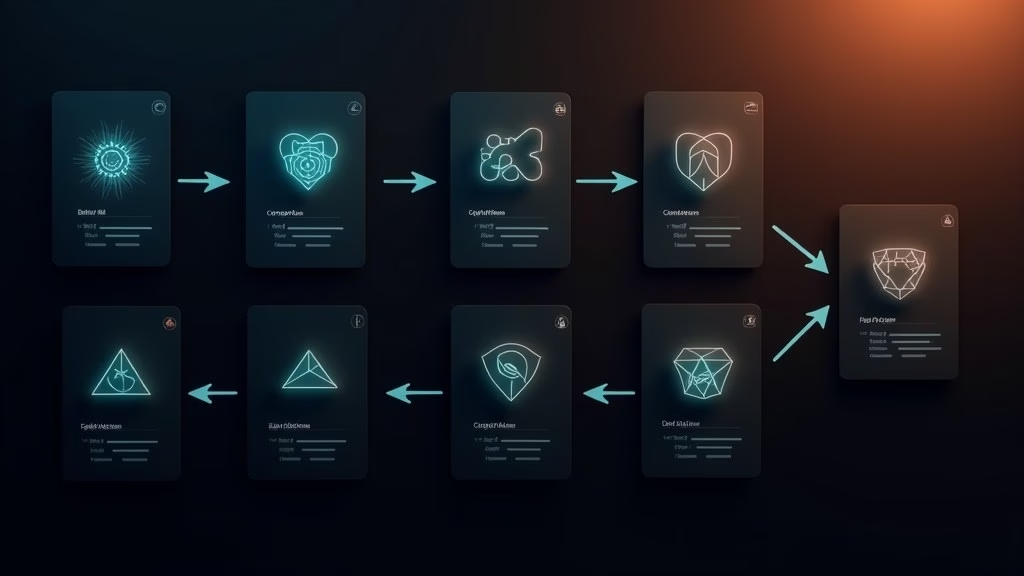
The best AI agent tools in 2026 are n8n for workflow automation, Claude Code for coding tasks, LangGraph for learning structured agent design, and CrewAI for Python-based multi-agent systems. Your skill level and specific use case determines which one belongs in your stack.
Here is how the major tools compare across the dimensions that matter most in practice:
| Tool | Best For | Skill Level | Starting Cost |
|---|---|---|---|
| n8n | Workflow automation, API connections, no-code agents | Beginner to intermediate | Free (self-hosted); ~$24/mo cloud |
| Claude Code | Coding agents, multi-file edits, GitHub automation | Developer | $20/mo (Claude Pro) |
| Cursor | AI-native coding IDE, in-editor agent tasks | Developer | $20/mo |
| LangGraph | Stateful, structured agent workflows and learning | Intermediate developer | Free (open source) |
| CrewAI | Multi-agent Python projects, role-based agent design | Developer | Open source free; $99/mo hosted |
| AutoGen | Custom multi-agent research and rapid prototyping | Advanced developer | Free (MIT license) |
| Zapier AI Agents | Connecting 6,000+ apps, quick no-code automation | Non-technical | Free (400 activities/mo); $29.99/mo Pro |
| Dynamiq | Building and deploying custom agents with visual designer | Intermediate to advanced | Free tier available |
If you want to build custom agents without writing everything from scratch, Dynamiq sits in a useful middle ground.
It gives you a visual designer for structuring agent workflows with more control than Zapier, but without the overhead of building everything in raw LangGraph.
n8n for Non-Developers
n8n has become the default recommendation for anyone who wants real automation without learning Python. Bloomberg reported n8n raised $180M in October 2025 at a $2.5 billion valuation, backed by Accel and Nvidia.
The platform’s usage grew 10x year-over-year, and businesses switching from Zapier report cutting automation costs by 70 to 90 percent, largely because self-hosting removes per-operation pricing entirely.
The 400+ native integrations mean you can connect nearly anything. What I would tell someone starting out: pick one workflow you run manually every week and automate that first. Do not try to build a complex multi-step agent on day one.
Example: If you copy new form submissions from Typeform into a Google Sheet every morning, that is the first workflow to automate in n8n. One trigger node (Typeform), one action node (Google Sheets), zero code, live in under ten minutes.
Claude Code and Cursor for Developers
If you write code daily, Claude Code is the most impactful tool I have used. It now accounts for roughly 4% of all public GitHub commits, a figure that has been doubling monthly, with projections suggesting it could cross 20% of daily commits by end of 2026.
Cursor takes a different approach: it puts an AI agent inside your IDE. Reasoning and code execution happen where you already work.
From what I have seen, it is especially useful when the agent needs to understand a full codebase before making changes, rather than operating as a separate system with partial context.
For a broader breakdown of which AI subscriptions are worth the monthly spend, the guide to best paid AI tools worth keeping covers the full landscape.
The Real Difference Between n8n, LangGraph, and CrewAI
n8n, LangGraph, and CrewAI are not competing for the same user. n8n automates workflows visually. LangGraph teaches stateful structured reasoning. CrewAI coordinates multiple specialized agents in Python. Each serves a different skill level and problem type.
The confusion comes from everyone calling all three “AI agent frameworks.” They share the label but not the use case.
| Tool | Core concept | Where it breaks down |
|---|---|---|
| n8n | Visual node-based workflow automation | Complex conditional logic, custom memory |
| LangGraph | Stateful graphs with explicit state transitions | Steep learning curve, verbose setup |
| CrewAI | Specialized agents with assigned roles and goals | Context drift in long multi-agent chains |
| AutoGen | Conversational multi-agent collaboration | Less predictable for strict business logic |
LangGraph is the tool I would point to for anyone who wants to understand how production agent systems work under the hood. It forces you to think in terms of state, transitions, and explicit checkpoints.
That mental model transfers to every other framework you touch afterward.
CrewAI is better once you already have that mental model and want to move faster. The pattern of one agent per role maps naturally to how real teams divide work, which makes complex projects easier to reason about and debug.
What Breaks a Production Agent
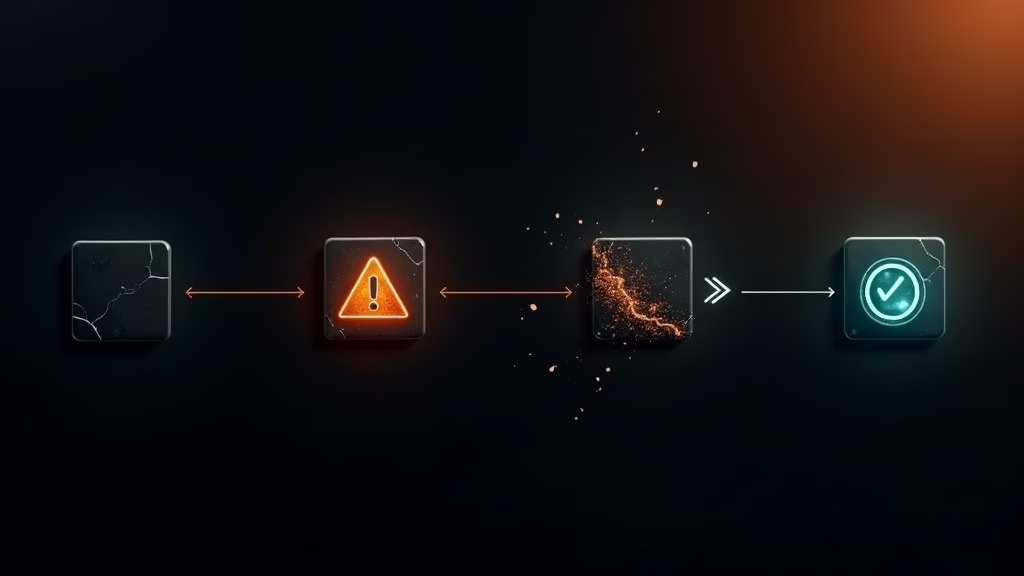
Production agents break because of infrastructure problems, not framework choices. State persistence failures, missing retry logic, and poor context passing between agents are the real failure modes. Most tutorials skip this layer entirely, which is why demo agents rarely survive contact with real workflows.
I have seen this play out repeatedly. Someone builds a workflow that works perfectly in a demo. They deploy it on a real task. The agent crashes at step four, restarts, and either duplicates the first three steps or loses the work entirely. The framework was not the problem.
Here are the four things that break agents in production, ranked by how often they cause actual failures:
- State persistence. When an agent fails mid-task, does it resume from where it stopped or restart from step one? If your system does not checkpoint state, a single API timeout can undo hours of work. Design this in from the start.
- Scope creep. An agent that can do anything will eventually do the wrong thing. Define your tool boundaries in code, not just in the prompt. An agent that is allowed to send emails should not also be allowed to delete files.
- Context passing in multi-agent systems. When one agent hands work to another, incomplete context means the second agent starts with a partial picture. Most chain failures trace back here, not to individual agent errors.
- Unhandled retries. External APIs go down and rate limits kick in. If your agent has no retry strategy with exponential backoff, it will either crash or hammer requests until it gets blocked.
Here is the difference between how a tutorial agent handles failure and how a production agent should:
Vague: “If the API call fails, return an error message.”
Specific: “If the API call fails with a 429 or 503, wait 2 seconds, retry up to 3 times with exponential backoff, log the attempt with a timestamp, and checkpoint the current state so the next run starts from the last successful step rather than from the beginning.”
That gap is where most agent projects fall apart. Not because of LangGraph versus CrewAI. Because of missing retry and state logic that no framework tutorial covers.
The breakdown of what AI automation agencies get wrong covers this from a client-delivery perspective if you are building agent systems for others.
How to Pick the Right AI Agent Tool for Your Situation
Pick based on your skill level and what you are building. The tool matters far less than understanding your problem well enough to know when the agent is wrong.
Here is the decision framework I use when starting a new project:
| If you want to… | Use this |
|---|---|
| Automate repetitive tasks without writing code | n8n or Zapier AI Agents |
| Write and ship code faster with AI doing the heavy lifting | Claude Code or Cursor |
| Learn how structured agent systems work from the ground up | LangGraph |
| Build a multi-agent system in Python with assigned roles | CrewAI |
| Deploy custom agents with a visual designer and full control | Dynamiq |
| Prototype quickly and discover what breaks | AutoGen (free, MIT license) |
The honest answer that most people building agents in production agree on: the specific framework choice is almost never the variable that determined success or failure.
What determined it was knowing the problem domain well enough to catch the agent when it made a bad call. Domain knowledge is the skill gap. The tool is secondary.
For a look at how these agent patterns apply to local setups, the OpenClaw beginner guide covers how to structure agents that run reliably without cloud dependencies.
FAQs
The most common questions about AI agent tools in 2026 center on cost, whether coding is required, production reliability, and which frameworks will be around in a year.
Do I need to know how to code to build AI agents?
No. Tools like n8n, Zapier AI Agents, and platforms like Lindy are built for non-technical users. You build with visual interfaces and natural language. You will hit limits faster than a developer would, but for automating most repetitive business tasks, coding is not required. The no-code tools cover a surprisingly large range of real workflows.
Is n8n better than Zapier for AI agents?
For price at scale, n8n wins clearly. Zapier’s operation-based pricing gets expensive fast when agents make dozens of API calls per task. n8n self-hosted is free, and the cloud tier runs around $24 per month with no per-operation cap. The trade-off: self-hosting requires comfort with servers. If that is not you, Zapier’s simplicity may be worth the cost difference for lighter use cases.
Are there security risks with open-source agent tools?
Yes, and this point is underreported. As of February 2026, over 800 malicious skills were identified in third-party AI agent marketplaces. If you are using open-source tools and pulling in third-party plugins, vet them carefully. Enterprise teams typically self-host everything so data never leaves their own infrastructure, or use platforms with built-in governance.
Will LangGraph and CrewAI still be relevant next year?
Most likely, but the specific APIs will keep changing. What stays stable is the underlying mental model: agents as stateful programs with clear inputs, outputs, and failure modes. Learning the concept through LangGraph is more durable than memorizing any specific framework syntax. Build the mental model first; the syntax is secondary.
Quick Takeaways
- n8n raised $180M at a $2.5B valuation in late 2025. Businesses switching to it report cutting automation costs by 70 to 90 percent.
- Claude Code accounts for roughly 4% of all public GitHub commits as of early 2026, doubling monthly.
- Framework choice barely matters in production. State persistence, retry logic, and scope control are the real failure points.
- For non-developers: n8n or Zapier. For developers: Claude Code or Cursor for coding, LangGraph for learning agent structure.
- The best tool is the one you understand deeply enough to know its failure modes.
