
Best Paid AI Tools Worth Keeping in 2026
- ChatGPT Plus is the strongest choice for users who have built agents, custom GPTs, or automated workflows inside its ecosystem
- Claude leads on reasoning accuracy, long-context work, and coding reliability, and now captures 40% of enterprise LLM spend
- Google Gemini Advanced is the most powerful option for teams running their work inside Google Workspace
- Cursor and GitHub Copilot serve developers best, with Cursor winning on full codebase awareness and Copilot winning on ease of entry
- ElevenLabs is the only tool on the list that owns its category outright, with no real competitor for realistic AI voice generation
- Grok is the right call for anyone who needs real-time public data from X baked into their AI responses
- Only 9% of users pay for more than one AI subscription, making deliberate tool selection one of the highest-leverage decisions you can make right now
Most of us have been through the same cycle. You sign up for one AI tool, love it for a week, then see someone online raving about a different one, and suddenly you’re paying for three subscriptions you barely use. I’ve been there.
The question of which single paid AI tool actually earns its keep over a full year is one I’ve been wrestling with myself.
So I went deep on what real users across the internet are saying, people who live inside these tools every day, building projects, writing code, running businesses, and doing client work.
Not sponsored reviews. Not benchmark tests. Just straight answers from people who have real money on the line and real work to get done.
What came back surprised me in some ways and confirmed a lot of what I already suspected. A handful of tools kept coming up again and again, and each one came with a specific reason, not just “it’s the best.”
The reasons ranged from agent-building capabilities to legal training, from voice generation to all-in-one access. That specificity is what made this worth writing.
In this article, I’m breaking down the paid AI tools that users consistently said they’d keep if forced to choose just one.
For each one, I’ll show you what makes it worth the money, what kind of work it’s actually built for, and where it might fall short.
If you’re trying to cut your AI subscriptions down to what actually matters, this list is where I’d start.

How These AI Tools Were Selected
I didn’t pull this list from a tech blog’s benchmark report or a sponsored roundup.
The tools here surfaced organically from a wide-ranging conversation where real users were asked a simple but loaded question:
if you had to cut every paid AI subscription except one and keep it for the next 12 months, which tool survives?
The responses were telling. People didn’t just name tools. They gave reasons tied to specific workflows, real frustrations, and things they’d tried and abandoned.
That specificity is what made this list worth building.
A tool made the cut if it met at least two of the following criteria:
- Multiple users independently named it without being prompted
- Users cited a concrete, repeatable use case rather than general praise
- The tool was described as something they actively use, not something they subscribed to and forgot
- At least one user explained what they’d lose without it
What I found mirrors what the data already tells us. Only 9% of consumers pay for more than one AI subscription across the major platforms, according to Andreessen Horowitz’s 2025 State of Consumer AI report.
Most people are already making exactly this kind of cut, whether they realize it or not. About 91% of AI users reach for their favorite general AI tool for nearly every job, and only look for alternatives when it comes up short.
That default behavior is exactly what this list is designed to challenge. The goal here isn’t to tell you which tool scores highest on a leaderboard.
It’s to match the right tool to the right person based on how they actually work.
OpenClaw 101, A Beginner Friendly Guide From First Install to Advanced Workflows
What the Market Tells Us Before We Pick a Tool
Before we get into the list, it’s worth grounding this in where the market actually stands, because the numbers reveal something important about how to make this decision well.
ChatGPT holds an 81.13% market share and processes over 2.5 billion prompts daily, while Claude from Anthropic and Grok from xAI each maintain user bases in the 35 to 39 million range, representing roughly 1 to 2% market share each accordig to The Global Statistics.
On the surface, that looks like a runaway race. But market share and value-per-user are two very different things.
Anthropic now earns 40% of enterprise LLM spend, up from 24% the year before and just 12% in 2023, having unseated OpenAI as the enterprise leader.
Meanwhile, coding tools like Claude Code are becoming the runaway market leader in specific consumer use cases.
The lesson here is that dominance at scale doesn’t mean the dominant tool is the right fit for your specific workflow.
Here is a snapshot of where the major platforms stand heading into 2026:
| Tool | Monthly Active Users | Primary Strength | Best Known For |
|---|---|---|---|
| ChatGPT | 800M weekly active | General assistant | Agents, plugins, broad use |
| Google Gemini | 450M monthly | Search integration | Multimodal, Google ecosystem |
| Claude | 35–39M monthly | Reasoning and coding | Enterprise accuracy, long context |
| Grok | 35–39M monthly | Speed and search | Real-time X/Twitter data |
| ElevenLabs | Niche, growing | Voice AI | Realistic speech generation |
| GitHub Copilot | 1M+ paid devs | Code completion | In-editor coding assistant |
The tools on our list aren’t all market leaders by user count. But every one of them earned its place because real people said they’d pay for it before anything else.
That’s a harder bar to clear than a download chart.
The Best Paid AI Tools Worth Every Dollar in 2026
1. ChatGPT Plus (OpenAI)
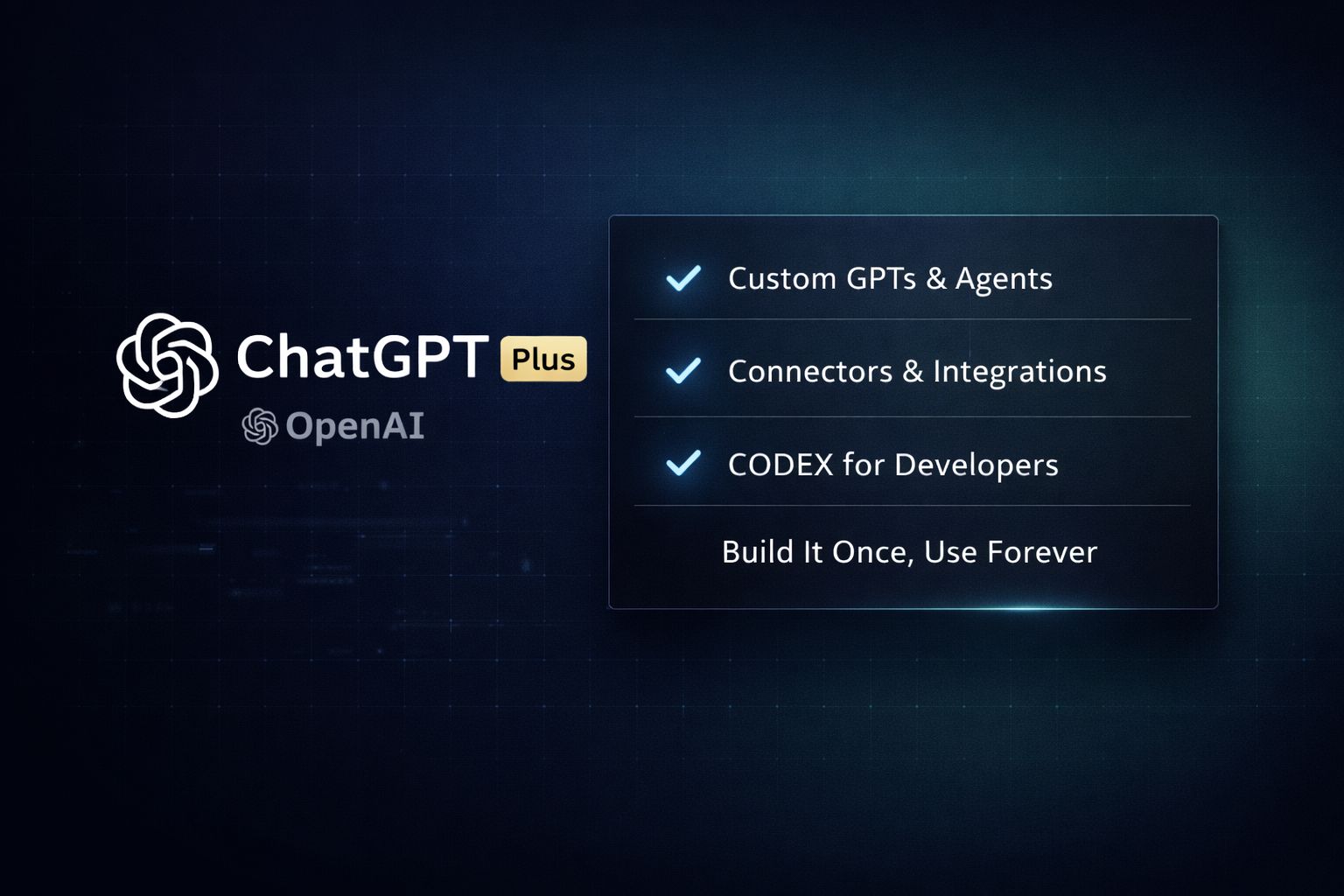
ChatGPT is the tool most people started with, and for a large chunk of users, it’s still the one they’d keep. Not because of loyalty, but because of what they’ve built inside it.
The agent and custom GPT ecosystem is the real story here, and it’s one that doesn’t get enough credit in the “which AI is smarter” debates.
I’ve seen this pattern play out myself. Once you’ve built workflows inside a tool, configured custom instructions, connected it to your apps, and trained it on your business context, switching isn’t just inconvenient. It means rebuilding from scratch.
That switching cost is exactly why ChatGPT keeps winning the “last one standing” vote even as its model quality faces real scrutiny.
Here’s what makes ChatGPT Plus worth the $20 per month for the right user:
- Custom GPTs and Agents: You can build purpose-specific AI assistants tuned to your workflow, tone, and data. A marketing team might have one GPT for ad copy, another for analytics summaries, and another for client reporting.
- Connectors and integrations: ChatGPT now connects directly to tools like Dropbox, Notion, and Google Drive, pulling live context into conversations without manual copy-pasting.
- CODEX for developers: Users specifically called out the ability to work across laptop, tablet, and phone with continuous coding sessions and multiple parallel chat windows. For developers who move between devices throughout the day, this is a genuine workflow advantage.
- Cross-device continuity: ChatGPT’s mobile app reached 73.4 million downloads in December 2025 alone, and total downloads have hit 1.44 billion since May 2023. That scale reflects how deeply it’s embedded in daily routines.
Where it falls short is worth naming, too.
Users noted that the personality of newer models feels off, and concerns around hallucinations in older versions haven’t fully disappeared.
ChatGPT converts only about 5% of its active users to paid plans, according to The Global Statistics, which suggests most people find the free tier good enough.
If you’re not building agents or using Codex, you may be paying for features you don’t need.
Best for: Developers using Codex, teams building custom GPT agents, and anyone already embedded in the ChatGPT ecosystem.
2. Claude (Anthropic)
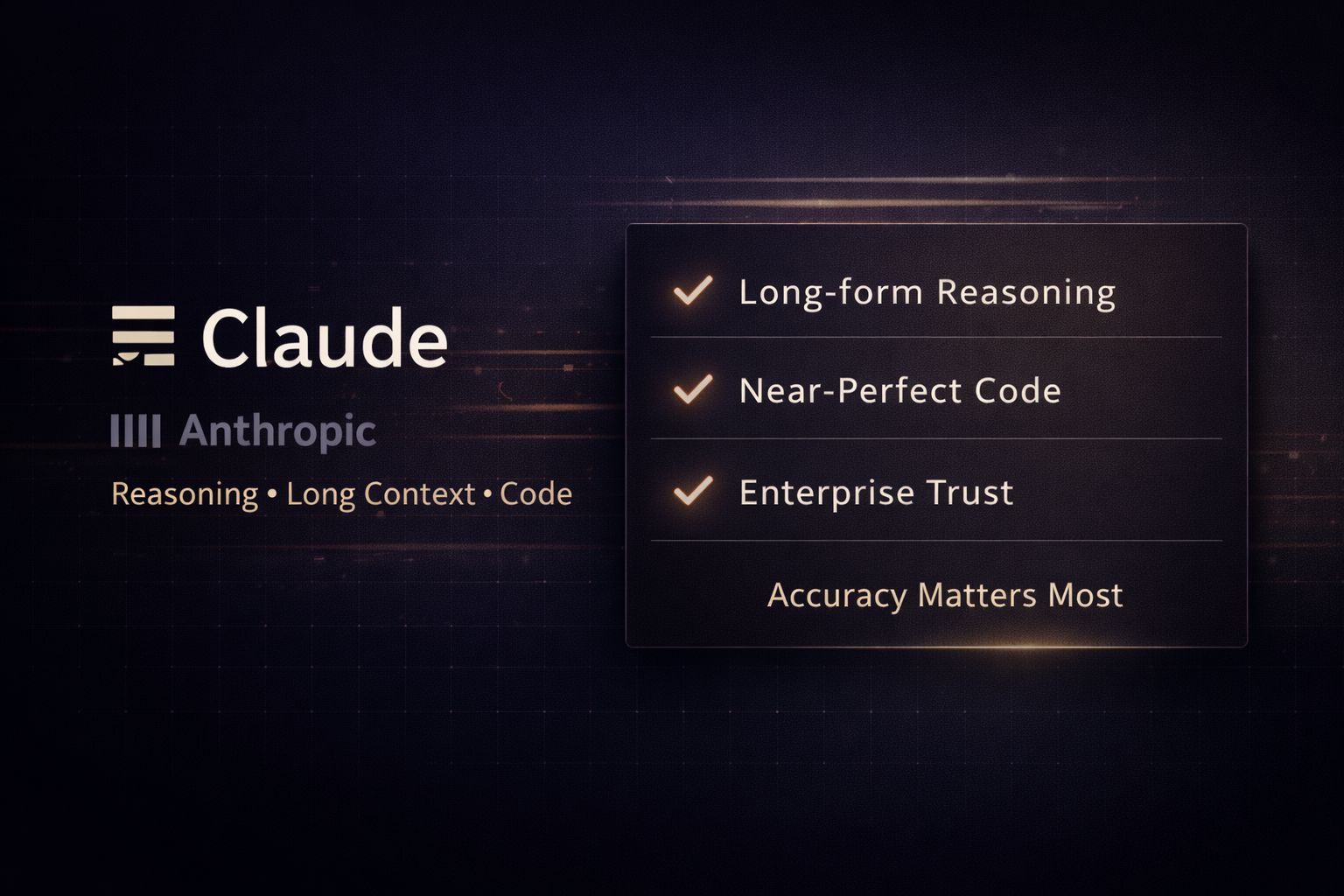
Claude kept coming up in a way that felt different from the others. People weren’t just saying it’s good.
They were saying things like “comprehensive responses” and “coding is damn near perfect every time.” That’s the kind of language users reach for when a tool has stopped surprising them and started feeling reliable.
What Claude does better than most is hold context over long, complex conversations without losing the thread. I’ve tested this personally with dense, multi-part projects, and the difference is real.
You don’t spend half your time re-explaining what you meant three messages ago.
The numbers back up why Claude is earning serious attention at the enterprise level. Anthropic now captures 40% of enterprise LLM spend, up from just 12% in 2023, having overtaken OpenAI as the enterprise leader.
That shift didn’t happen because of marketing. It happened because teams doing real work found it more accurate and less likely to fabricate confident-sounding nonsense.
Here’s where Claude earns its money:
- Long-form reasoning: Claude handles complex, multi-step problems with more consistency than most competitors. Legal analysis, business strategy, research synthesis, and detailed technical writing all benefit from this.
- Coding accuracy: Multiple users described Claude’s code output as near-perfect. Claude Code in particular has pulled ahead in developer circles for exactly this reason.
- Tone and trust: Claude doesn’t pad answers with filler. The responses are direct, well-structured, and feel like they came from someone who actually read the full question.
- Claude Max for heavy users: For anyone running high-volume work, Claude Max removes the friction of hitting usage limits mid-project, something that breaks workflow in costly ways.
The main complaint you’ll hear is price. Claude holds roughly 1 to 2% market share with a user base of 35 to 39 million, and the paid plans aren’t the cheapest on the market.
For casual users who fire off a few questions a day, that cost is hard to justify. But for anyone doing serious writing, coding, or analytical work, it’s the tool that earns back its cost in saved time.
Best for: Writers, developers, researchers, and business users who need long-context accuracy and reliable output over high-volume workflows.
3. Google Gemini Advanced
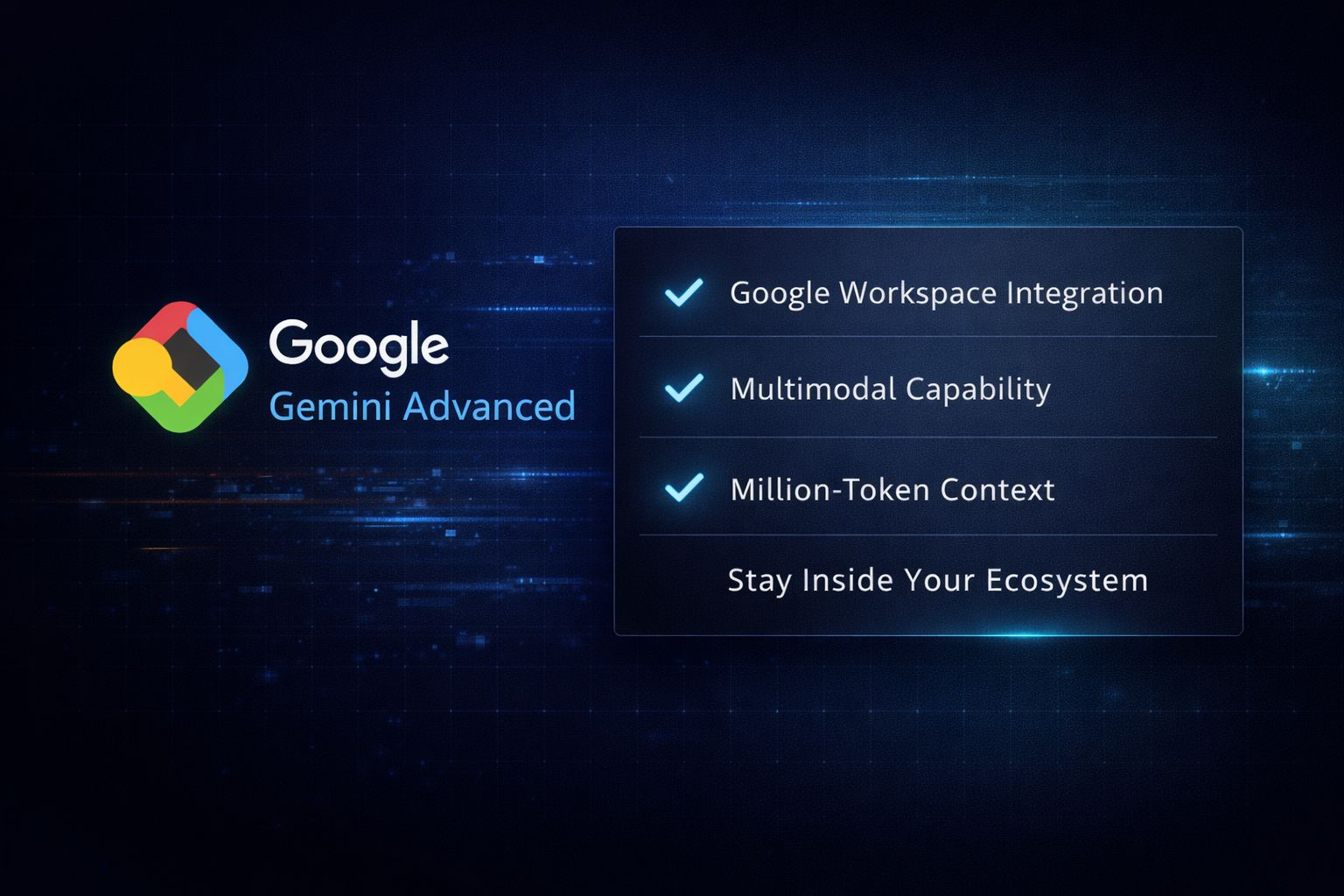
Gemini is the tool that keeps catching people off guard. A week before writing this, I would have ranked it lower. But the pattern I kept seeing was users who started with ChatGPT, gave Gemini a serious try, and decided to run both in parallel.
That’s not a small thing. When someone who already pays for one AI tool decides a second one is worth the money, the second tool is doing something distinctly different.
What Gemini has that no other tool can replicate is distribution. It lives inside the Google ecosystem, which means if your work already runs through Gmail, Google Docs, Google Drive, or Search, Gemini isn’t a separate tool you switch to. It’s already there.
Google Gemini reached 450 million monthly active users in 2025, leveraging the tech giant’s massive existing user base and deep integration across Google’s search ecosystem.
That number isn’t driven by Gemini being the best AI. It’s driven by Gemini being the most accessible AI for people already inside Google’s world.
Here’s what makes Gemini Advanced worth the $19.99 per month through Google One:
- Google Workspace integration: Gemini sits directly inside Gmail, Docs, Sheets, and Slides. You can draft emails, summarize long document threads, generate formulas, and build presentation outlines without leaving the apps you’re already in.
- Multimodal capability: Gemini handles text, images, audio, video, and code in a single conversation. For content creators and marketers juggling multiple asset types, this reduces the number of tools needed.
- Massive context window: Gemini 1.5 Pro supports up to one million tokens of context, which means you can feed it an entire project folder, a full book, or months of email threads and ask questions across all of it.
- Google Search grounding: Gemini pulls live search data into its answers, reducing hallucinations on current events and making it genuinely useful for research-heavy workflows.
The honest limitation is that Gemini’s standalone experience outside the Google ecosystem feels less compelling.
If you’re not a heavy Google Workspace user, you lose a significant portion of what makes it worth paying for. It’s also still catching up to Claude and ChatGPT on pure reasoning depth for complex analytical tasks.
Best for: Google Workspace power users, content teams managing multiple asset types, and anyone who wants live search grounding baked into their AI responses.
4. ElevenLabs
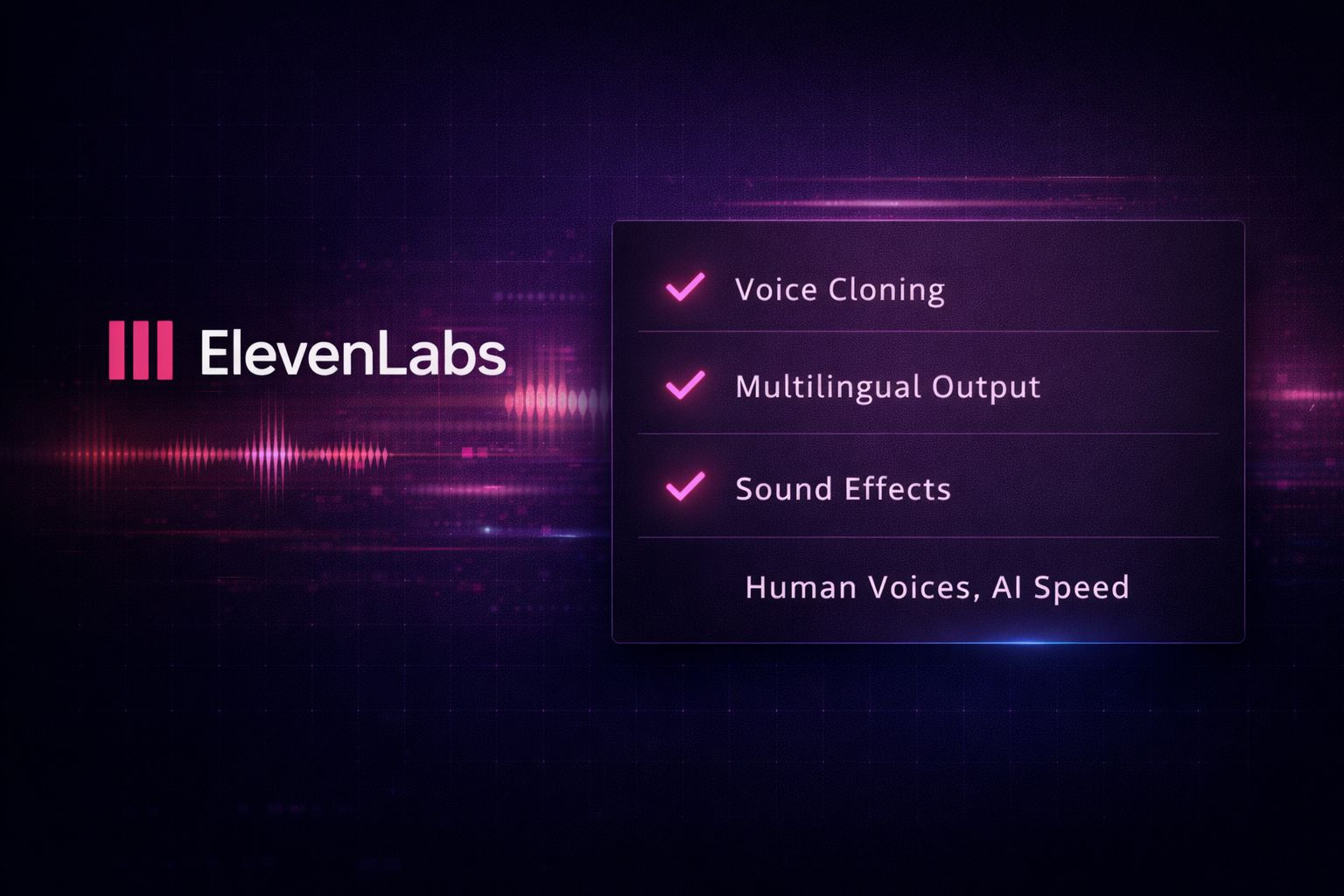
ElevenLabs is the only tool on this list that doesn’t try to be everything. It does one thing, and it does it at a level that nothing else comes close to.
That kind of focus is exactly why it keeps showing up when people are asked which single paid tool they’d keep.
The tool generates AI voice audio that sounds genuinely human. Not “pretty good for AI” human. Actually human, with breath patterns, pacing variation, and emotional texture that synthetic voices have never been able to pull off until recently.
I’ve used ElevenLabs to produce voiceovers for content projects, and the gap between what it produces and what a generic text-to-speech tool produces is not subtle.
Here’s what puts ElevenLabs in a class of its own:
- Voice cloning: You can clone a voice from as little as a few minutes of audio. For creators, podcasters, or businesses building branded audio content, this means consistent voice output without scheduling recording sessions.
- Multilingual output: ElevenLabs supports 29 languages with native-quality pronunciation, making it a serious tool for global content production without hiring voice talent in each market.
- Sound effects and audio design: Beyond voice, ElevenLabs generates custom sound effects from text prompts, which opens up production capabilities that previously required a sound designer.
- API access for automation: Developers can pipe ElevenLabs directly into their apps, automations, or content pipelines. For AI calling systems, audiobook production, or e-learning platforms, this is where it becomes infrastructure rather than just a tool.
The limitation is clear: if you don’t have a use case for audio, there is no reason to pay for it. ElevenLabs doesn’t help you write better, code faster, or analyze data.
It’s a specialist tool priced for people who need what it does. Paid plans start at $5 per month for casual use and scale to $99 per month for professional-grade output and higher character limits.
| Plan | Monthly Price | Character Limit | Key Features |
|---|---|---|---|
| Free | $0 | 10,000 chars | 10 voices, basic quality |
| Starter | $5 | 30,000 chars | 30 voices, commercial license |
| Creator | $22 | 100,000 chars | Instant voice cloning |
| Pro | $99 | 500,000 chars | Professional cloning, priority |
Best for: Content creators, podcasters, course builders, developers building voice-enabled products, and anyone producing audio at scale.
5. Cursor
Cursor didn’t come up in the conversation as loudly as ChatGPT or Claude, but the users who named it were unambiguous. No hedging, no “it depends.” Just Cursor, full stop.
That kind of quiet conviction tends to mean a tool has become invisible in the best possible way. It stops feeling like a tool and starts feeling like part of how you work.
Cursor is a code editor built on top of VS Code, which means it inherits everything developers already know and love about that environment, then layers AI directly into the editing experience.
The difference between using an AI chatbot for coding and using Cursor is the difference between asking someone for directions and having a navigator sitting next to you in the car.
The AI isn’t separate from the work. It’s inside the work.
I’ve watched developers who were skeptical of AI coding tools entirely change their position after a week with Cursor.
The reason is almost always the same: it understands the full codebase, not just the file you’re currently looking at.
Here’s what makes Cursor worth paying for:
- Codebase-wide context: Cursor indexes your entire project so when you ask it to fix a bug or add a feature, it understands how the change affects the rest of your code. This is the single biggest gap between Cursor and using Claude or ChatGPT in a browser tab for coding.
- Tab completion that thinks ahead: Cursor’s autocomplete doesn’t just finish your current line. It predicts multi-line changes based on what you’ve been working on, often completing entire functions before you’ve described what you want.
- Natural language editing: You can highlight a block of code and describe what you want changed in plain English. Cursor rewrites it, shows you a diff, and lets you accept or reject the change. No copy-pasting in and out of chat windows.
- Multi-file edits: Complex features that span several files can be built or refactored in a single instruction. Cursor handles the coordination across files automatically.
25% of startups in Y Combinator’s Winter 2025 cohort now have codebases that are 95% AI-generated, according to SQ Magazine.
Cursor is one of the primary tools driving that shift. For solo developers and small teams shipping fast, it compresses timelines in ways that are genuinely difficult to overstate.
The main trade-off is that Cursor is purpose-built for coding. If your work sits outside software development, this tool has nothing to offer you.
Cursor Pro runs at $20 per month, putting it in direct competition with ChatGPT Plus on price but serving an almost entirely different use case.
| Feature | Cursor Pro | GitHub Copilot | ChatGPT Plus |
|---|---|---|---|
| Full codebase context | Yes | Partial | No |
| Multi-file editing | Yes | Limited | No |
| Natural language refactoring | Yes | Yes | Yes |
| In-editor experience | Yes | Yes | No |
| Monthly price | $20 | $10 | $20 |
Best for: Software developers and engineers who want AI embedded directly into their coding environment rather than running alongside it in a separate window.
6. Grok (xAI)
Grok is the wildcard on this list, and I mean that as a genuine compliment.
It fills a gap that none of the other tools here address, and for users who live on X or need real-time information woven into their AI responses, that gap matters more than almost any benchmark score.
Built by xAI and deeply integrated with X (formerly Twitter), Grok’s core advantage is access to what’s happening right now.
Most AI tools work from training data with a cutoff date, which means asking them about something that broke in the news this morning gets you a confident non-answer.
Grok pulls live data from X, which is still the fastest-moving public information stream on the internet for breaking news, market sentiment, and cultural moments.
Users who named Grok specifically called out speed and real-time awareness as the reasons. That’s not a coincidence. Here’s what makes it worth considering:
- Real-time X data access: Grok can search and summarize what’s trending on X right now, pull specific posts, track developing stories, and give you a live pulse on public conversation around any topic. For traders, journalists, marketers, and social media managers, this is genuinely useful in ways other tools can’t replicate.
- Speed: Multiple users described Grok as faster than the competition for quick, direct answers. When you need a fast response without a lot of padding or qualification, Grok delivers.
- Less filtering on sensitive topics: Grok takes a more open approach to answering edgy or controversial questions compared to Claude or ChatGPT. For researchers and writers working on topics other tools tend to sidestep, this is a meaningful difference.
- Included with X Premium: If you’re already paying for X Premium at $8 per month, you get Grok access included. That makes it the most affordable entry point on this entire list for existing X users.
The honest limitation is that Grok’s real-time advantage is also its ceiling. For deep reasoning, long-form writing, complex coding, or sustained analytical work, it trails Claude and ChatGPT.
It’s also only as valuable as your relationship with X as a platform. If you’ve moved away from X, Grok’s biggest selling point disappears with it.
| Strength | Grok | ChatGPT | Claude |
|---|---|---|---|
| Real-time data | Best in class | Limited | Limited |
| Speed of response | Very fast | Moderate | Moderate |
| Deep reasoning | Moderate | Strong | Strongest |
| Long-form writing | Moderate | Strong | Strongest |
| Price entry point | $8/mo (X Premium) | $20/mo | $20/mo |
Best for: Journalists, traders, social media managers, marketers, and anyone who needs live public sentiment data woven into their AI workflow.
7. GitHub Copilot
GitHub Copilot is the tool that quietly converted the most skeptics. When it launched, a lot of developers dismissed it as glorified autocomplete.
What it has become is something closer to a senior developer who sits behind your shoulder, reads everything you write, and offers the next logical move before you ask for it.
The fact that it crossed one million paid developers and kept growing is a signal worth paying attention to.
What separates Copilot from using a general AI tool for coding is where it lives. It’s not a tab you switch to. It’s inside your editor, reading your file, understanding your project structure, and responding in real time as you type.
For developers already working inside GitHub’s ecosystem, the integration with pull requests, code review, and repository context makes it feel less like an add-on and more like a layer of intelligence built into the platform itself.
Here’s what makes GitHub Copilot worth the monthly cost:
- In-editor code suggestions: Copilot completes functions, generates boilerplate, and suggests entire blocks of code based on what you’ve written and what you’re working toward. It works across dozens of languages including Python, JavaScript, TypeScript, Go, and Ruby.
- Copilot Chat: A conversational interface built directly into VS Code and JetBrains IDEs that lets you ask questions about your code, request refactors, explain error messages, and generate tests without leaving the editor.
- Pull request summaries: Copilot can automatically generate descriptions for pull requests based on the actual changes in the diff, saving meaningful time during code review cycles.
- CLI assistance: Copilot extends into the command line, helping you construct complex terminal commands without memorizing syntax or leaving your workflow to search documentation.
GitHub Copilot exceeded one million paid developers by 2023 and has continued growing as enterprise teams formalize AI-assisted development into their standard workflows, as reported by Big Sur AI.
At $10 per month for individuals, it’s the most accessible professional coding tool on this list, and for developers who live in VS Code or JetBrains, the friction to get started is almost zero.
The gap between Copilot and Cursor comes down to codebase awareness. Copilot is excellent within a file and increasingly useful across a project, but Cursor’s full codebase indexing still gives it an edge for large, complex repositories.
For developers who want AI coding help without changing their entire editor setup, Copilot is the more practical starting point.
Best for: Developers who want AI coding assistance built into their existing editor without switching tools, and teams already operating inside the GitHub ecosystem.
8. Specialized Tools Worth Knowing
Before we close, it’s worth acknowledging a category of tools that came up in the conversation but serve narrower audiences.
These didn’t make the main list because their value is tightly scoped, but for the right person, one of these could absolutely be the tool they’d keep over everything else.
- Suno: An AI music generation platform that creates full songs with vocals, instrumentation, and structure from a text prompt. For content creators who need original background music, video producers, or anyone building audio-first projects, Suno removes the need for stock music licensing entirely.
- CoCounsel: A legal AI tool trained specifically on case law, contracts, and legal documents. It’s purpose-built for attorneys and legal teams who need research, document review, and drafting support grounded in actual legal knowledge rather than general language model output.
- OpenRouter: A platform that gives you access to multiple AI models through a single API and billing account. For developers and power users who want to switch between Claude, GPT, Mistral, and others without managing separate subscriptions, OpenRouter offers flexibility that no single model provider can match.
These tools exist in a different category from the main eight. They’re not trying to be your default AI. They’re trying to be the best tool in the world for one specific job.
If that job is central to your work, the specialization is the point.
Which AI Tool Should You Actually Keep
Here’s the honest answer:
the right tool is the one that removes the most friction from your most important work. Not the one with the highest benchmark score. Not the one with the most users. The one that makes your actual day faster, cleaner, and more productive.
If I had to make the call for most people reading this, I’d point to Claude for writing and analytical work, Cursor or GitHub Copilot for developers, depending on how deep they want to go, and ChatGPT if agent-building and workflow automation are central to how you operate.
Gemini earns its place if your life runs on Google Workspace. Grok fills a real gap for anyone who needs live public data. ElevenLabs is irreplaceable if audio is part of what you produce.
The data shows that only 9% of people pay for more than one AI subscription, which means most of us are already making this choice, whether we’ve thought it through or not.
The difference between defaulting to whatever you signed up for first and deliberately choosing the tool that fits your workflow best could be measured in hours saved every single week.
The tools in this list aren’t ranked by prestige. They’re here because real people, when pressed to keep just one, chose them and explained exactly why.
That’s a harder filter than any benchmark, and it’s the one that actually matters when the bill hits your account every month.
If you want to go deeper on how to build real workflows around these tools, the community at YourFirst5kClub is a good place to start.
We cover practical AI implementation for people who are serious about making these tools work for their business, not just experimenting with them.
