
Quick Summary
Start by checking whether other users are reporting problems right now. If reports are spiking, Perchance is down for everyone and the fault is server-side, which means no browser fix will help.
A 521 error is Cloudflare telling you the Perchance origin server refused the connection, and a 522 means it timed out instead. Both are server-side. A stale error and an anti-bot verification failure are the two you can usually fix yourself.
Full 521 outages typically run 30 minutes to a few hours, while an overloaded AI backend usually clears in 15 to 60 minutes. Save prompts and character notes locally, because Perchance does not guarantee persistent storage.
You open Perchance to pick up where you left off, and the page throws a 521 error. Or worse, it loads fine, but every prompt sits in an endless spinning loop that never returns a response.
Either way, the result is the same. You’re locked out with no clear explanation.
This problem hits users across every popular Perchance generator, from the AI story generator to character chat tools.
Reddit threads fill up fast whenever it happens, with dozens of people confirming the same thing at the same time. Some get the 521 error code directly.
Others see blank responses, half-finished outputs that cut off mid-sentence, or loading messages that cycle forever. The experience varies, but the root cause is almost always the same.
This guide breaks down what a 521 error actually means on Perchance, why generators stop responding even without an error code, and what you can do on your end while you wait for things to come back online.
We also cover how long outages typically last and a few browser-level fixes that have worked for real users.
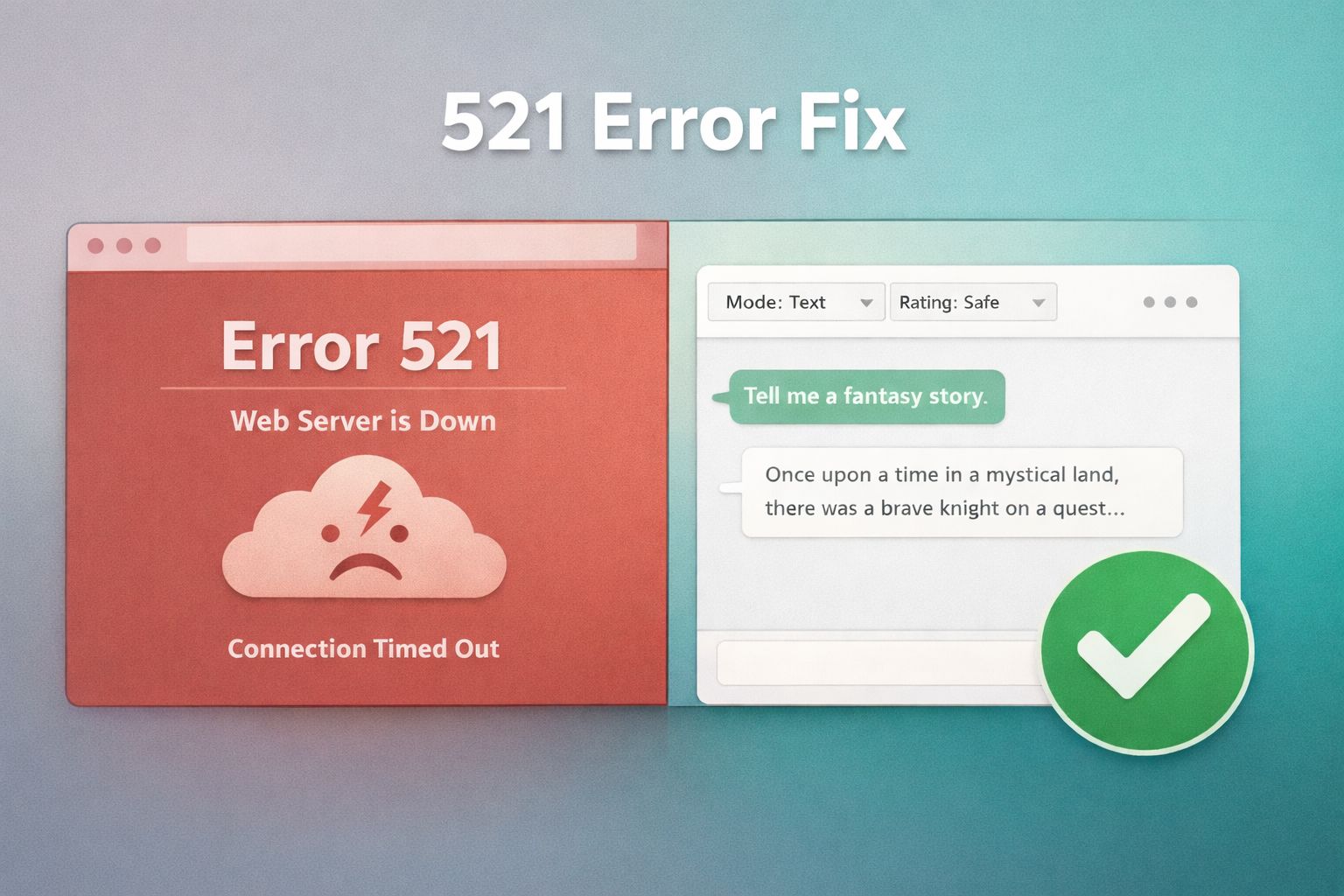
What Does a 521 Error on Perchance Mean?
A 521 error is not something Perchance itself generates. It comes from Cloudflare, the content delivery network that sits between your browser and the Perchance server.
When you see this code, it means Cloudflare tried to open a connection to the Perchance origin server and the origin refused it. The server is either down, restarting, or actively rejecting connections.
Think of Cloudflare as a middleman. Your browser asks Cloudflare for the page, and Cloudflare turns around and asks the actual Perchance server to deliver it.
A 521 means the middleman knocked and the door was slammed shut. This is a server-side issue, not something caused by your device, browser, or internet connection.
Perchance runs on shared infrastructure that handles millions of requests from users running AI text generators, image creators, and chat tools.
When traffic spikes or the backend hits a technical limit, the origin server can start turning connections away. Cloudflare has no content to serve, so it shows you the 521 page instead.
What Is a Perchance 522 Error?
A 522 error means Cloudflare timed out trying to contact the Perchance server. Cloudflare waits 19 seconds for the origin to complete the initial connection and 90 seconds for it to acknowledge an established one, and a 522 fires when either window runs out. A 521 is a connection the origin actively refused, so a 522 usually points to an origin that is overloaded rather than one that is switched off.
Both screens look nearly the same apart from the code and its one-line label, and neither error has a fix you can apply from your end. A 522 often clears faster, because the server is still running and simply too busy to answer in time. Cloudflare’s own error 522 page sets out both timeout windows and confirms the code is generated at the network edge, not inside Perchance.
Why Perchance Stops Responding Without Showing an Error
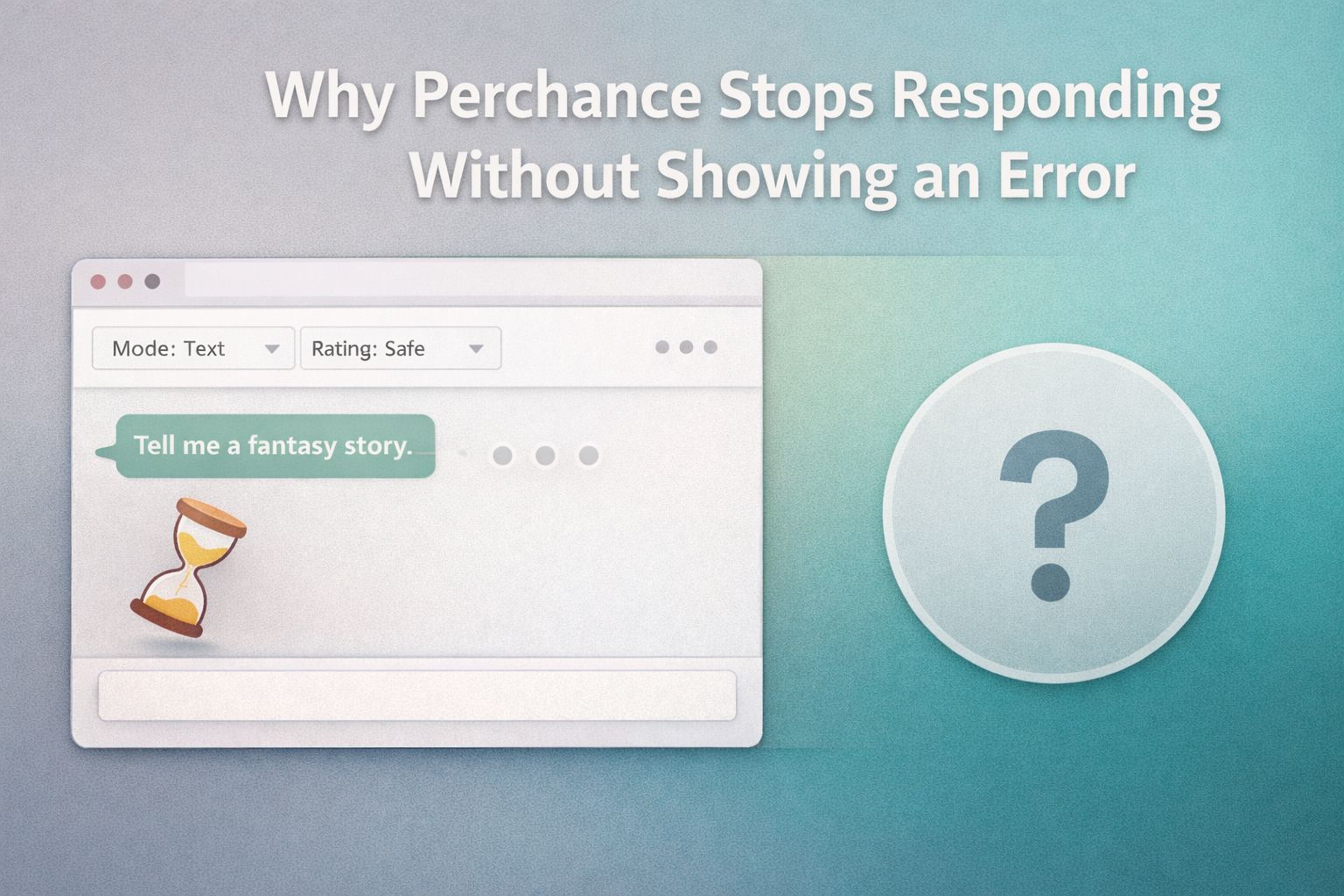
Perchance can stop responding with no error code at all when the page is served from cache while the Perchance AI backend is overloaded. The interface loads and navigates normally, but prompts hang, come back blank, or cut off mid-sentence.
Not every outage looks the same. Sometimes Perchance loads the page just fine, but prompts sit in a loading state that never completes.
You might see a response start to generate and then cut off mid-sentence. Or the interface works normally, while every AI request returns a blank result.
This usually means the front end of the site is still being served from cache or a static layer, but the AI processing backend is struggling.
Perchance generators rely on large language model inference, which is the most resource-heavy part of the system. The page itself is lightweight. The AI engine behind it is not.
There is an easy way to tell the difference between a full outage and a partial one. If the site loads and you can navigate between generators, the static layer is fine, and the problem is with the AI backend specifically.
If nothing loads at all and you see a Cloudflare error screen, the entire origin server is unreachable.
A partial outage can also show up as delayed responses, repeated “technical difficulties” messages embedded in image outputs, or the chat interface accepting your input but never delivering a reply.
All of these point to the AI inference layer being overloaded or temporarily offline.
What Does the Perchance Stale Error Mean?
A Perchance stale error means your browser is running an outdated cached version of a generator after its code changed on Perchance’s side. It is a caching mismatch rather than a full outage, and it usually shows up on one generator instead of the whole site.
The fix is a hard refresh that forces the browser to reload the newest version. Press Ctrl+Shift+R on Windows or Cmd+Shift+R on Mac, because a normal refresh can serve the same stale cache and repeat the error.
What Does Anti-Bot Verification Failed Mean on Perchance?
Anti-bot verification failed is Perchance’s own bot check refusing to clear your connection, and the message names the usual culprit itself: a VPN or proxy. Perchance retries automatically, so it often clears on its own within a few seconds.
If it loops instead, switch the VPN off and reload the page. Shared exit nodes carry traffic from thousands of people at once, which is exactly the pattern a bot filter is built to catch.
Users report the same message with no VPN running at all, usually while the Perchance AI backend is already struggling. If you are not on a VPN or proxy, treat it as another symptom of a server-side problem and check the status sources below.
How to Fix Perchance Not Working or Not Loading on Your End
Most Perchance outages are server-side, and no amount of troubleshooting on your device will fix a server that is down.
But partial outages and browser-specific glitches do happen, and several fixes have worked for real users during those situations.
Work through these steps before assuming the problem is entirely out of your hands.
- Close your browser completely and reopen it. Not just the tab. Shut down the entire browser and launch it fresh. This clears stuck sessions and resolves cases where the browser blocks embedded content for security reasons. Firefox users in particular have reported this fixing blank page issues during partial outages.
- Clear your browser cache and cookies for Perchance. Stale cached files can conflict with updated site resources. Go to your browser settings, find the option to clear browsing data, and target only the Perchance domain if your browser allows it.
- Try a different browser. If Perchance fails on Firefox, test it on Chrome or Edge. If it fails on a desktop browser, try your phone. This helps isolate whether the problem is browser-specific or a full outage.
- Disable browser extensions temporarily. Ad blockers, privacy tools, and script blockers can interfere with the AI inference calls that Perchance makes in the background. Disable them one at a time to identify the culprit.
- Switch to a different network. Some ISPs cache DNS records aggressively, which can keep pointing your browser to a downed server even after it recovers. Switching from Wi-Fi to mobile data usually clears it, though a VPN can trip the anti-bot check covered above, so try mobile data first.
- Check the status page and a tracker. A server status generator runs on perchance.org, and third-party trackers log user-reported outages from outside it. If the status page reports trouble, or reports pile up in the same time window, the problem is server-side and all you can do is wait.
If none of these steps bring the site back, the outage is almost certainly on the Perchance backend.
Save your prompt or character notes somewhere local and check back later.
If outages keep cutting long sessions short, it helps to have a second platform ready to go. Our roundup of AI chatbots with no filter covers options running on separate infrastructure, so a Perchance outage does not take them down too.
How Long Do Perchance Outages Usually Last?
Most Perchance outages clear within an hour. A full 521 server outage typically runs 30 minutes to a few hours, and an AI-backend overload usually resolves in 15 to 60 minutes. Outage length depends on what exactly went wrong.
Not all downtime is created equal, and setting the right expectation saves you from refreshing the page every thirty seconds for an hour.
| Outage Type | Typical Duration | What You’ll See |
|---|---|---|
| Full server outage (521 error) | 30 minutes to a few hours | Cloudflare error page, nothing loads |
| AI backend overload | 15 minutes to 1 hour | Site loads, but prompts return blank or hang |
| Planned update or maintenance | 10 to 30 minutes | Partial functionality, occasional error messages |
| Browser or local issue | Immediate after fix | Page fails to load only for you |
Most outages caused by traffic spikes or backend strain resolve within an hour. Full server outages that require manual intervention from the Perchance team can stretch longer, but rarely beyond a few hours.
If the site has been down for more than half a day, checking community forums or social platforms for updates from other users is the fastest way to get an estimated timeline.
The best habit during an outage is to save any work in progress locally. Copy your character sheets, prompt text, or story drafts into a text file on your device.
Perchance does not guarantee persistent storage, and a badly timed outage can wipe an unsaved session.
How to Tell if Perchance Is Down for Everyone or Just You
To tell whether Perchance is down for everyone or just you, check the Perchance server status page on perchance.org and the r/perchance subreddit: a spike in fresh reports means the outage is server-side, while a quiet feed points to a local problem you can fix. This question comes up every time the site stutters, and the answer is usually simple to find.
The first thing to do is check whether other users are reporting the same problem right now.
If the site still loads at all, the Perchance server status page is the quickest check, because it reports on the origin rather than counting user complaints. It sits on perchance.org itself, so during a full 521 it will fail to load along with everything else, and that failure is your answer.
If the status page loads clean and the subreddit is quiet, the problem is more likely on your end, and the troubleshooting steps above should help.
Reddit communities dedicated to Perchance and AI tools are another reliable signal.
Users tend to post within minutes of an outage starting, and the comments fill up quickly with confirmations from different regions and devices.
If you see a fresh thread with dozens of people describing the same symptoms you are experiencing, you have your answer.
You can also test from a different device or network. Load Perchance on your phone using mobile data instead of Wi-Fi.
If it works there but not on your desktop, the issue is local. If it fails on both, the server is down.
Does DownDetector Track Perchance?
Treat DownDetector as a maybe rather than your first check, because report-based trackers only register a niche generator site once enough people file reports to clear the noise floor. Independent uptime monitors including DownOrNot and OutageStats do poll perchance.org directly, and they disagree with one another often enough that a single green light proves little.
Read any tracker graph by its shape, not its headline number. A flat line carrying a handful of reports is normal background noise, while a vertical spike against a quiet baseline means Perchance is down for everyone.
Can You Prevent Losing Work During a Perchance Outage
You cannot prevent the outage itself, but you can protect your work from disappearing when one hits.
Perchance runs entirely in the browser for most of its generators, which means your session data lives in a temporary state that vanishes if the connection drops at the wrong moment.
Get into the habit of copying your content regularly. If you are building a character profile, paste the full description into a notes app or text file after every major edit.
If you are running a long story generation, copy the output every few responses rather than waiting until the end.
Some users keep a dedicated document for each Perchance project. A simple text file with your character settings, custom prompts, and recent story output takes seconds to update and saves hours of rework after an unexpected outage.
This also makes it easy to pick up exactly where you left off once the site comes back online.
For Perchance image generators, there is no way to recover a batch that failed mid-generation.
The best workaround is to download finished images as soon as they appear rather than waiting for an entire batch to complete.
Right-click and save each image the moment it renders.
Frequently Asked Questions
Is Perchance down right now?
If Perchance will not load or prompts never return, check the Perchance server status page on perchance.org and the r/perchance subreddit first. A sudden spike in reports means Perchance is down for everyone, while a quiet feed means the problem is local to your device or network.
What is a Perchance 521 error?
A 521 error comes from Cloudflare, not Perchance, and means the Perchance origin server refused Cloudflare’s connection. It is a server-side outage you cannot fix from your end, so the only option is to wait for Perchance to come back.
What does the Perchance stale error mean?
A stale error is a caching mismatch: your browser is running an old cached version of a generator after its code updated on Perchance’s side. A hard refresh with Ctrl+Shift+R or Cmd+Shift+R reloads the latest version and usually clears it.
How long do Perchance outages last?
Most Perchance outages resolve within an hour. Full 521 server outages can run 30 minutes to a few hours, while AI-backend overloads usually clear in 15 to 60 minutes.
Is Perchance shutting down for good?
No. Searches for a shutdown spike whenever an outage runs long, but every Perchance outage so far has been a temporary server or backend failure rather than a closure. Check the status page and r/perchance for recovery reports before assuming anything permanent.
